


Alle 8 Ergebnisse anzeigen

Antivirus Software – Trusted Protection for Home & Business

Compare antivirus options and find the right protection for your devices. Clear information, verified licenses, instant delivery, and real support.

FiltersX

Filter by
Category
Price
-45% OFF
(23 Reviews)
Original price was: $44.99.Current price is: $24.89.
-60% OFF
(42 Reviews)
Original price was: $49.99.Current price is: $19.89.
-50% OFF
(42 Reviews)
Original price was: $99.99.Current price is: $49.89.
-67% OFF
(42 Reviews)
Original price was: $59.99.Current price is: $19.89.
-63% OFF
(44 Reviews)
Original price was: $39.95.Current price is: $14.89.
-77% OFF
(44 Reviews)
Original price was: $54.99.Current price is: $12.89.
-80% OFF
(44 Reviews)
Original price was: $49.99.Current price is: $9.89.
-40% OFF
(44 Reviews)
Original Price is: $14.99Current Price is: $9.89.
This product has multiple variants. The options may be chosen on the product page
A smiling woman in a blue blazer stands with arms crossed next to images of various antivirus software boxes, including Avast, AVG, Kaspersky, and ESET, with the Keyfy logo displayed in the bottom right corner.

Antivirus software – real protection for everyday use

Most people don’t realize how common digital threats are until it happens to them. In 2024, phishing and ransomware accounted for over 70% of cyberattacks targeting individuals and small businesses. And most of these attacks happen quietly—through a fake link, a download that “looked harmless,” or an email attachment that seemed completely normal. That’s exactly why reliable antivirus software is protection you shouldn’t go without.
Which type of antivirus fits your setup?

Most people choose based on how they use their PC day to day:

For personal use

Simple, lightweight protection. Safe browsing, anti-phishing, and email scanning.
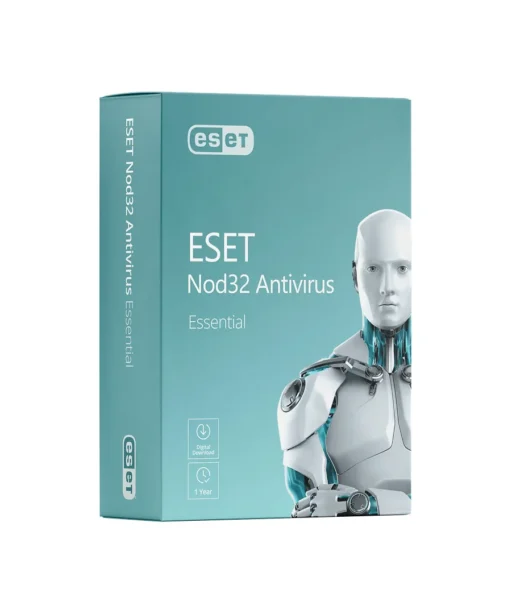
(AVG Internet Security, Avast Premium Security, ESET NOD32)

For small teams or freelancers

Protection for multiple devices, stronger firewall controls, and solid ransomware defense.
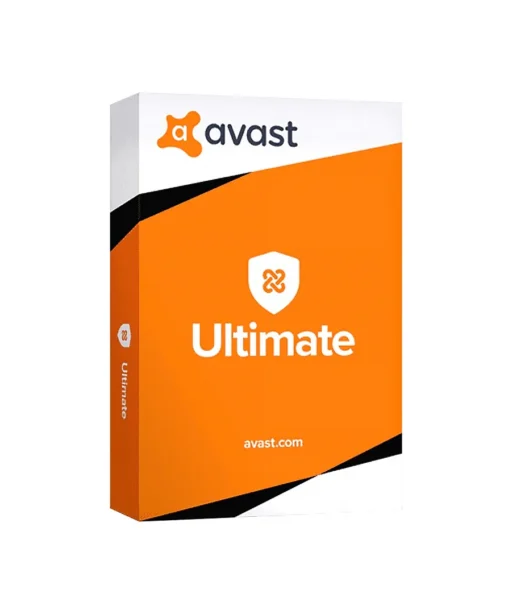
(AVG Ultimate, Avast Ultimate)

For users who want “everything covered”

Security + privacy tools + VPN in one single bundle.

For speed & system cleanup

If your PC is slow or packed with unnecessary files, this helps keep everything running smoothly.
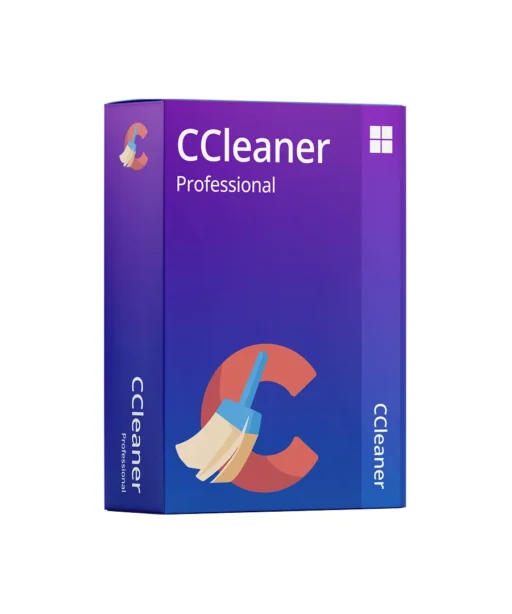
(CCleaner Professional)

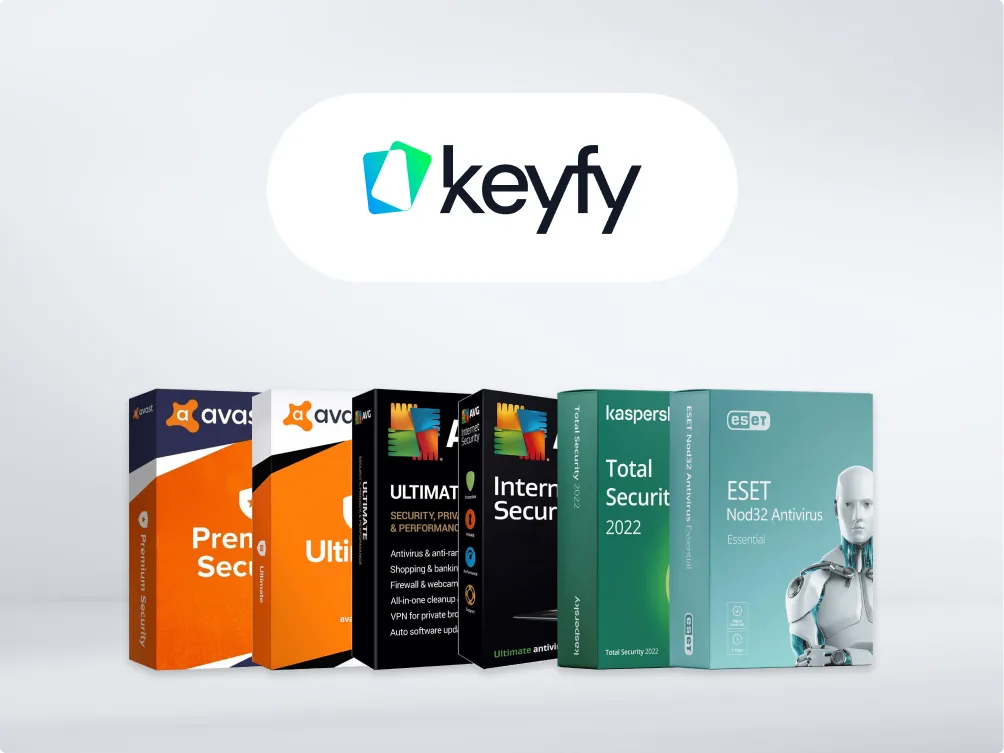
Five antivirus software boxes (Avast, AVG, Kaspersky, and ESET) are displayed in a row below a Keyfy logo on a white background.
3D icons of a laptop, house, web browser, and envelope surround a green label with a lock icon and the word “Security,” symbolizing digital security and protection.

Key antivirus features today

These are the features that actually make a difference in everyday use—explained simply.

  • Real-time protection – keeps an eye on everything while you work and steps in immediately when something looks suspicious.
  • Anti-ransomware – helps protect your files from being locked or tampered with by attackers.
  • Safe browsing & anti-phishing – warns you about fake or risky sites before you click into trouble.
  • Firewall – monitors suspicious network activity
  • Email protection – checks harmful attachments
  • Low system impact – helps keep your device fast
  • Privacy tools – webcam protection, password manager, identity alerts
  • VPN (Ultimate plans) – safer Wi-Fi and encrypted browsing
The image shows the word keyfy in bold, modern black font, next to an abstract, overlapping geometric logo with gradient colors transitioning from blue to green.

Antivirus product comparison table

Here’s a quick overview of what each product in this category actually includes.

Product Best for What you get What makes it stand out
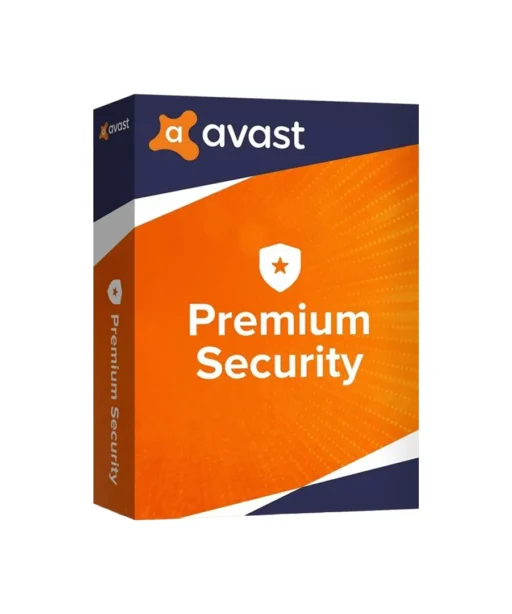
Avast Premium Security Home users who want strong all-around protection Real-time protection, safe browsing, anti-phishing, ransomware defense, firewall Strong phishing protection and solid overall security without slowing you down
Avast Ultimate Suite Users who want full coverage beyond basic antivirus Everything in Premium + VPN + cleanup tools + password protection All-in-one bundle: security, privacy, and performance in one license
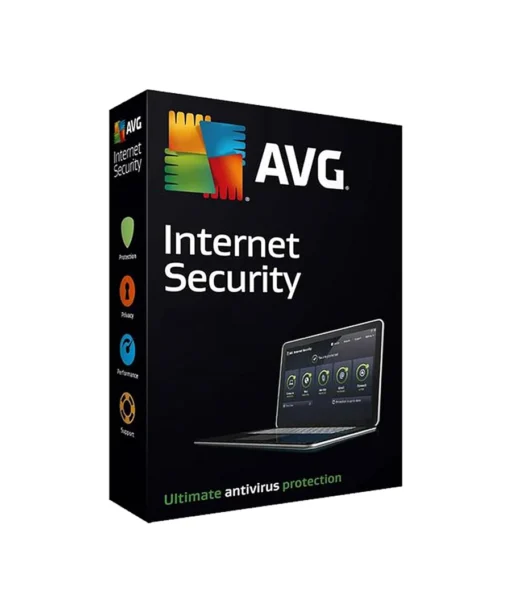
AVG Internet Security People who browse, shop, and work online every day Safe browsing, email protection, firewall, ransomware protection Excellent web and email security; very user-friendly
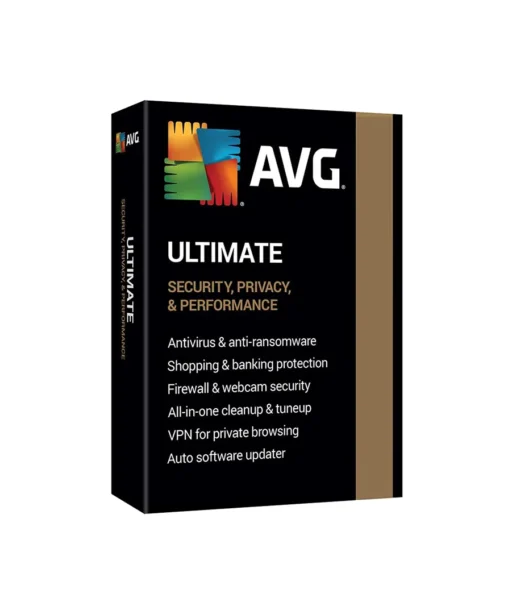
AVG Ultimate Households or small teams that need multi-device coverage Internet Security + VPN + PC cleanup tools A strong value if you want both security and performance tools
ESET NOD32 Users who want fast, lightweight protection Real-time protection, anti-phishing, device control One of the lightest antivirus tools out there—minimal performance impact
CCleaner Professional Anyone with a slow, cluttered PC that needs maintenance Cleanup tools, performance optimization, startup control, privacy cleanup. Not an antivirus—but a perfect add-on to keep your device fast and tidy
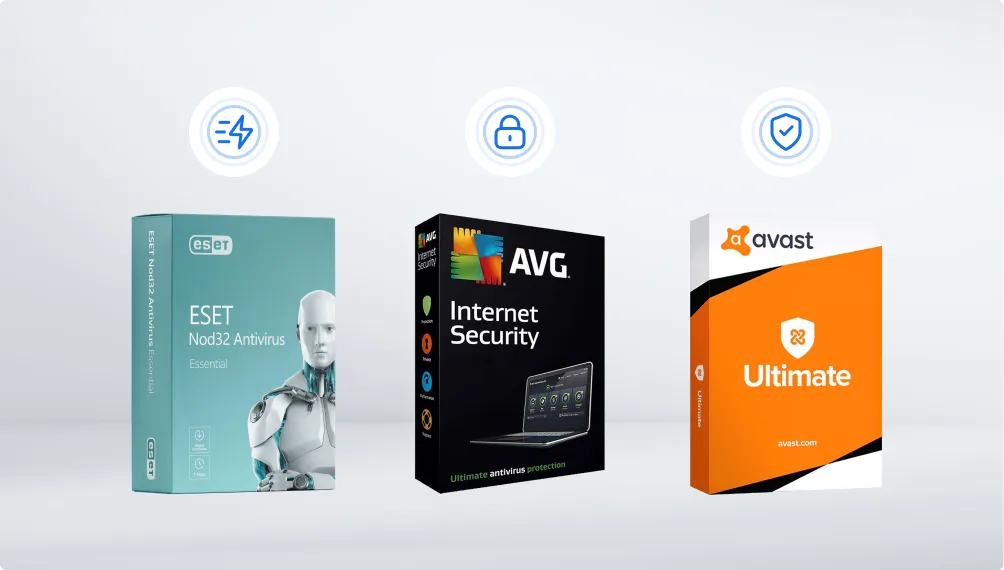
Three antivirus software boxes—ESET NOD32 Antivirus, AVG Internet Security, and Avast Ultimate—are displayed side by side on a light background, each with a security-related icon above it.

How to choose the right option—even if you’re unsure

Most people end up with just a few simple needs. These quick tips help you decide without overthinking it.

  • Want something lightweight and fast? – ESET NOD32
  • Want strong protection for browsing + email? – AVG Internet Security
  • Want privacy tools + VPN included? – Avast Ultimate or AVG Ultimate
  • Is your computer running slow?Add CCleaner Professional Plus

Why buy Keyfy Antivirus?

Every product at Keyfy is fully verified, ready to activate immediately, and delivered right away—no waiting, no hidden steps.

What sets us apart:

  • Instant delivery – your product key appears on the thank-you page and arrives by email within seconds
  • Original licenses only – every key is verified and activation-safe
  • Clear instructions – step-by-step guides for a smooth installation
  • Real support – English & German support from real people
  • Trusted Shops buyer protection included
  • 30-day money-back guarantee
  • Thousands of satisfied customers
  • 70% return rate – customers come back because the experience delivers
A smiling older man in a suit stands next to antivirus software boxes, including Avast Premium Security, Avast Ultimate, and ESET NOD32 Antivirus. The logo keyfy appears in the top left on a blue background.

FAQ

Windows Defender does a decent job on the basics, but it doesn’t cover everything. Most real-world problems today come from phishing links, sketchy websites, ransomware, and email tricks—areas where third-party antivirus solutions are typically much stronger. Think of Defender like a seatbelt; a full antivirus suite is like adding airbags, ABS, and a reliable collision warning system on top.

Yes—Windows 11 can still benefit from additional antivirus software, because built-in protection often isn’t enough to keep up with today’s constantly evolving threats.

  • Antivirus – basic protection against malware
  • Internet Security – everything in Antivirus + firewall + safer browsing + anti-phishing
  • Ultimate – everything in Internet Security + privacy tools + cleanup tools + VPN

If you’re unsure, Internet Security is the “safe middle ground” most people choose.

Yes—the products in this category include dedicated anti-ransomware features. They monitor your files and block attempts to encrypt them without your permission. Today, that’s one of the most important features to have.

Most antivirus plans are annual subscriptions. Some also offer multi-year options. The exact term is always listed on the product page, so you know exactly what you’re getting.

In most cases, yes. You simply deactivate it on the old device (or uninstall the software), then activate it on the new one. The activation guide walks you through it step by step.

Yes. Antivirus tools update automatically in the background—new virus definitions, new protection rules, new threat intelligence. You don’t have to click anything or run manual scans unless you want to.

  • Mac: Yes. Macs are less targeted, but not immune—phishing attacks and adware are common.
  • Android: Definitely. Android apps and downloads are among today’s biggest malware sources.
  • iOS: iPhones don’t use classic antivirus, but security apps can still help with safer browsing, identity protection, and Wi-Fi security.