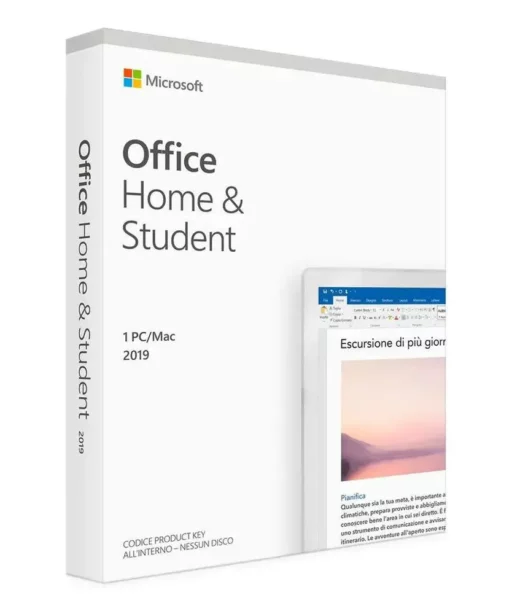
BUY OFFICE 2019 HOME & STUDENT FOR MAC AND RECEIVE IT INSTANTLY
ALL OUR LICENSES INCLUDE LIFETIME GUARANTEE & SUPPORT!
With this license key, you can activate Microsoft Office 2019 Home & Student for Mac. Buy now and we’ll send your Office 2019 Home & Student for Mac key to your email immediately. This is a single-user license, and the activation key is valid for installation on one Mac only.
With the Microsoft Office 2019 Home & Student for Mac key, you can activate the software worldwide. You may install it on your home or office Mac. We offer competitive pricing and a lifetime guarantee on all activation licenses.
What is Office 2019 Home & Student for Mac?
Microsoft Office 2019 Home & Student for Mac is a software suite designed for students and home users, providing essential productivity applications for Mac computers. It includes apps such as Word, Excel, and PowerPoint, allowing users to create documents, spreadsheets, and presentations for educational and personal use—without relying on a subscription service like Office 365. If you need extended licensing for business use, Office 2019 Home & Business for Mac is an ideal choice. This edition includes the same trusted applications—Word, Excel, PowerPoint, and Outlook—but is specifically designed for self-employed professionals and businesses. With a one-time purchase, you get a reliable Office solution perfectly suited for professional needs.
Which applications are included in Microsoft Office 2019 Home & Student for Mac?
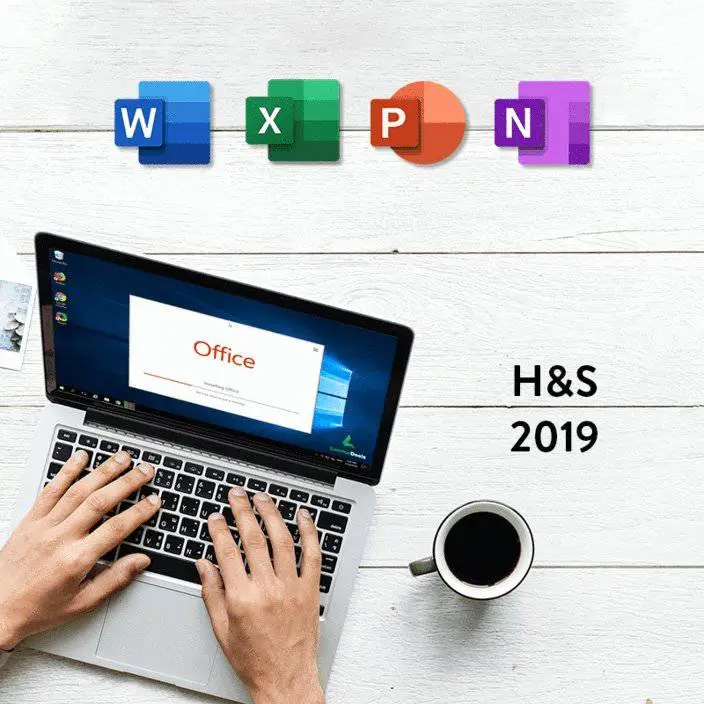
Microsoft Office, also known as the Office Suite, offers a wide range of applications designed for specific tasks to help users boost productivity and work more efficiently. While the exact components may vary by version and edition, most Office 2019 Home & Student for Mac packages include the following core programs:
- Word: A word processing application for creating and editing documents.
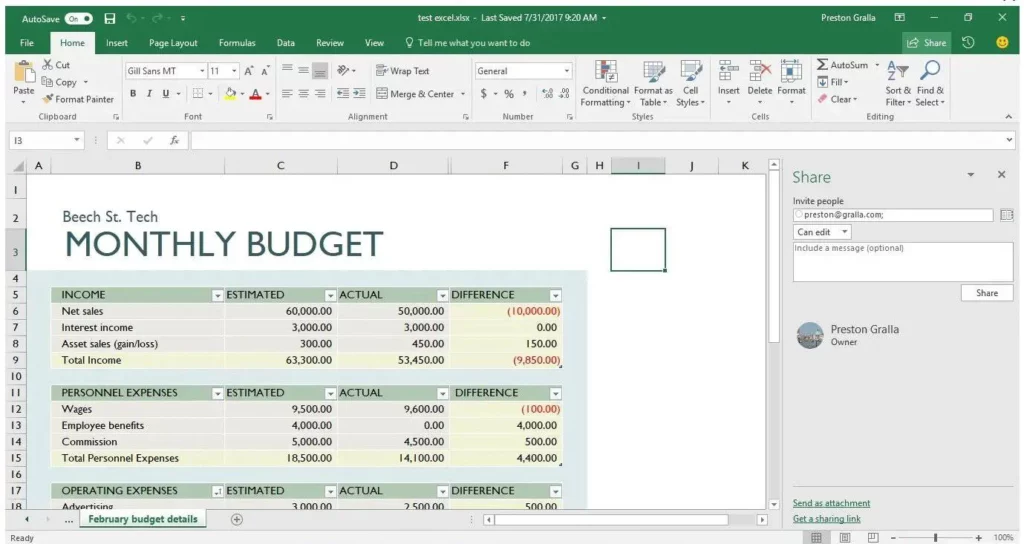
- Excel: A spreadsheet application for data analysis and creating tables and charts.
- PowerPoint: Presentation software for building professional, engaging slides.
- Outlook: An email and calendar application for managing communication and schedules.
- OneNote: A digital notebook for organizing notes and ideas.
Each of these applications serves a specific purpose and helps users complete tasks efficiently, making Microsoft Office a comprehensive productivity suite.
Benefits of Microsoft Office 2019 Home & Student for Mac:
- Familiar applications: Microsoft Office 2019 Home & Student for Mac includes well-known tools like Word, Excel, PowerPoint, and Outlook, used by millions worldwide. This makes collaboration and document sharing easy.
- Offline use: Unlike some cloud-based office suites, Office 2019 Home & Student for Mac allows offline access. You can create, edit, and view documents without a constant internet connection.
- One-time purchase: Unlike Office 365, which uses a subscription model, Office 2019 Home & Student for Mac requires a single upfront payment—often more cost-effective over time.
- Data privacy control: Many users prefer storing documents locally rather than in the cloud. Office 2019 lets you keep full control over your data.
- Flexibility: Create and open documents in various formats, including the latest file types, making collaboration across Office versions easier.
- No constant updates: Office 2019 is a standalone version and does not require frequent updates like Office 365, helping keep your work environment stable.
If you’re looking for a newer version with enhanced features and longer-term support, Office 2021 Home & Student for Mac may be the right choice. This latest edition offers an optimized interface, improved performance, and additional features tailored for macOS. With a one-time purchase, you get a future-ready Office solution with all the tools you need—no subscription required.
Buy Office 2019 Home & Student for Mac
If you want to buy Office 2019 Home & Student for Mac, follow these steps:
- Once you’re in the store, use the search bar to find “Office 2019 Home & Student for Mac” and open the product page.
- Click “Buy” to add the product to your cart.
- Proceed to checkout.
- Complete the payment using a credit/debit card or PayPal.
- After purchase, you’ll receive an email with your Office 2019 Home & Student for Mac key, full instructions, and a download link.
Keep your Office 2019 Home & Student for Mac key safe, as you’ll need it to activate the software after installation.
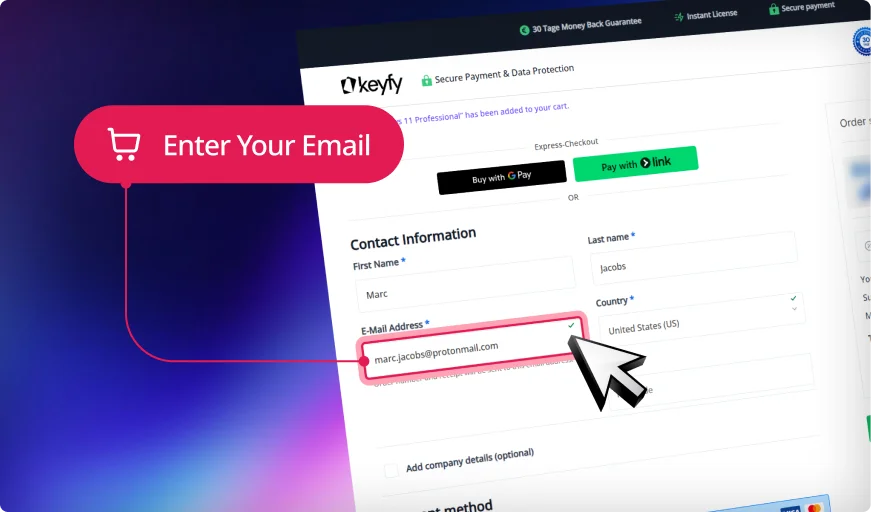
Step 1: Enter Correct Email
We will securely send your product key, download link, and activation instructions. An invoice for your purchase will also be included.
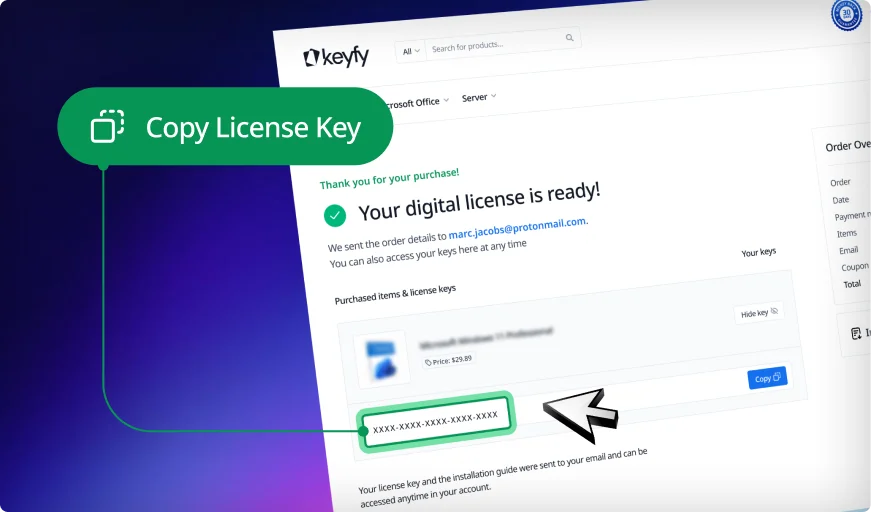
Step 2: Instantly Access Your Key
Your license key appears instantly on the thank you page and in your account. You can download and install the software right away.
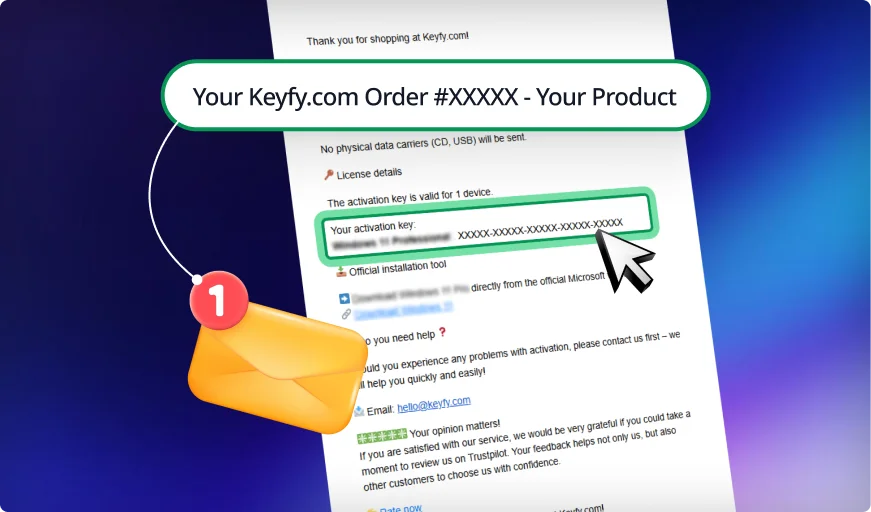
Step 3: Check Your Inbox
We also email the key and instructions for safekeeping. This ensures you always have a secure backup copy in your inbox.
Your Trusted Partner for Official Software Licenses
Secure and Verified: Software
Licenses with Top Ratings
Trusted by 300,000+ Customers. With a 4.8/5 star rating and thousands of verified reviews on Trustpilot, ProvenExpert, and Trusted Shops, your security is our priority. As an official reseller, we provide exclusively 100% audit-compliant and verified original licenses.
1-Second Lightning Delivery
& 30-Day Guarantee
Why wait? Get your digital license immediately on your screen after purchase and via email in exactly 1 second. No wait times, no delays. We stand by our service with a 30-day money-back guarantee, ensuring a 100% risk-free purchase for every single customer.
Lifetime License Validity
& 24/7 Expert Support
Your license is yours forever—no hidden fees, no recurring subscriptions, and no expiration. If you ever need help with installation or activation, our English-speaking technical support team is available 24/7 to ensure your software is running perfectly.
Pay Your Way &
Get a Full VAT Invoice
We support all major payment methods, including Klarna, PayPal, and German bank transfers. Every order automatically generates a professional VAT invoice for your company's accounting. Seamless, secure, and ready for your business needs.
Eco-Friendly Choice
We are committed to a greener future. By choosing digital delivery, you help us stay CO₂ neutral and save the planet—learn more on our sustainability page.
State-of-the-Art Security & Data Encryption
Your privacy is our highest priority. We utilize advanced SSL-encryption and the latest security layer technologies to protect your personal data and licenses from end to end. As a PCI DSS compliant provider, we guarantee that every transaction meets the highest international security standards, ensuring your information stays 100% private and secure.
30-Day Money-Back Guarantee
Try Keyfy software for 30 days. If it doesn't meet your expectations, you'll receive a full refund—no questions asked.
Installation
Download the software:
Download the software using the provided link.
Install the software:
Install the software by following the on-screen instructions.
Activate the software:
Activate the software using the provided license key.
Enjoy your new software!
Detailed instructions will be sent to you by email after purchase.
System Requirements
For optimal use of Microsoft Office 2019 Home & Student for Mac, the following system requirements are recommended:
- Operating system: macOS Sierra (version 10.12) or newer. Office 2019 is compatible with macOS 10.12 and later versions.
- Processor: Intel processor (Apple Silicon Macs can run Office 2019 using Rosetta 2 emulation but are not natively optimized for Apple Silicon).
- RAM (memory): At least 4 GB of RAM is recommended; more memory improves performance when working with large documents or spreadsheets.
- Storage space: A minimum of 10 GB of available disk space is required to install Office 2019.
- Display: A screen resolution of 1280 × 800 pixels or higher is recommended for optimal viewing.
- Internet connection: Required for initial product activation, updates, and access to certain online features.






 Nederlands
 Italiano
 Português
 Română
 Español
 Ελληνικά
 Polski
 Türkçe






























 Preis
Preis Authenticity
 Delivery
 Customer support
 Guarantee
 Security
 User-friendliness
 Reputation
 Invoice
 Affordable and transparent – no hidden fees
 Cheap, but you'll have to buy it again next month.