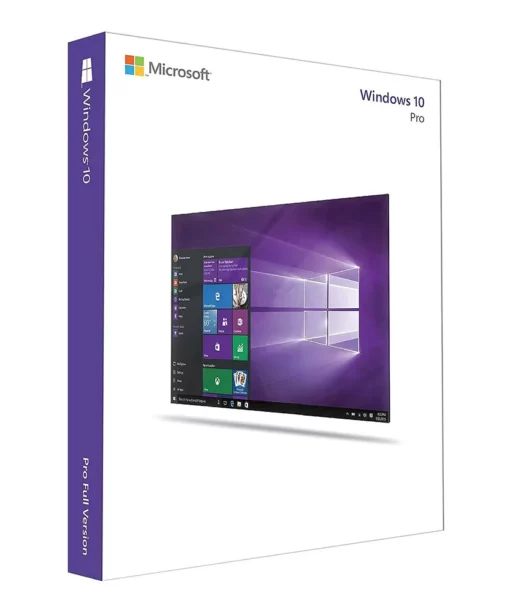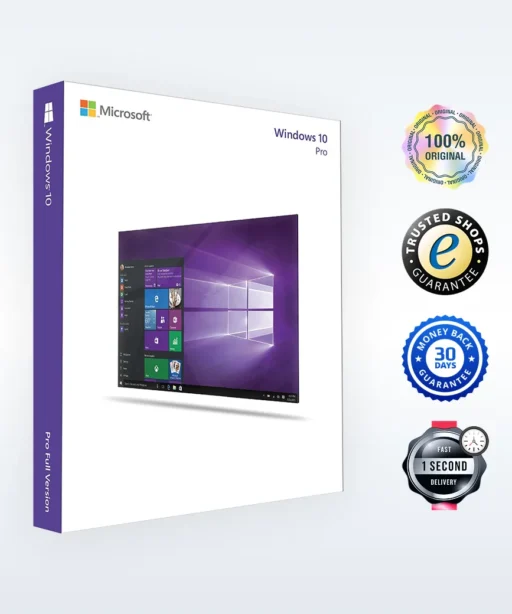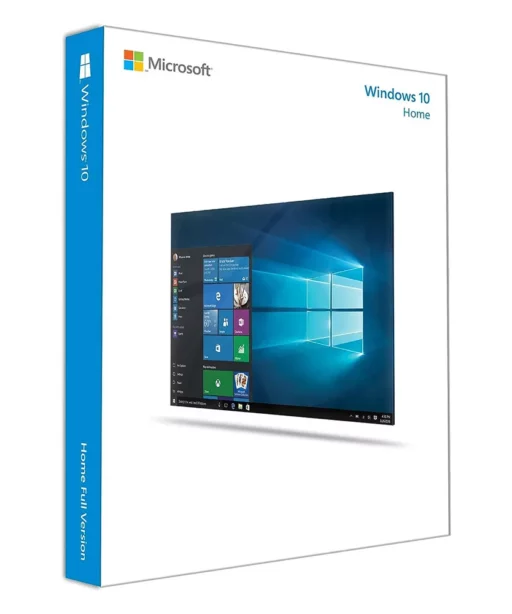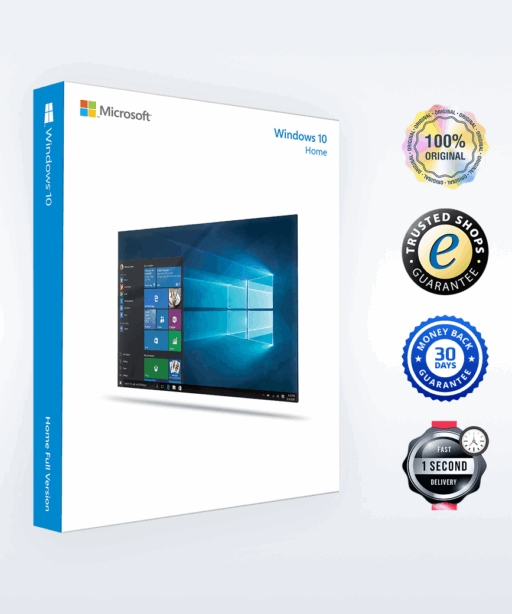



Alle 5 Ergebnisse anzeigen

Buy Windows 10

FiltersX

Filter by
Category
Price
-72% OFF
(131 Reviews)
Original price was: $70.00.Current price is: $19.89.
-75% OFF
(85 Reviews)
Original price was: $59.99.Current price is: $14.89.
A woman sits at a wooden table using a laptop running Windows 10 in a bright, modern room with sunlight streaming through the windows.

Buy a Windows 10 license – an operating system for all your needs

Windows 10 remains the first choice as the most stable and reliable operating system for home users, businesses and students. With its intuitive design and outstanding functionality, it powers millions of devices worldwide and ensures an optimized everyday experience. Whether you're upgrading an older PC or setting up a new one – at Keyfy you can easily buy Windows 10 licenses legally and at a great price.

The image shows the word keyfy in bold black letters next to an abstract logo of two overlapping, tilted squares, one outlined and one solid, on a light background.

Why Windows 10 stands out

A blue repeat or loop icon with two arrows forming a rectangle, pointing right and left, on a white rounded square background.

Impressive compatibility

Works seamlessly with both older and new devices.

A blue shield outline with a check mark inside, symbolizing security or protection, on a white background.

Worry-free security

Built-in tools like BitLocker and Windows Defender help protect your data.

A blue outline of a light bulb with rays emanating from it, symbolizing an idea or inspiration, on a white rounded square background.

Intuitive features

Cortana, the Start menu and the Action Center make navigation simple.

Comparison: Windows 10 Home vs. Pro

Choosing the right Windows 10 edition depends on your needs. Windows 10 Home is ideal for everyday users and students, while Windows 10 Pro offers additional features designed specifically for businesses and professionals. Below, we’ve summarized the key differences to help you make an informed decision.

Feature Windows 10 Home Windows 10 Pro
Best suited for Everyday use, students Office workers, businesses
Security tools Windows Defender, basic encryption Advanced BitLocker encryption
Remote Desktop No Yes
Group Policy Management No Yes
Virtualization (Hyper-V) No Yes
Cost Lower Slightly higher, with more advanced tools
Need more details? Discover our blog for a comprehensive overview of Windows 10 and much more.
The image shows the word keyfy in bold black letters next to an abstract logo of two overlapping, tilted squares, one outlined and one solid, on a light background.

Why buying Windows 10 is still the best choice: key features

Windows 10 is the undisputed market leader among operating systems – it is considered the most mature, reliable and globally trusted software product. Millions of users worldwide, including many businesses, rely on its performance and stability. Let’s take a look at some of the standout features that set Windows 10 apart from other operating systems:

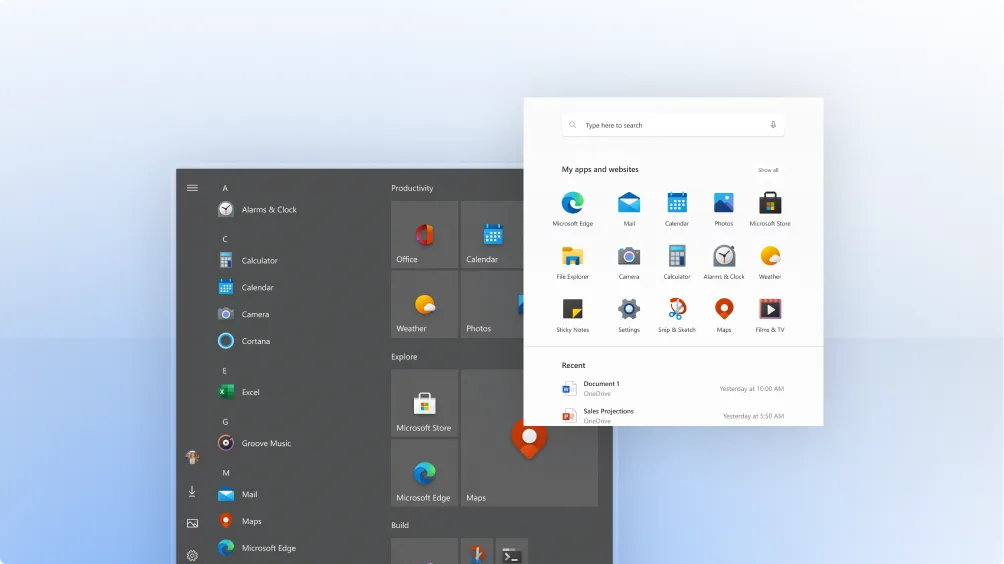
A computer screen shows two versions of the Windows Start menu: the classic dark gray menu on the left and a modern, white redesigned menu overlaying it, displaying app icons and recent documents.

1. User-friendly and intuitive interface

The latest version of Windows combines the best elements of its predecessors and offers an operating system that feels both familiar and easy to use. If you are switching from Windows 7 or Windows 8.1, the transition will be smooth, as Windows 10 brings together the strengths of both designs. The Start menu remains clear and easy to navigate, keeping all key functions well organized. Thanks to intelligent multitasking features, Windows 10 switches seamlessly between applications – regardless of the device you’re using.

2. Smart assistance with Cortana

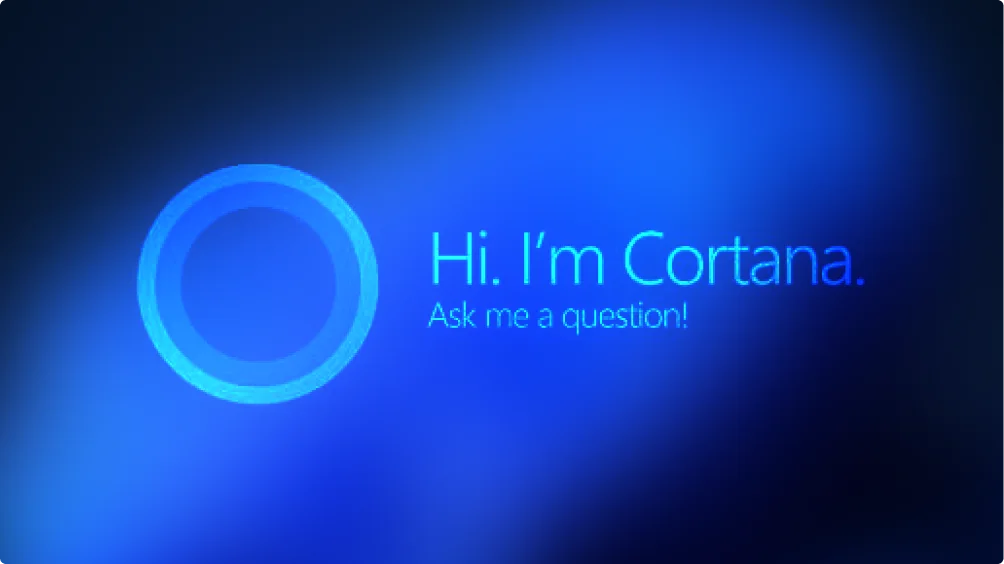
Cortana is your personal assistant in Windows 10. It helps you set reminders, search for files, manage your calendar and even perform web searches – all by voice command. This AI-powered feature adapts to the way you work and supports you in completing your daily tasks efficiently, so you can focus on what matters most.

A glowing blue circular icon on a dark blue background with the text Hi, Im Cortana. Ask me a question! indicating the Microsoft digital assistant.
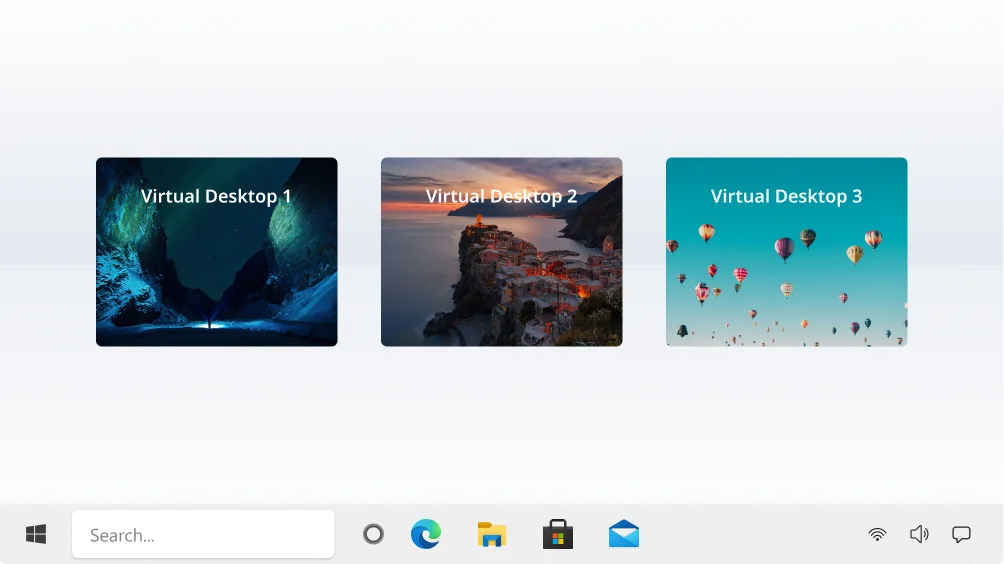
A Windows taskbar is shown at the bottom, with three virtual desktop previews above it labeled Virtual Desktop 1, Virtual Desktop 2, and Virtual Desktop 3, each displaying different background images.

3. Increased productivity with virtual desktops and Snap Assist

Do you find it hard to separate work and personal tasks? The “Multiple desktops” feature lets you create different virtual desktops and switch between them effortlessly. Combined with Snap Assist, which allows you to organize several windows on your screen at the same time, Windows 10 offers the perfect environment for maximum productivity.

4. Advanced security with ongoing monitoring and updates

Windows 10 offers comprehensive security features. Windows Defender protects your system with built-in antivirus and antispyware protection. In addition, BitLocker (available in Windows 10 Pro) adds another security layer by encrypting sensitive data – a feature especially valued by businesses. Regular security updates ensure your system is always protected against newly discovered threats.

A padlock icon inside a shield is centered on a dark circular background, with a green checkmark in the top right corner, against a blue and purple abstract background.
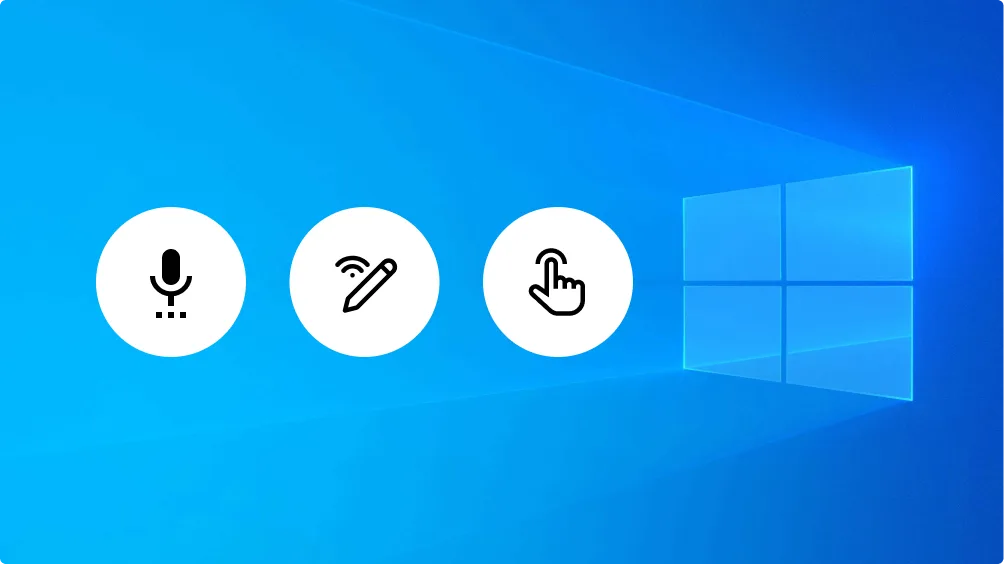
A blue Windows background with three white circles showing black icons: a microphone, a pen with a wireless signal, and a hand tapping, representing different input methods.

5. Enhanced voice, pen and touch features

Interacting with Windows 10 is more versatile than ever. Windows Ink lets you write or draw notes, while speech recognition enables hands-free operation. Whether you use a stylus, voice commands or a touchscreen – Windows 10 offers flexible control that adapts to your needs.

6. Broad device compatibility and extended support

Windows 10 is compatible with a wide range of devices – from older PCs to modern high-end systems. In contrast to Windows 11, which has higher system requirements, Windows 10 remains the preferred choice for users who want a stable operating system without having to upgrade their hardware.

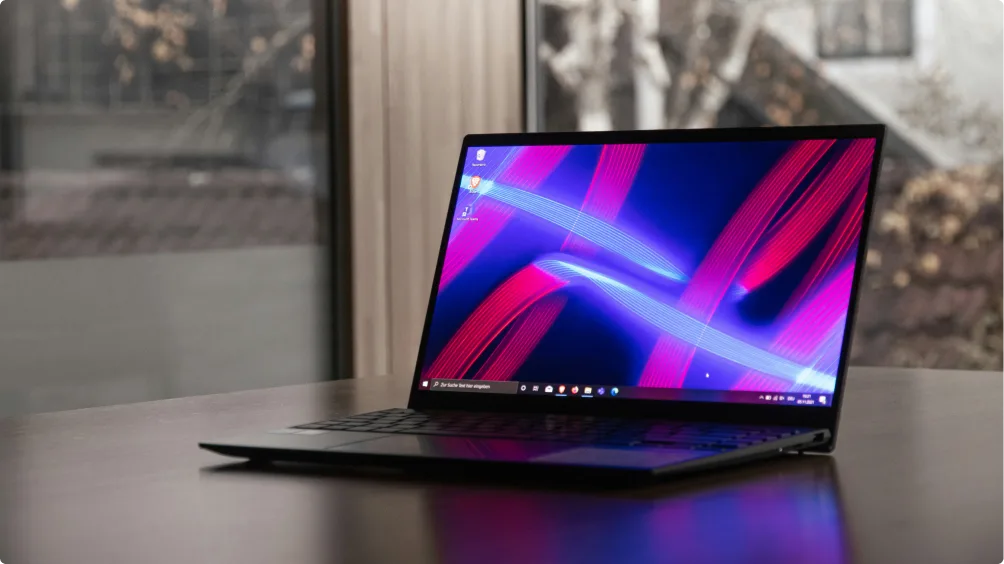
A sleek, thin laptop with a vibrant screen displaying abstract blue and pink lines sits on a wooden table beside a window with blurred trees and buildings in the background.
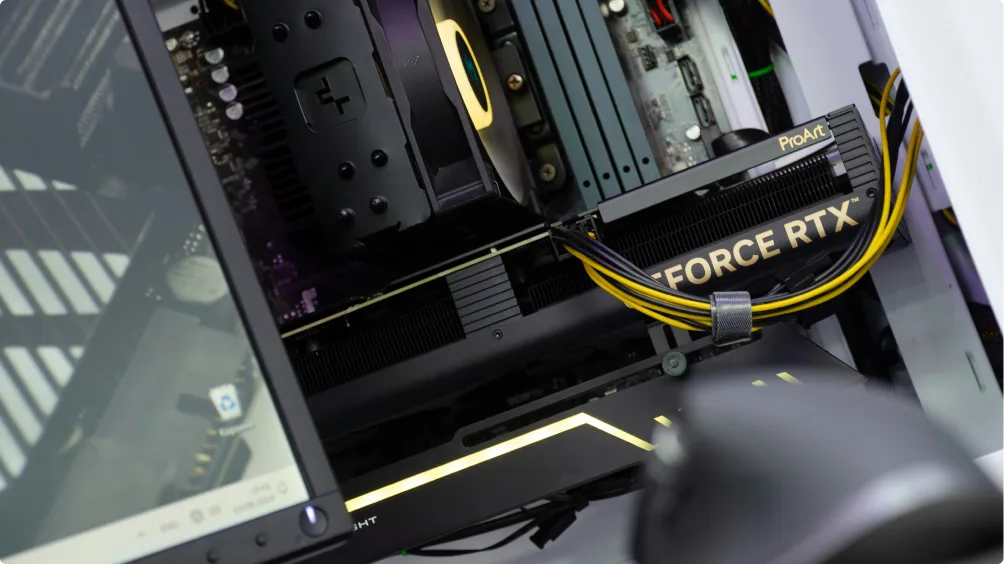
A close-up photo of a desktop computer’s interior showing a GeForce RTX graphics card connected with yellow and black power cables, alongside other components such as the motherboard and RAM.

System requirements for Windows 10

Once you purchase Windows 10, your system must meet these minimum requirements:

  • Processor: 1 GHz or faster
  • RAM: 1 GB (32-bit) or 2 GB (64-bit)
  • Storage: 16 GB (32-bit) or 20 GB (64-bit)
  • Graphics card: DirectX 9 compatible

For smoother performance, we recommend a system with higher specifications.

The image shows the word keyfy in bold black letters next to an abstract logo of two overlapping, tilted squares, one outlined and one solid, on a light background.

Why buy Windows 10 licenses from Keyfy?

A white checkmark inside a solid green circle, representing approval, confirmation, or success on your custom product page.

1. Trust through genuine Microsoft licenses

All our Windows 10 licenses are 100% genuine and come directly from trusted Microsoft suppliers. Forget about insecure third parties – with Keyfy you activate your operating system safely and reliably.

A white checkmark inside a solid green circle, representing approval, confirmation, or success on your custom product page.

2. Low prices without compromise

Want to buy Windows 10 at a low price without sacrificing quality? We offer attractive pricing for all editions so you can get a fully functional Windows 10 license key at the best possible price.

A white checkmark inside a solid green circle, representing approval, confirmation, or success on your custom product page.

3. Instant digital delivery

No waiting, no delays – after your purchase, your Windows 10 license key is delivered to you immediately by email. You can activate and install your operating system right away.

A white checkmark inside a solid green circle, representing approval, confirmation, or success on your custom product page.

4. Excellent customer service

Our expert support team is available 7 days a week. Whether you need help with activation or technical assistance – our chatbot is always ready to help.

📅 Live support hours: Monday – Sunday, 08:00 – 20:00
A white checkmark inside a solid green circle, representing approval, confirmation, or success on your custom product page.

5. TrustedShops buyer protection for maximum security

Your purchase is protected by a TrustedShops buyer protection guarantee of up to €20,000 – for a safe and worry-free shopping experience with Keyfy.

The image shows the word keyfy in bold black letters next to an abstract logo of two overlapping, tilted squares, one outlined and one solid, on a light background.

Windows 10 64-bit vs. 32-bit: what is the difference?

When buying a Windows 10 license, you can choose between a 32-bit and a 64-bit version. But what is the difference, and which one should you choose?

A solid blue circle is centered on a plain white background.

1. Performance & compatibility

  • Windows 10 64-bit: Supports more than 4 GB of RAM, runs faster and is compatible with modern applications and games.
  • Windows 10 32-bit: Works on older hardware but is limited to a maximum of 4 GB of RAM and offers lower performance.
A solid blue circle is centered on a plain white background.

2. Software & application support

  • 64-bit: Runs both 32-bit and 64-bit applications.
  • 32-bit: Can only run 32-bit programs, which limits compatibility with newer software.
A solid blue circle is centered on a plain white background.

3. Which version should you buy?

  • Does your device have 4 GB of RAM or more? Then choose Windows 10 64-bit for better speed, security and future-proofing.
  • Do you own an older PC with less than 4 GB of RAM? Then Windows 10 32-bit may be the better option.
The image shows the word keyfy in bold black letters next to an abstract logo of two overlapping, tilted squares, one outlined and one solid, on a light background.

Microsoft Windows 10 licenses: editions and features at a glance

Buy Windows 10 Pro

Windows 10 Pro is designed specifically for businesses and advanced users.

Key features:

  • Advanced security with BitLocker encryption.
  • Remote Desktop for remote access to your PC.
  • Hyper-V for virtualization.

Ideal for: professionals and businesses that rely on advanced tools and security features.

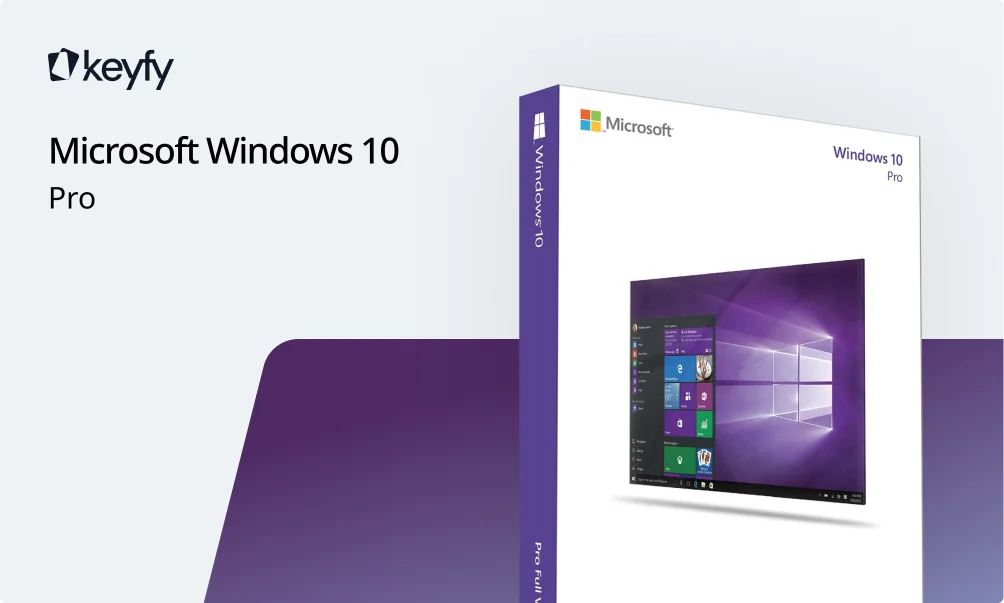
A promotional image features the Keyfy logo, Microsoft Windows 10 Pro text, and a box displaying Microsoft Windows 10 Pro packaging with a screenshot of the Windows 10 home screen.

Buy Windows 10 Home

Windows 10 Home is perfect for personal use, students and home office users.

Key features:

  • Familiar user interface that combines the best of Windows 7 and 8.
  • Cortana voice assistant for easy organization.
  • Windows Defender for security.

Ideal for: everyday users who need a stable and user-friendly version of Windows with essential features.

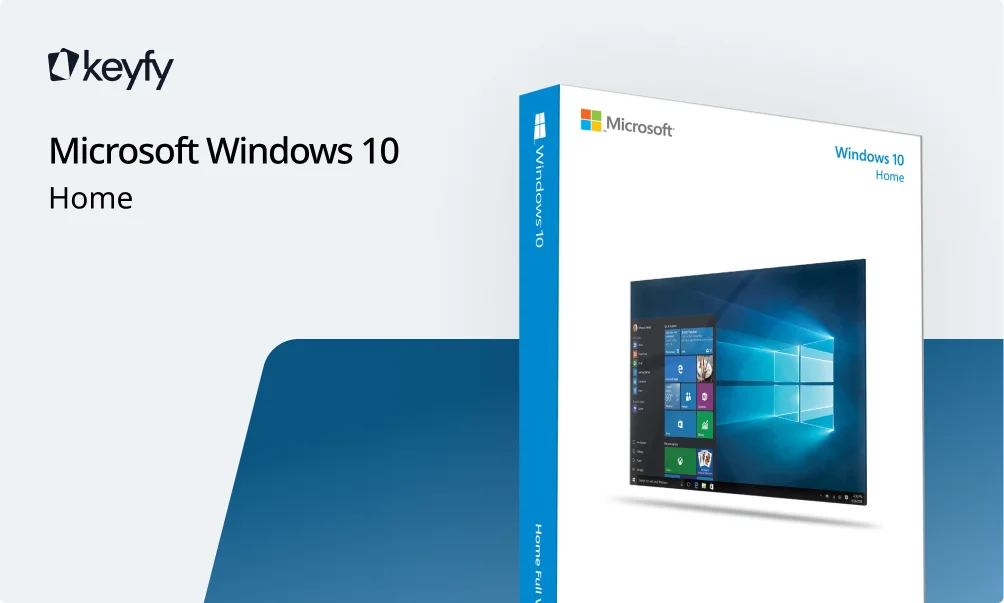
A retail box of Microsoft Windows 10 Home is shown on a blue and gray background with the Keyfy logo at the top left.

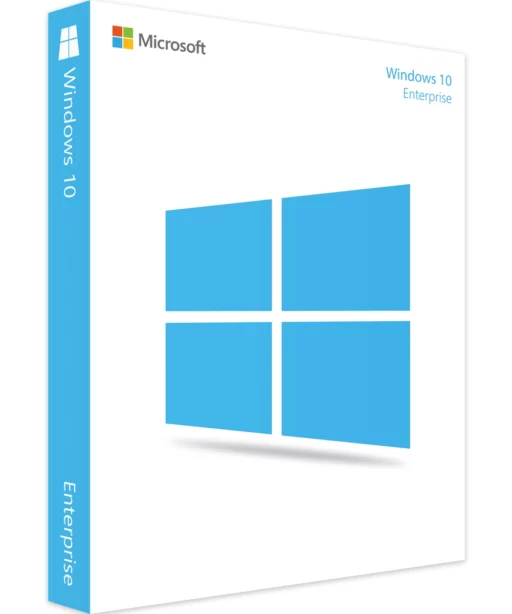
Buy Windows 10 Enterprise

The Windows 10 Enterprise solution is designed for large organizations.

Key features:

  • Enhanced data protection and enterprise management.
  • DirectAccess for secure remote connections.
  • AppLocker for blocking unauthorized applications.

Ideal for: large enterprises and IT professionals.

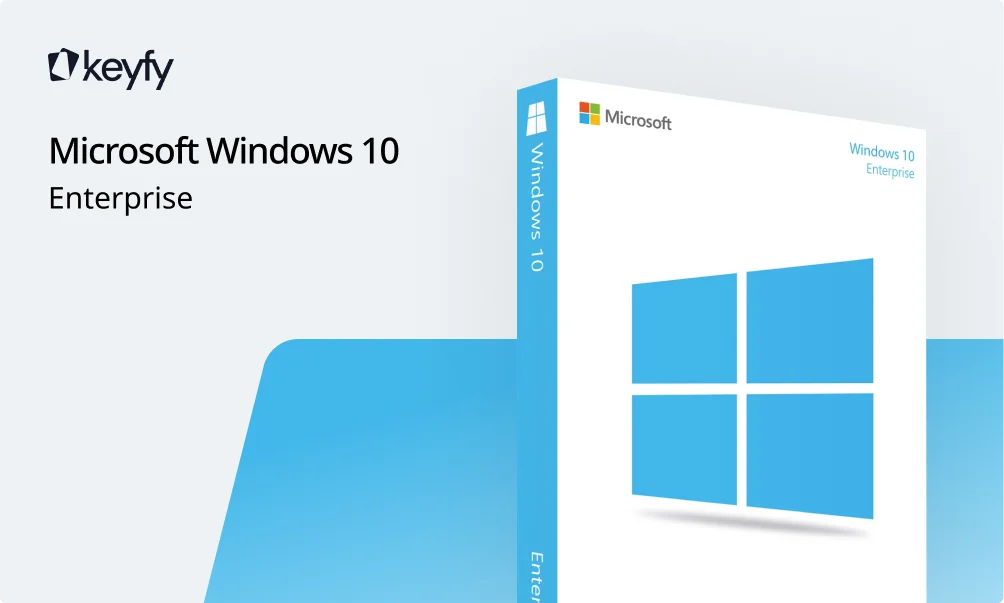
A promotional image for Microsoft Windows 10 Enterprise, featuring the software box with the Windows logo and branding, alongside the keyfy logo and text on a light background.

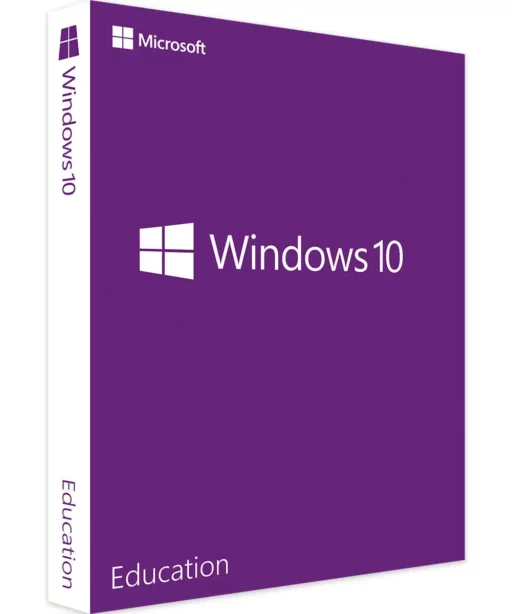
Buy Windows 10 Education

Windows 10 Education is designed for schools and academic institutions.

Key features:

  • Tools for education management and administration.
  • Free productivity apps like OneNote and Word.
  • Simplified security features for students.

Ideal for: schools and universities, teachers and lecturers, pupils and students.

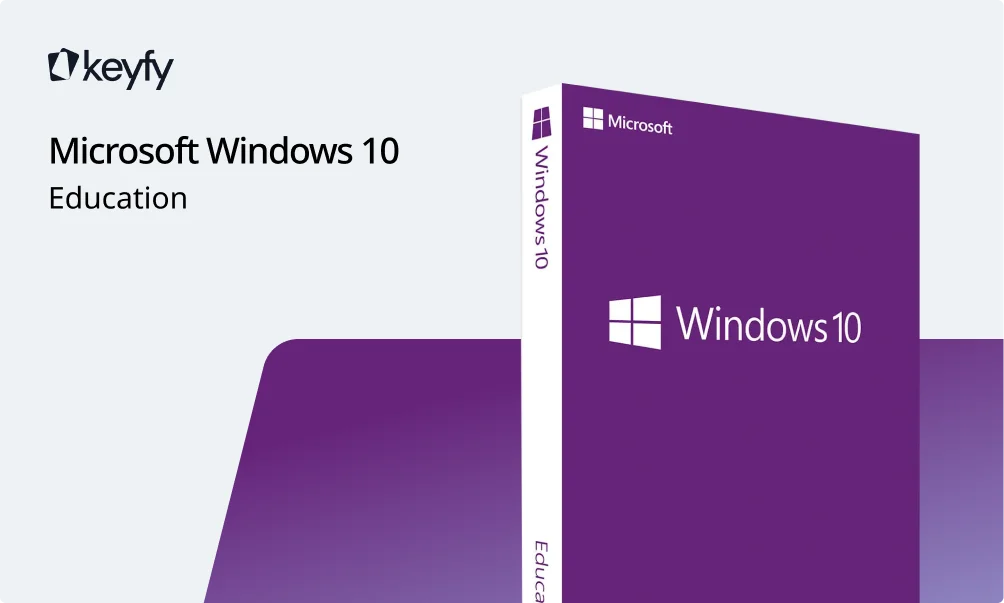
A purple Microsoft Windows 10 Education software box is displayed on the right, with Microsoft Windows 10 Education written on the left side of the image. The keyfy logo appears in the top left corner.

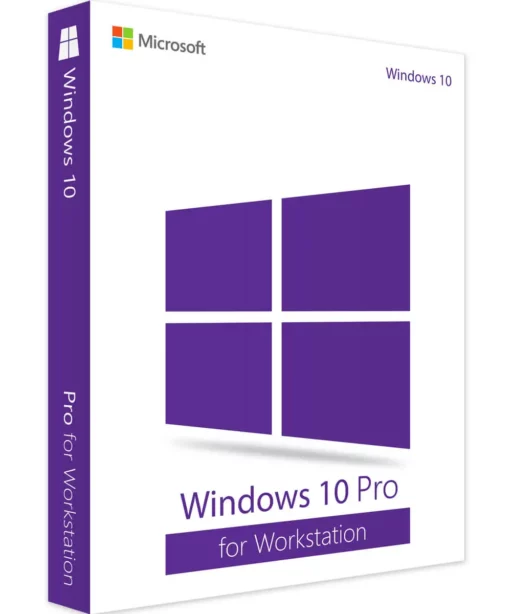
Buy Windows 10 Pro for Workstation

Buy Windows 10 Pro for Workstation

Windows 10 64-bit Pro for Workstation is optimized for high and demanding workloads.

Key features:

  • Support for server-grade hardware.
  • ReFS (Resilient File System) for better data protection.
  • Optimized performance with multi-core processors.

Ideal for: designers, engineers and developers working with intensive workloads.

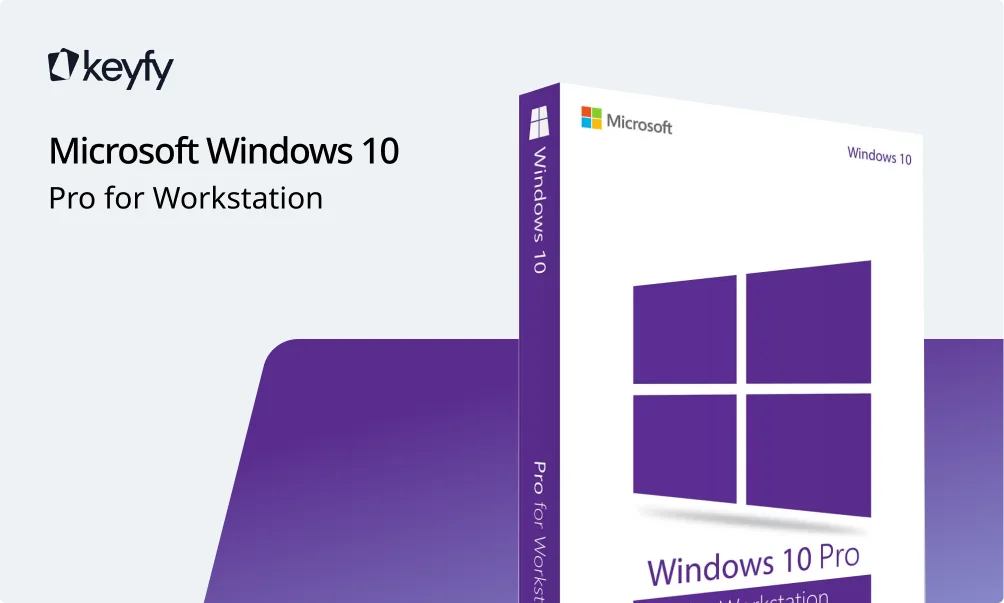
A promotional image displays a Microsoft Windows 10 Pro for Workstation software box with the Windows logo, next to the text “Microsoft Windows 10 Pro for Workstation” and the keyfy logo in the top left corner.
For more detailed information, read our article How to get Windows 10: a complete guide.
Person sitting on the floor, typing on an HP laptop with Windows 11 interface on the screen, sunlight streaming through a nearby window.

Looking ahead: upgrade to Windows 11

Windows 10 remains a stable and reliable choice, but Microsoft is increasingly shifting its focus to Windows 11. The new operating system offers new features, improved security and a modern user experience. Since support for Windows 10 ends on October 14, 2025, now is the perfect time to consider an upgrade.

Discover our Windows 11 licenses or read our latest blog post to find out why Windows 11 is the future.

Stay one step ahead – make the switch today!

FAQ

Windows 10 Home is ideal for everyday use, while Pro offers advanced features like BitLocker and Remote Desktop for businesses.

Although Microsoft is transitioning to Windows 11, Windows 10 will continue to receive support and updates until October 14, 2025.

After you complete your purchase, your Windows 10 license key will be delivered to you immediately by email.

Yes, absolutely! At Keyfy we offer only legal and authentic Windows 10 licenses that come directly from trusted Microsoft partners. No resellers, no middlemen – just genuine licenses at unbeatable prices. This makes our licenses not only 100% legitimate, but also some of the most affordable Windows 10 licenses available online.

Absolutely! Use Boot Camp or virtualization tools like Parallels Desktop to run Windows seamlessly on your Mac.