


Alle 10 Ergebnisse anzeigen

Buy Windows Server – Secure & Official Licensing

A Windows Server license key enables official activation of your server software – reliable, legally compliant, and verified.

FiltersX

Filter by
Category
Alle
Windows Server 2019(4)
Windows Server 2022(3)
Windows Server 2025(3)
Price
-50% OFF
(50 Reviews)
Original price was: $199.99.Current price is: $99.99.
-60% OFF
(45 Reviews)
Original price was: $150.00.Current price is: $59.99.
(67 Reviews)
$149.99
This product has multiple variants. The options may be chosen on the product page
-63% OFF
(91 Reviews)
Original Price is: $399.99Current Price is: $149.99.
This product has multiple variants. The options may be chosen on the product page
-67% OFF
(59 Reviews)
Original Price is: $159.99Current Price is: $79.99.
This product has multiple variants. The options may be chosen on the product page
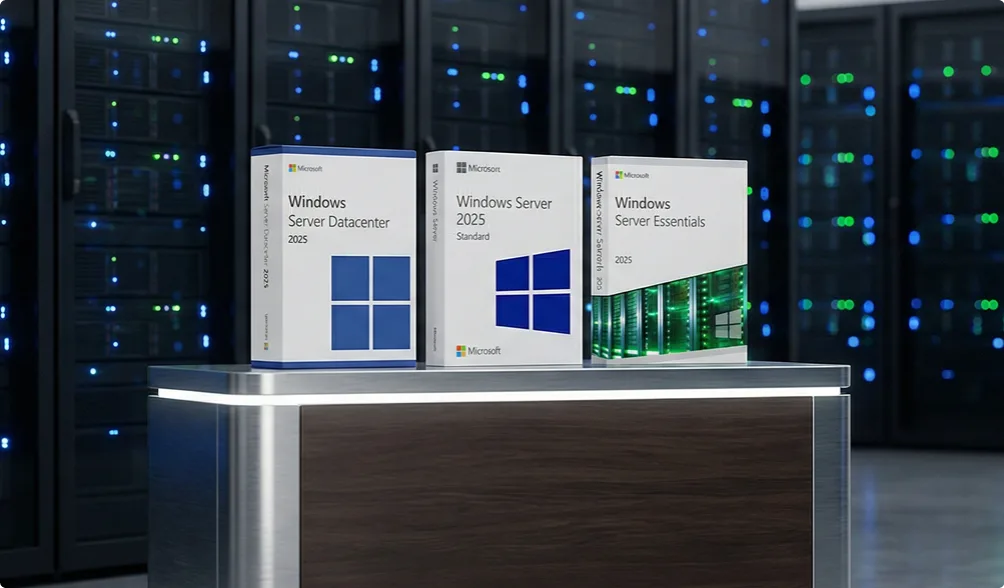
Three Windows Server 2025 software boxes—Datacenter, Standard, and Essentials editions—are displayed on a table in front of server racks with blue indicator lights in a data center.

Choose the right Windows Server license for your business

A lot of businesses overthink Windows Server licensing—editions, versions, CALs, virtualization limits—until it all becomes confusing. This page simplifies the decision. In just a few minutes, you’ll know exactly which version your business needs and what you’re getting for your money—without having to compare every edition one by one.

The image shows the word keyfy in bold, modern black font, next to an abstract, overlapping geometric logo with gradient colors transitioning from blue to green.

Windows Server editions comparison table

A big part of the confusion around Windows Server comes from the editions themselves. Essentials, Standard, Datacenter—they sound similar, but they’re built for very different needs. The overview below helps you quickly see which edition fits your setup.

Windows Server editions: Essentials vs. Standard vs. Datacenter

Features / Use cases Essentials Standard Datacenter
Best for Small businesses (1 server, simple setup) Most organizations Large infrastructures, heavy virtualization
CAL licenses Not required Required Required
Virtual machines Not allowed Up to 2 VMs Unlimited VMs
Licensing model One server license Per-core + CALs Per-core + CALs
Management Basic Full AD + Hyper-V + advanced features Full AD + unlimited virtualization + advanced security
Use cases File sharing, basic AD Typical office environments, internal apps, light virtualization Heavy workloads, clusters, data centers
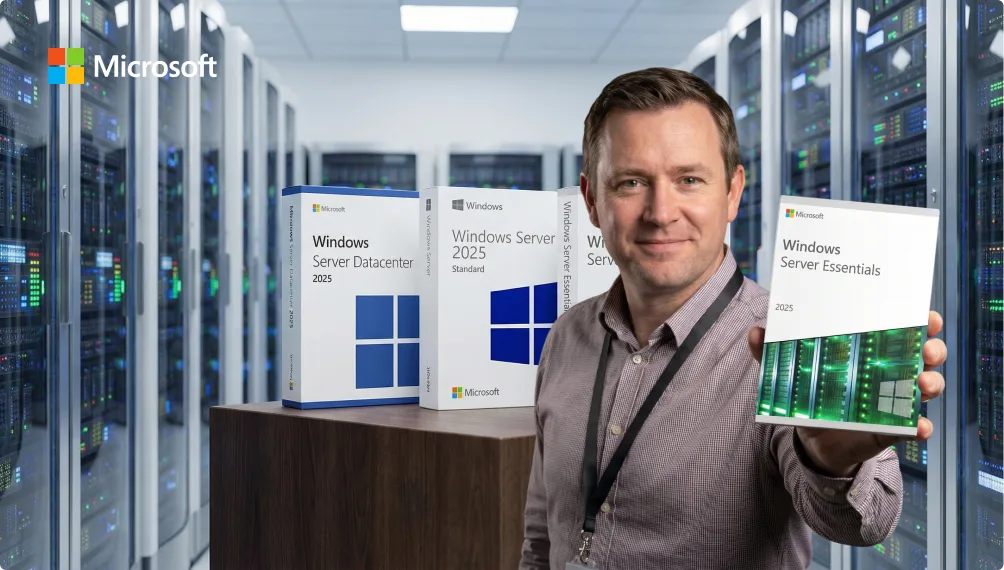
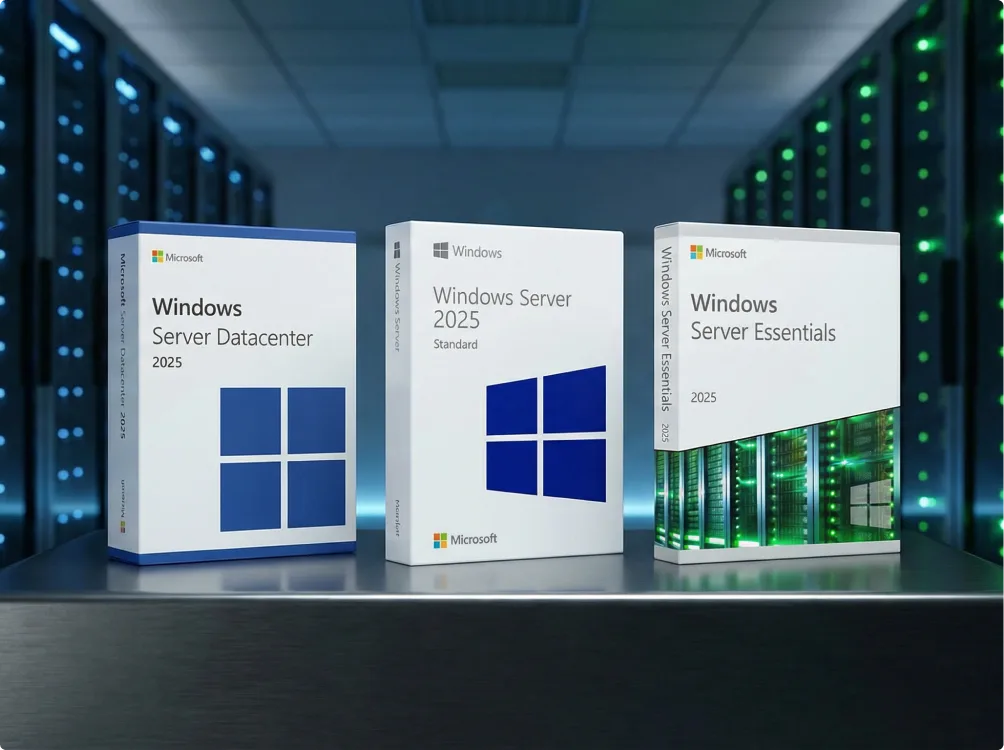
Three software boxes labeled Windows Server Datacenter 2025, Windows Server 2025 Standard, and Windows Server Essentials 2025 are displayed on a table in a server room with glowing green and blue lights.

What’s new in Windows Server 2025 compared to 2022?

Windows Server 2025 builds on 2022, but adds:

  • stronger Secured-core server protection
  • better performance for virtual machines and containers
  • an updated storage stack and networking improvements
  • stronger cloud and Azure integration
  • the longest support lifecycle

That said, Windows Server 2022 remains the most widely used—and the most predictable—option, especially for businesses that prioritize stability and compatibility.

A simple decision guide:

  • Choose 2025if you’re starting fresh or want the longest support.
  • Choose 2022if you want a proven, stable version most businesses trust.
  • Choose 2019if your systems depend on older software or AD structures.

Understanding licensing

Here’s how most buyers decide based on day-to-day usage:

Per-core licensing (Standard & Datacenter)
Licensing is based on the server’s physical CPU cores. Minimum requirement: 16 cores.

CALs (Client Access Licenses)
Required for Standard and Datacenter. Not required for Essentials.

Types of CALs:

  • User CAL – ideal when people work from multiple devices
  • Device CAL – ideal when multiple people share the same device

If you’re unsure, User CALs are usually the safer, more flexible option.

Two black panels labeled Microsoft PRO-CORE and Microsoft CALs appear in front of server racks in a modern data center.
A blue gradient background with the Microsoft logo above the text Windows Server and five icons representing security, speed, a server, settings, and cloud connectivity.

Why newer Windows Server versions matter

Businesses don’t upgrade Windows Server just to “stay modern.” They upgrade because older versions become a risk over time—not only for security, but for day-to-day operations.

A UK government study from 2025 found that 41% of micro businesses and 50% of small businesses identified security breaches or attacks in 2025. Many of these issues could have been reduced by running a supported version like Windows Server 2022 or 2025. Here’s what newer versions improve in real-world use:

Stronger security

Modern threats like ransomware weren’t built for versions like 2012 or 2016. Windows Server 2022/2025 includes Secured-core protections, stronger encryption, and more advanced isolation mechanisms that older versions simply don’t support.

Better stability and performance

File sharing, authentication, Hyper-V, and storage are noticeably faster on 2022/2025—especially in virtualized or hybrid cloud environments.

Modern virtualization

Hyper-V improvements alone can reduce resource usage and boost VM performance—important for businesses running ERP systems, internal apps, or remote desktops.

Cloud integration that actually works

If you use Microsoft 365, Azure AD, or hybrid cloud tools, newer server versions are designed to connect cleanly—without the usual “Why won’t this sync?” problems found in older setups.

Long-term support

Newer versions are supported for years—with security updates, fixes, and long-term stability.

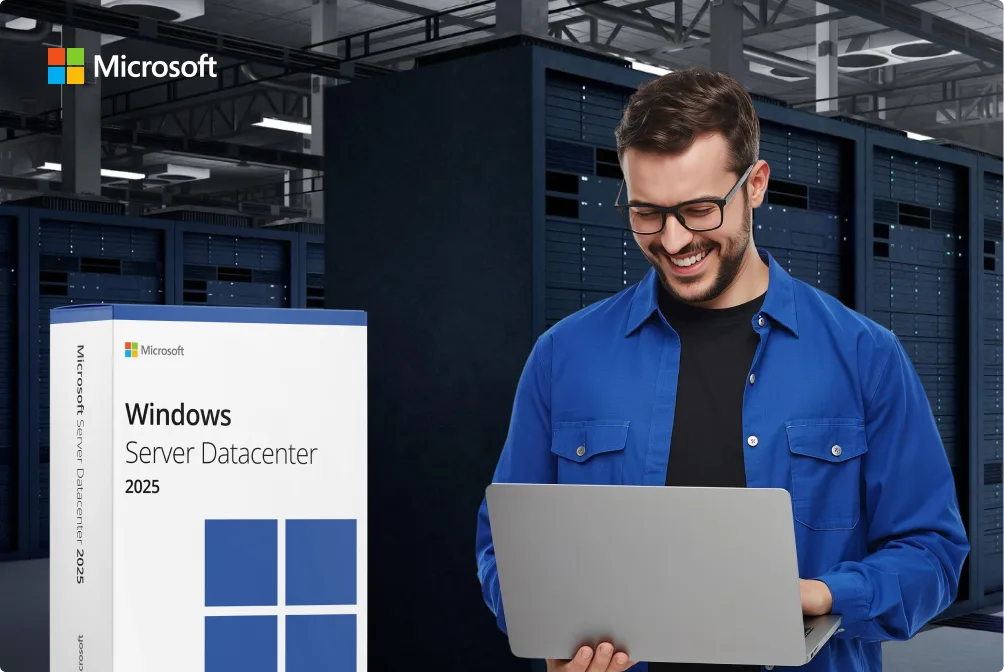
A man in a blue shirt smiles while using a laptop in a server room. Next to him is a large Windows Server Datacenter 2025 software box. The Microsoft logo is visible in the top left corner.
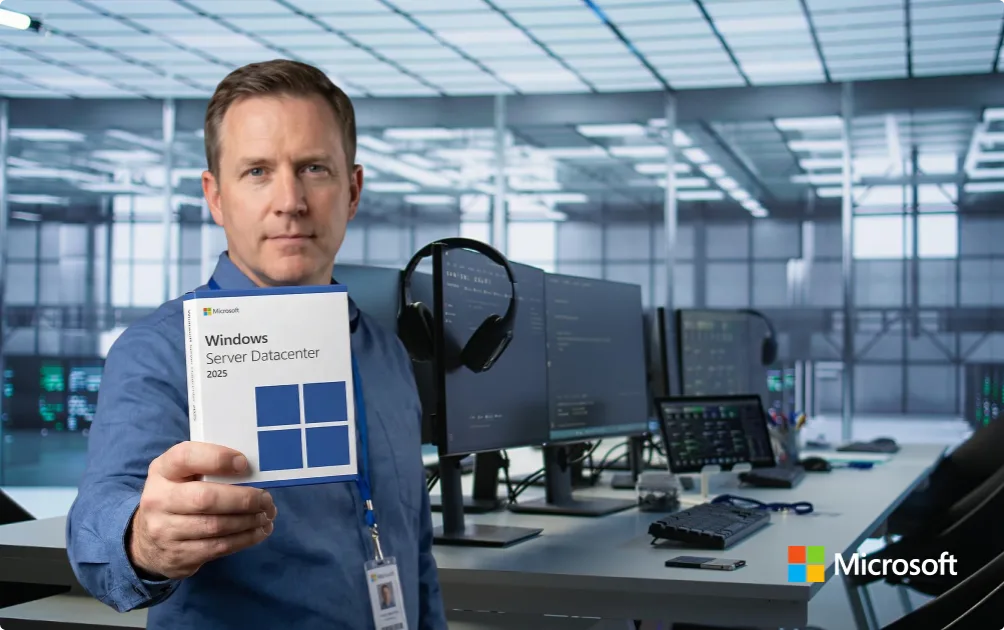
A man stands in a modern office, holding a Windows Server Datacenter 2025 software box. Computer monitors, headphones, and office equipment are visible in the background. The Microsoft logo is in the images corner.

Who benefits most from an upgrade?

  • Businesses that want to virtualize more workloads
  • Organizations moving toward hybrid cloud
  • Teams that rely heavily on Microsoft 365
  • Environments where security is a top priority
  • Anyone still running Windows Server 2012/2016 and feeling the limits

What Windows Server is actually used for

Most businesses barely talk about Windows Server—but they rely on it every day. It’s the backbone that organizes users, files, and internal tools, and keeps everything running.

  • Running the internal tools your business depends on (ERP, CRM, accounting, custom apps)
  • Managing users, devices, and permissions through Active Directory
  • Central, reliable file storage everyone can access
  • Running multiple virtual machines without maintaining separate hardware
  • Clean integration with tools you already use, like Microsoft 365, Azure services, or SQL databases
A man stands in a server room holding a Windows Server Essentials 2025 box. Two other Windows Server 2025 product boxes are displayed beside him. The Microsoft logo appears in the top left corner.
Six Windows Server software boxes, including 2022 Datacenter and Essentials editions, are displayed in a row with the Keyfy logo above them, set against a blue abstract background.

Why buy from Keyfy

Buying server software online can feel risky—and honestly, that’s fair, because not every key sold elsewhere is legitimate. But at Keyfy we guarantee the following:

  • Every license we sell is original and verified, and you receive it immediately after checkout—shown right on the “Thank you” page.
  • You get clear activation steps, an official VAT invoice, and real support in English or German if you get stuck. No AI chatbots. No scripted replies.
  • If you’re not happy with the service, our 30-day money-back guarantee applies.

Delivery

At Keyfy, everything is 100% digital.

  • Your license key is shown immediately on the “Thank you” page
  • The same key is also emailed to you within minutes
  • No waiting, no shipping costs—just download, activate, and stay protected

If you’re unsure, check the activation guide in your welcome email or contact our support team.

Installation

  • Your license key is shown immediately after purchase on the “Thank you” page.
  • Within seconds, you’ll receive an email with your activation code, the official download link, and a full installation guide.
  • No shipping, no waiting—activation is instant and ready to use.
  • Every key is verified before delivery to ensure safe, genuine activation.

System requirements

Runs on most modern servers and virtual environments:

  • CPU: 64-bit processor, 1.4 GHz or faster
  • RAM: at least 2 GB (8 GB recommended)
  • Storage: at least 32 GB of free space
  • Network: Gigabit Ethernet recommended
  • Firmware: UEFI with Secure Boot support (for 2022/2025)

If you’re running multiple virtual machines, make sure your hardware has enough RAM and CPU to properly support each one.

Help & frequently asked questions (FAQ)

If you need long-term stability and compatibility, choose 2022.

If you’re deploying new systems and want the latest security improvements → choose 2025.

If you rely on older applications or AD structures, choose 2019.

For Standard and Datacenter, you need CALs—either per user or per device. Essentials does not require CALs.

Yes.

Standard → up to 2 virtual machines.

Datacenter → unlimited virtual machines.

Yes. It’s fully supported and includes modern security improvements. Very conservative environments may still prefer 2022, but 2025 is absolutely production-ready.

2025 offers stronger security, better virtualization performance, modern Azure integration, and a longer support lifecycle. 2022 remains the most widely used version.

Yes, but compatibility depends on the software you run. If your environment relies on older applications, Windows Server 2019 may be the safest choice.

  • OEM – tied to one device
  • Retail – transferable
  • Volume – for businesses with multiple activations

Keyfy provides clear details on each product so you know exactly what you’re buying.

Yes. All licenses sold here are one-time purchases—once activated, they’re yours permanently.

Yes, in most cases. Retail and Volume licenses typically allow reactivation; OEM licenses may have limitations. We provide clear notes for each license type.