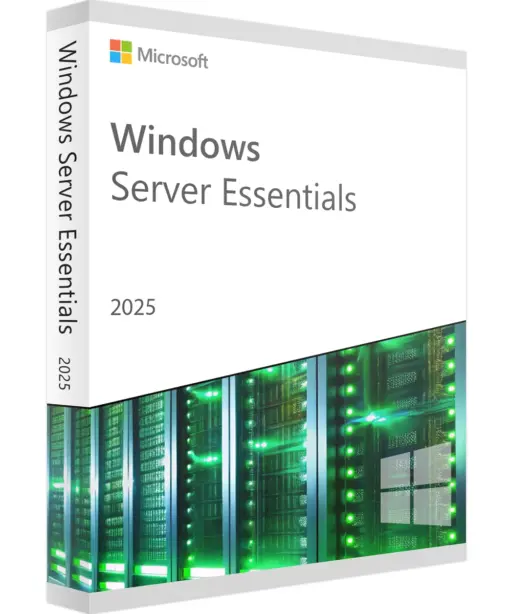
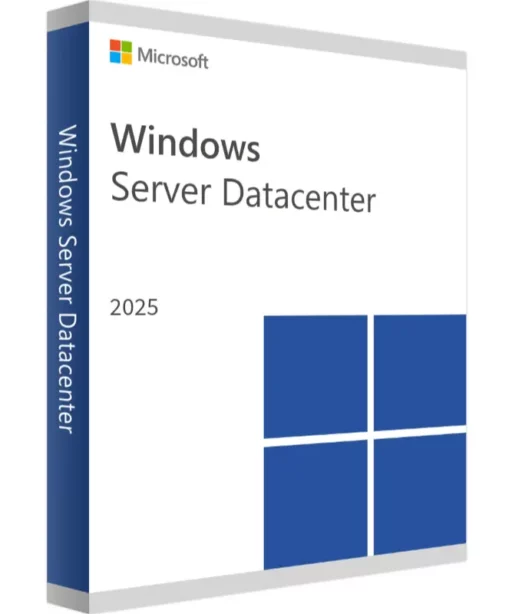
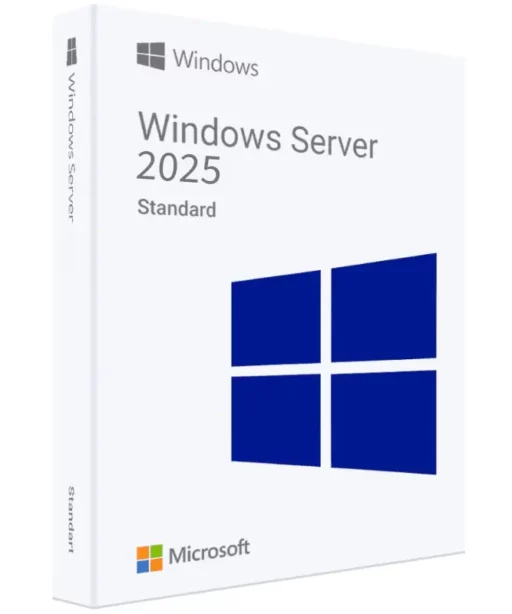
Alle 3 Ergebnisse anzeigen

Windows Server 2025

FiltersX

Filter by
Category
Price
(70 Reviews)
€149.99
This product has multiple variants. The options may be chosen on the product page
-63% OFF
(94 Reviews)
Original Price is: €399.99Current Price is: €149.99.
This product has multiple variants. The options may be chosen on the product page
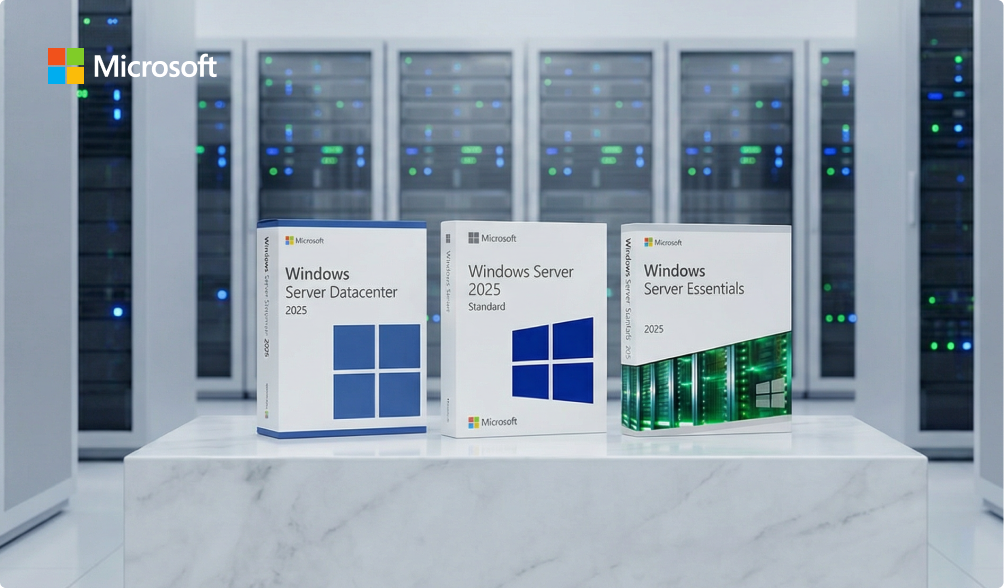
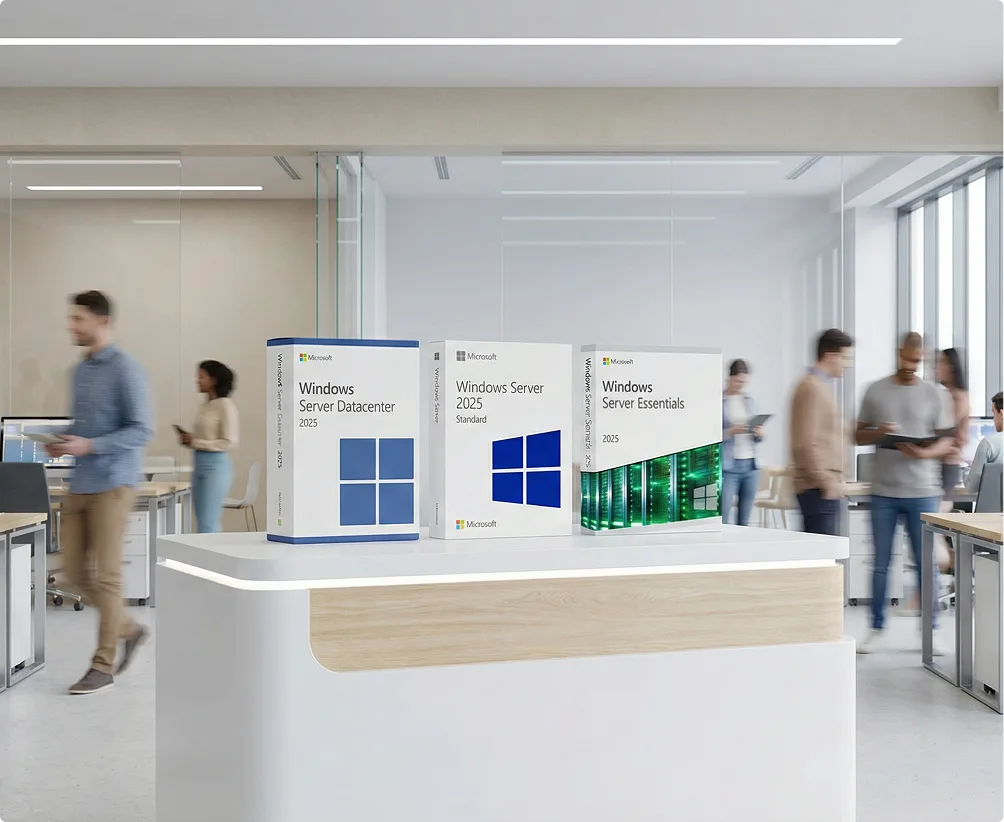
Three boxes of Microsoft Windows Server 2025 editions (Datacenter, Standard, Essentials) displayed on a marble surface, with rows of server racks in the background and the Microsoft logo in the top left corner.

Windows Server 2025: A long-term server platform for teams building today

Most businesses rarely change their server environment. Once a server is in production, it’s expected to run reliably for five to eight years—sometimes even longer. That makes the initial choice far more important than it might seem at first.

Windows Server 2025 is for teams building something now who don’t want to second-guess that decision a few years down the road.

How the way businesses think about servers has changed

A few practical realities shape decisions today:

  • Longer lifecycles
    Servers are expected to last. Replacing them early is expensive and disruptive.
  • Higher security expectations
    Frameworks and requirements like GDPR and NIS2, as well as cyber insurance policies, increasingly expect strong security standards out of the box—not just add-on modules.
  • Mid-lifecycle upgrades hurt
    Server migrations aren’t cheap or fast. Starting with Windows Server 2025 gives you the longest available support window, instead of adopting a version that’s already halfway through its lifecycle.
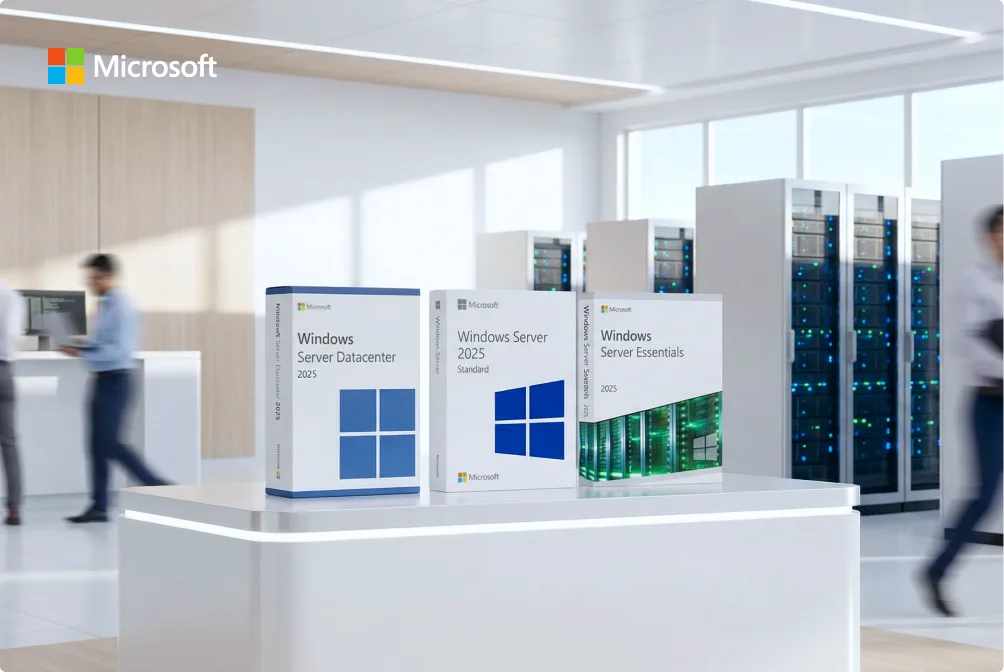
Three Microsoft Windows Server product boxes are displayed on a white counter in a modern office with blurred people and server racks in the background. The boxes are labeled Datacenter, Standard, and Essentials 2025.
A man with glasses sits at a desk in an office, working on a desktop computer. The room is bright and has several empty desks and computer stations in the background.

Who Windows Server 2025 is for—and who it isn’t

Windows Server 2025 makes sense if you:

  • – Are building a new server environment from scratch
  • – Plan to run it long-term
  • – Expect more virtual machines or cluster workloads later
  • – Want strong security without lots of manual configuration
  • – Want to avoid forced upgrades down the road

It may not be the right choice if you:

  • – Depend on older applications that haven’t been tested on newer versions
  • – Have an existing 2019 or 2022 environment that already works perfectly
  • – Don’t expect growth or structural changes

What actually feels different day to day

Instead of listing individual features, here are the changes you’ll notice in real use:

  • Security starts at a much higher baseline
    The system is more locked down out of the box. You spend less time getting it to a “secure enough” state in the first place.

Virtualization behaves more consistently
In environments with multiple VMs or clusters, resource allocation is more predictable and easier to manage.

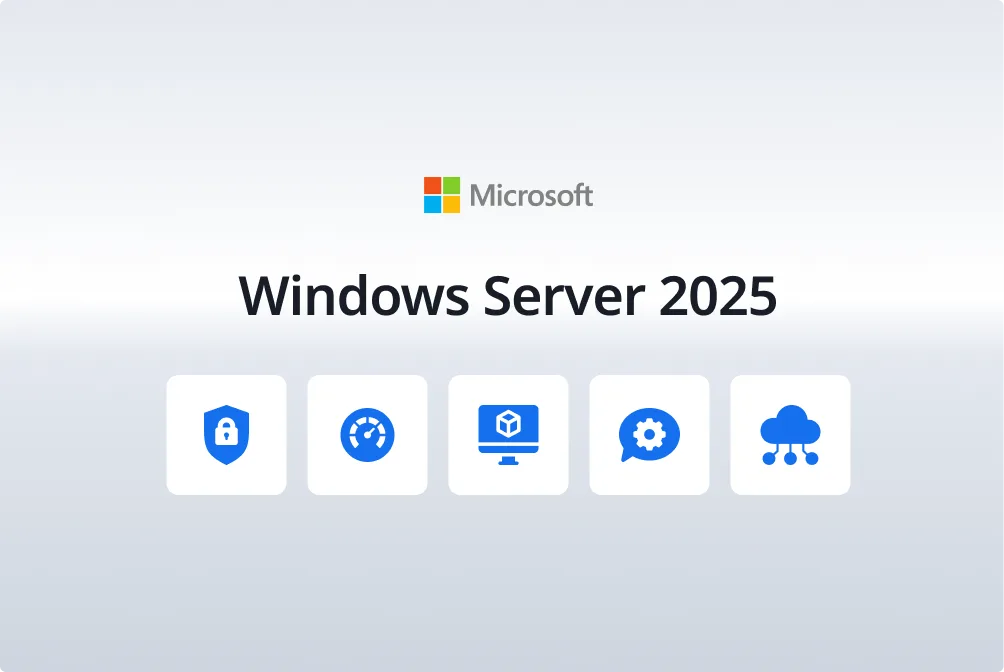
An image with the Microsoft logo above the text Windows Server 2025, and five blue icons below representing security, performance, virtualization, settings, and cloud features.
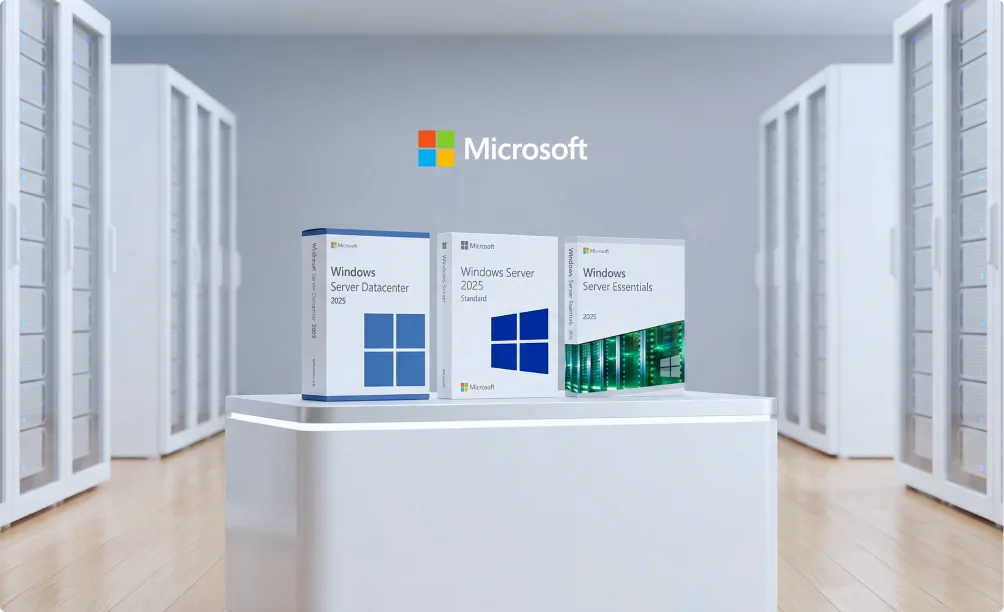
Three Microsoft Windows Server software boxes (Datacenter 2025, Standard 2025, Essentials 2025) are displayed on a white table in a modern, bright server room with the Microsoft logo on the wall behind them.
  • Hybrid setups are simpler day to day

Most businesses no longer run everything in one place. A typical setup looks like this:

  • – Internal systems and files on your own server
  • – Email and collaboration in Microsoft 365
  • – Backups or remote access in the cloud

Windows Server 2025 is built for exactly this mix—without forcing everything into the cloud.

  • The longest available support lifecycle

That’s the key point. Fewer “we have to upgrade again” conversations in the years ahead.

Think of Windows Server 2025 as the version that reduces future regret—fewer compromises today, fewer forced decisions tomorrow.

The image shows the word keyfy in bold, modern black font, next to an abstract, overlapping geometric logo with gradient colors transitioning from blue to green.

Editions explained: Essentials, Standard, and Datacenter

Windows Server 2025 comes in three editions. They all share the same core, but they’re built for very different scenarios. Choosing the right one isn’t about buying “the best” edition—it’s about picking the edition that actually fits how you’ll use it.

Windows Server 2025 Essentials: Built for small businesses that want to keep it simple

Essentials is designed for very small environments where the server has a clear, limited role.

  • Single server
  • No CALs required
  • Simple setup and basic administration
  • Limited room to scale

Windows Server 2025 Essentials is a strong fit as a file server or for basic internal services in small teams. It’s the right choice if you want something that just runs—without plans for growth or future virtual machines.

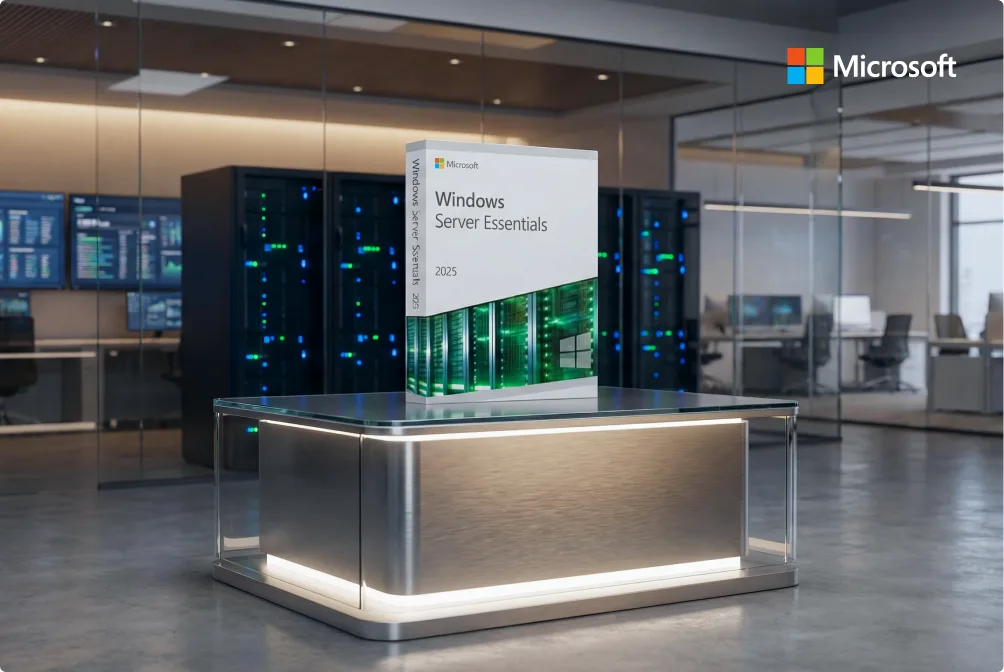
A Windows Server Essentials 2025 software box is displayed on a modern, illuminated table in a sleek server room. The Microsoft logo appears in the top right corner. Servers and computers are visible in the background.
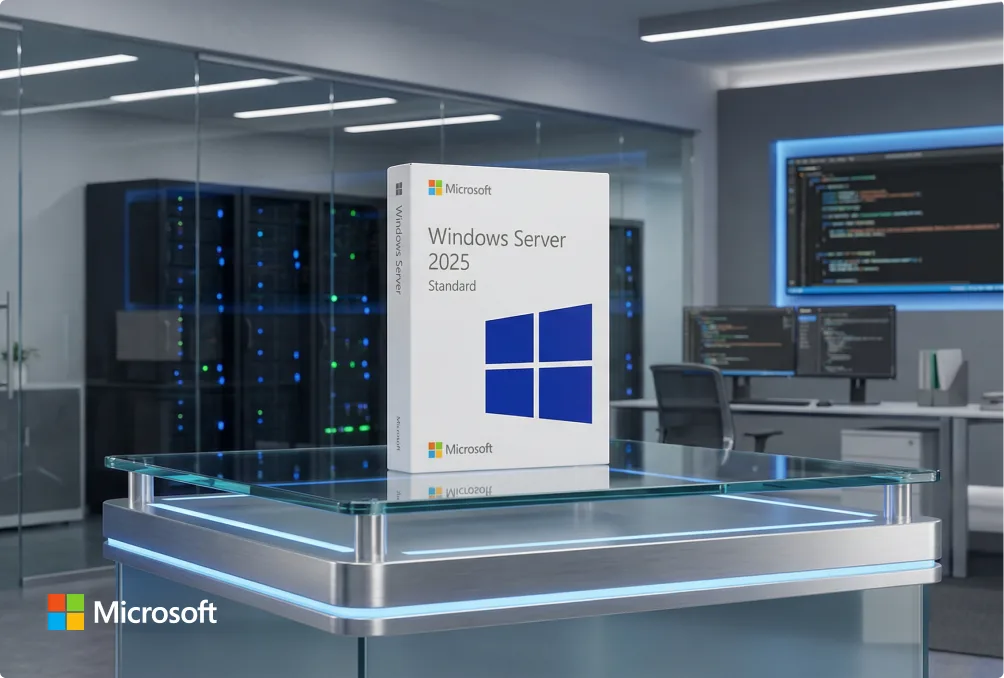
A boxed copy of Microsoft Windows Server 2025 Standard is displayed on a glass table in a modern server room with monitors, servers, and blue LED lighting. The Microsoft logo is visible in the lower left corner.

Windows Server 2025 Standard: The default choice for most organizations

Windows Server 2025 Standard is the edition used in most real-world business environments.

  • Runs on physical servers
  • Supports limited virtualization
  • Requires CALs (per user or device)
  • Covers most day-to-day server needs

This edition handles typical office workloads, internal applications, and light virtualization without adding unnecessary complexity. For many organizations, Standard offers the best balance of capability, cost, and flexibility.

Windows Server 2025 Datacenter: Only worth it if you run virtualization at scale

Datacenter is designed for environments where virtual machines are the norm—not the exception.

  • Unlimited virtual machines
  • Advanced features for clusters and large environments
  • Higher licensing costs

Datacenter isn’t automatically “better.” It only makes sense if you run many VMs or plan significant infrastructure growth. If your workloads don’t need that scale, Standard is usually the more practical choice.

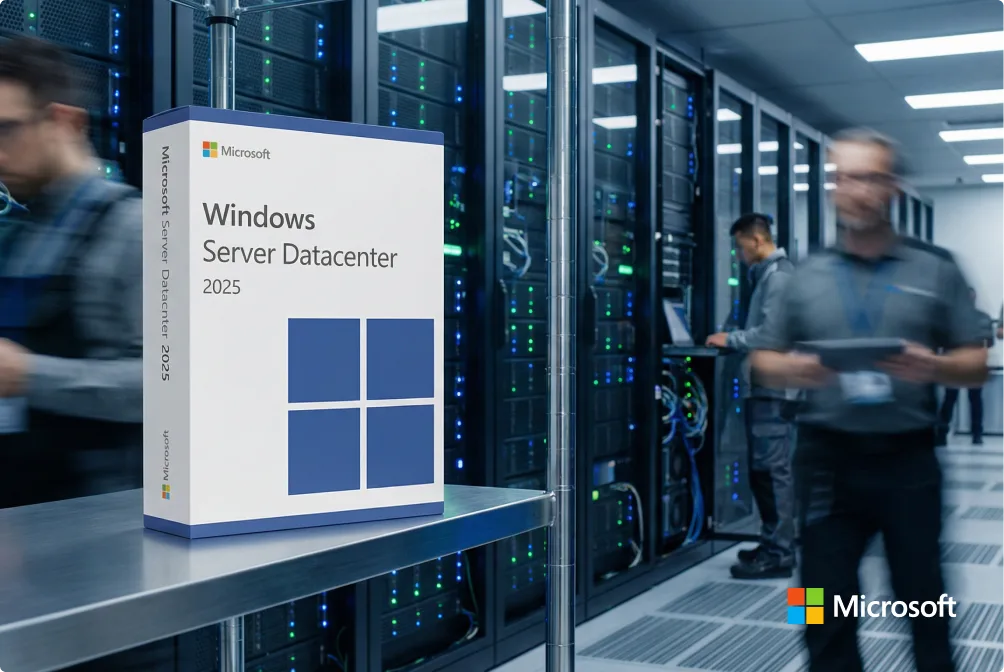
A box for Microsoft Windows Server Datacenter 2025 is displayed in a modern server room, with blurred IT professionals working near server racks in the background. The Microsoft logo is visible in the corner.
The image shows the word keyfy in bold, modern black font, next to an abstract, overlapping geometric logo with gradient colors transitioning from blue to green.

Windows Server comparison: 2019 vs. 2022 vs. 2025

Choosing between Windows Server 2019, 2022, and 2025 is less about individual features—and more about how long you need the server to run and how much change you expect over the next few years.

Version Best for Why choose it What’s not ideal
2019 Legacy or locked-down environments Works well with older apps and AD structures; familiar to many IT teams Shorter remaining support window; not ideal for new builds
2022 Stable, established setups Widely adopted, predictable behavior, a strong balance of modern features and compatibility Already mid-lifecycle
2025 New deployments and long-term planning Longest support timeline, highest security baseline, built for modern and hybrid setups May be unnecessary if your environment won’t change.
Three large boxes of Microsoft Windows Server 2025 editions are displayed on a modern white reception desk in a bright office, with people walking and working in the background.

Practical benefits (what you actually get)

Choosing the right Windows Server version isn’t about checking off feature lists—it’s about deciding how stable and predictable the next few years will be.

  • Lower long-term risk
    Fewer “this is no longer supported” moments. You’re less likely to run into security or compliance issues simply because the platform has aged out.
  • Fewer forced upgrades later
    Installing a newer version now helps you avoid another migration mid-lifecycle—and that migration usually costs more than people expect.
  • Stronger security without extra layers
    Key protections are already built in. You don’t need to stack multiple third-party tools just to reach a secure baseline.
  • Fewer “fire drills” for IT teams
    Fewer emergency patches, fewer late-night fixes, fewer “why did this suddenly stop working?” situations.

Planning gets more predictable
Hardware, virtual machines, backups, and compliance timelines are easier to plan when the OS isn’t the weakest link.

Delivery

  • License key is shown immediately after purchase
  • The same key is also emailed to you within a few minutes

No waiting. No shipping. No uncertainty. Check the activation guide in your welcome email, or contact our dedicated support team.

Installation

  1. Download Windows Server using the link provided
  2. Install the system
  3. Activate it with your license key

Clear instructions are included—and our support team is here if you need help.

System Requirements

  • 64-bit processor
  • Enough RAM and storage for your workloads
  • Hardware virtualization recommended if you’ll run VMs
  • Internet connection for activation and updates

Help & Frequently Asked Questions (FAQ)

No. It’s a standard Microsoft release. Not a beta. Not a preview.
Some teams prefer 2022 because it’s familiar—and that’s completely fine.
If you’re setting up a new server now, 2025 is a solid choice.

Yes. Many organizations still run it.
It’s stable, well-known, and supported for many years to come.
There’s no urgent reason to switch.

2019 is usually chosen for older software.
2022 works for most setups and comes with few surprises.
2025 makes sense if you’re starting fresh and want to avoid planning another upgrade soon.

Most people don’t need Datacenter.
Standard is more than enough for file servers, internal apps, and a couple of VMs.
Datacenter only pays off if you run virtualization at scale.

Standard: up to 2 VMs per licensed server

Datacenter: no limit

Yes—for Standard and Datacenter.
Essentials does not require CALs.

User CALs are better when people use multiple devices.
Device CALs are a better fit when multiple people share a single computer.
In most environments, User CALs are the better choice.

Yes. A lot more is secured by default.
Less manual configuration compared to older versions.

Often, yes.
But upgrades take time and testing—so some teams choose 2025 from the start.

It can be. Essentials or Standard cover small environments well.
For very simple needs, 2022 may still be enough.

Yes. You buy it once and use it indefinitely.
CALs are purchased separately.