


Alle 12 Ergebnisse anzeigen

Buy Microsoft Office for Mac

The ideal Office solution for macOS: Word, Excel, PowerPoint, and Outlook — 100% genuine, permanently valid, and fully optimized for Mac.

FiltersX

Filter by
Category
Alle
Office 2019 for MAC(3)
Office 2021 for MAC(3)
Office 2024 for MAC(3)
Office 365 for MAC(3)
Price
-46% OFF
(48 Reviews)
Original price was: $129.90.Current price is: $69.89.
-62% OFF
(13 Reviews)
Original price was: $129.90.Current price is: $49.89.
-50% OFF
(48 Reviews)
Original price was: $159.90.Current price is: $79.89.
-37% OFF
(49 Reviews)
Original price was: $349.90.Current price is: $219.89.
-64% OFF
Out of stock
(60 Reviews)
Original price was: $6.990.00.Current price is: $2.489.00.
-35% OFF
(56 Reviews)
Original price was: $200.00.Current price is: $129.89.
-55% OFF
(71 Reviews)
Original price was: $200.00.Current price is: $89.99.
-42% OFF
(54 Reviews)
Original price was: $119.90.Current price is: $69.89.
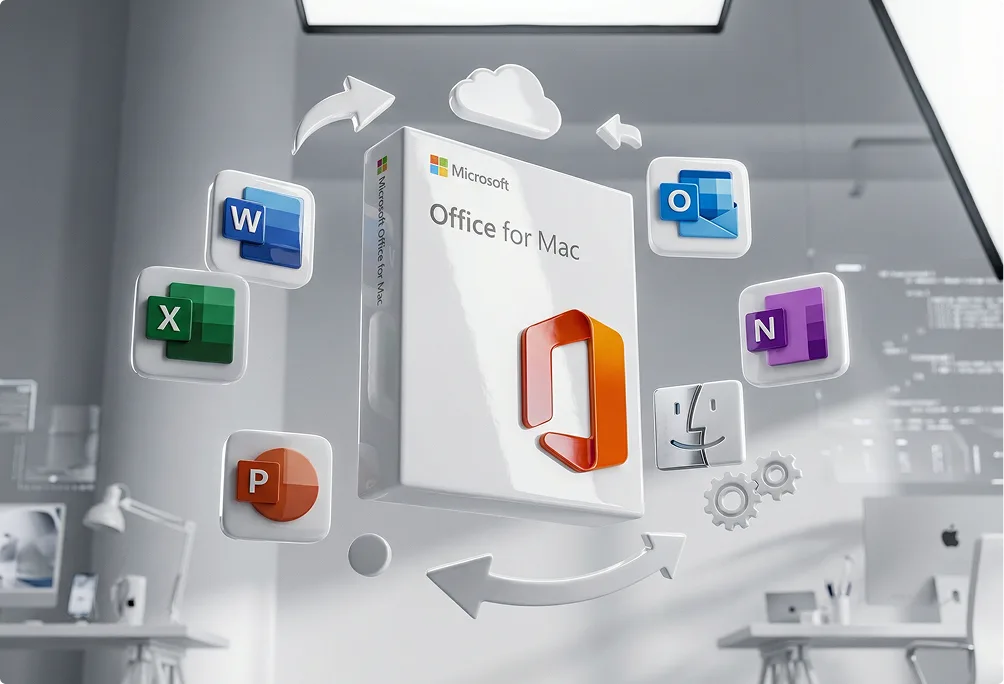
A box of Microsoft Office for Mac is surrounded by floating icons for Word, Excel, PowerPoint, Outlook, and OneNote, with Mac and settings symbols in a modern, gray office setting.

Buy Microsoft Office for Mac – The right license for your MacBook

If you own a Mac, you don’t have to miss out on Microsoft’s best tools. Office for Mac is built for macOS and gives you the same globally trusted apps.

With an Office license for Mac, you stay fully compatible with Windows users—so your files can always be opened and shared smoothly. Whether you’re a student, freelancer, or business pro, MS Office for Mac helps you stay productive—without compromises.


What’s new and exciting in Office for Mac?

Office for Mac still includes the classics—Word, Excel, PowerPoint, Outlook, and OneNote. But newer versions come with plenty of great upgrades:

  • A fresh look with a redesign that feels even more at home on Mac.
  • Real-time collaboration lets you share and co-edit with Windows users, classmates, or coworkers.
  • Excel now includes smarter tools, new formulas, dynamic arrays, and business-ready charts.
  • Dark Mode and additional visual options reduce eye strain during long Word sessions.
  • Some devices support touch or pen input in Excel, so you can draw formulas directly into the sheet—especially handy on newer tablets.
A person with blond hair and glasses sits at a desk in a modern office, working on a laptop displaying Microsoft Office apps. The office has large windows, plants, and glass partitions.
The image shows the word keyfy in bold, modern black font, next to an abstract, overlapping geometric logo with gradient colors transitioning from blue to green.

Which Office for Mac version should you choose?

You just need to pick the version that fits you. A one-time purchase might be ideal—like Office 2019, 2021 or 2024. Others choose Office 365 for Mac, a subscription that keeps everything continuously up to date. The choice is yours—and you’ve got plenty of options. Let’s take a closer look.

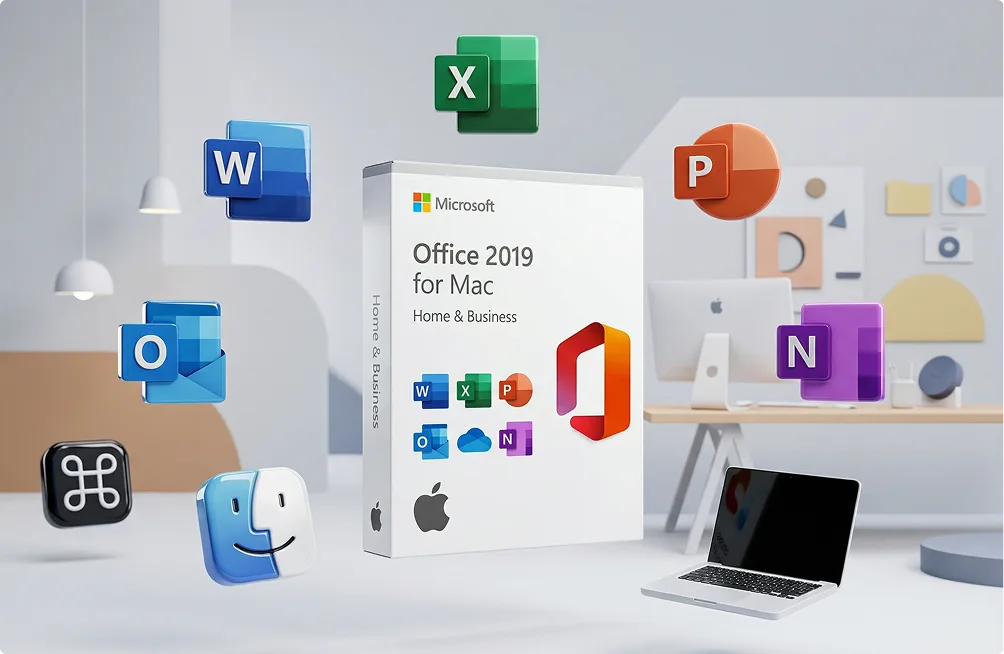
Box of Microsoft Office 2019 for Mac surrounded by floating app icons (Word, Excel, PowerPoint, Outlook, OneNote, Finder, Command key) with a laptop and abstract office background.

Office 2019 for Mac – Reliable and budget-friendly

Best if you only need the essentials—without ongoing costs. Office 2019 for Mac is still a solid choice.

  • Includes Word, Excel, and PowerPoint (some editions also include Outlook).
  • One-time purchase—no subscription.
  • Works great for everyday tasks like documents, spreadsheets, and presentations.

Available bundles:

Office 2021 for Mac – Modern tools, lifetime license

A step up: Office 2021 for Mac comes with updated tools while still being a one-time license.

  • Word for Mac with Dark Mode for easier reading.
  • Excel for Mac with XLOOKUP, dynamic arrays, and more advanced features.
  • Real-time co-authoring for smoother teamwork.

Available bundles:

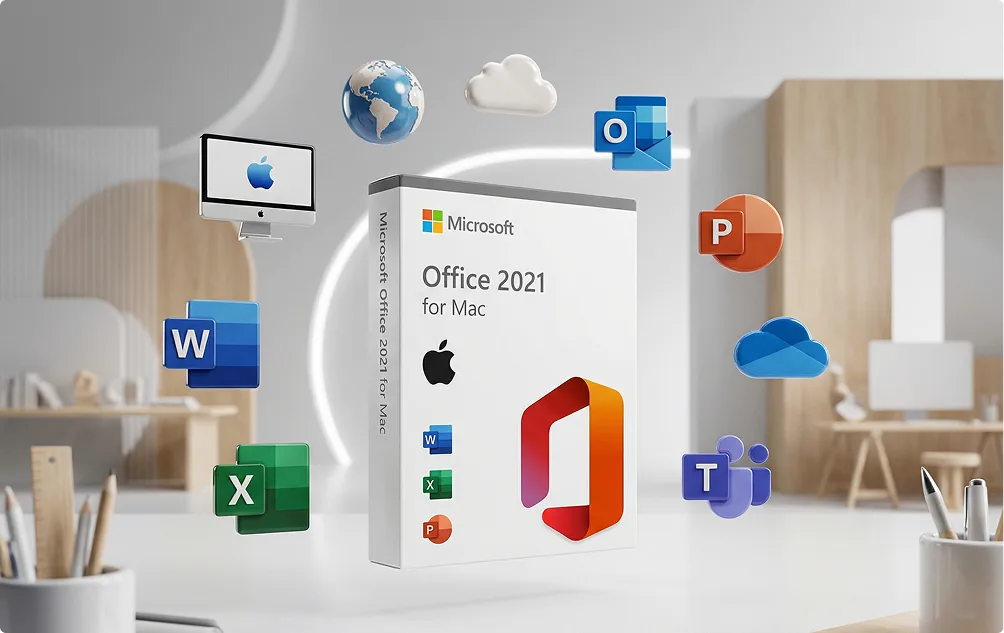
A Microsoft Office 2021 for Mac box is centered, surrounded by floating Office app icons (Word, Excel, PowerPoint, Outlook), Mac computers, and cloud icons in a modern, minimalist office setting.
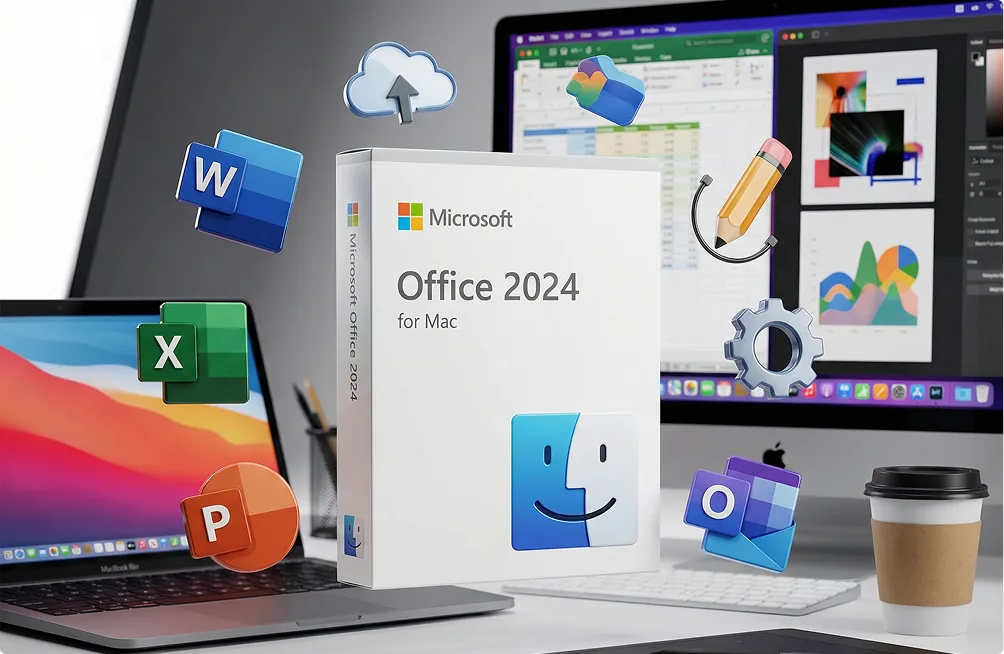
A box of Microsoft Office 2024 for Mac is displayed on a desk with a MacBook, iMac, coffee cup, and floating icons for Word, Excel, PowerPoint, Outlook, and other Office apps.

Office 2024 for Mac – The latest generation

The newest edition of Office 2024 for Mac with long-term support and expanded features.

  • Faster integration with macOS.
  • AI-powered features in Word for Mac and Excel for Mac.
  • Updated PowerPoint tools for quicker presentations.

Available bundles:

Office 365 for Mac – Always up to date

For anyone who wants flexibility and ongoing updates.

  • Subscription model with monthly or annual plans.
  • Always includes the newest features.
  • Works across multiple devices: MacBook, iPad, iPhone, and even Windows.
  • OneDrive storage for cloud backups and collaboration.

Available bundles:

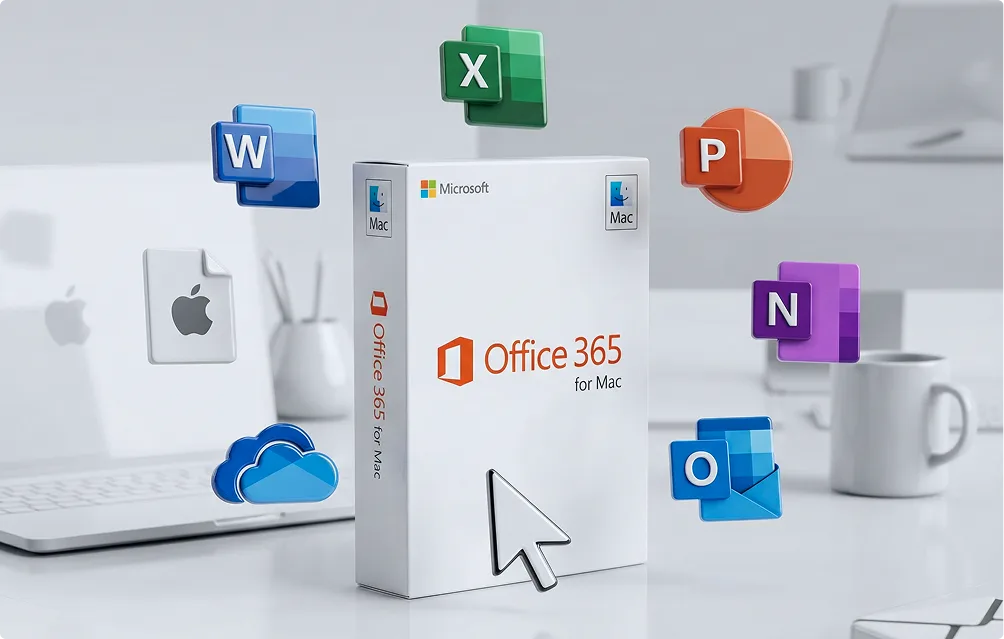
A box of Microsoft Office 365 for Mac sits on a desk, surrounded by floating app icons for Word, Excel, PowerPoint, OneNote, Outlook, iCloud, and the Apple logo. A large cursor points at the box.
The image shows the word keyfy in bold, modern black font, next to an abstract, overlapping geometric logo with gradient colors transitioning from blue to green.

Compare Office versions for Mac

Version License type Includes Best for Key Features
Office 2019 for Mac One-time purchase Word, Excel, PowerPoint (some editions with Outlook) Students & bargain hunters Affordable, stable, and covers the essentials
Office 2021 for Mac One-time purchase Word, Excel, PowerPoint, Outlook, OneNote Professionals and students Dark Mode in Word, XLOOKUP in Excel, co-authoring
Office 2024 for Mac One-time purchase Full MS Office for Mac suite Users who want the latest version AI-powered tools, faster macOS integration, long-term support
Office 365 for Mac Subscription (monthly or yearly) Word, Excel, PowerPoint, Outlook, OneNote, OneDrive Families, teams, and flexible users Always updated, multi-device use, cloud storage & collaboration
A digital illustration showing icons for Microsoft Word, Excel, PowerPoint, Outlook, OneNote, OneDrive, macOS Finder, a gear, and a lock arranged in a semi-circle around the Keyfy logo.

Why buy Office for Mac at
Keyfy?

  • Instant access – original license keys are delivered to your inbox within minutes or can be redeemed immediately via the thank-you page.
  • Easy setup – step-by-step installation guides mean no guesswork and no stress.
  • Options for everyone – whether you’re a student, freelancer, or business owner: we have the right edition for your Mac.
  • Secure & verified – secure checkout and official licenses you can rely on.
  • Trusted by 300.000+ customers

FAQ

All standard versions include the basics—Word, Excel, and PowerPoint for Mac. Some bundles also include Outlook and OneNote. If you choose Office 365 on Mac, you’ll also get OneDrive storage and the option to use Office on multiple devices at the same time.

Yes—it includes the same apps and core features. The Mac edition is simply optimized for macOS, so the layout feels more natural on a MacBook. Your files remain fully compatible with Windows, so people can collaborate smoothly without formatting issues.

Not necessarily. You can buy Microsoft Office for Mac as a one-time license (2019, 2021, or 2024) if you prefer to pay once and keep it permanently. Or, if you always want the newest features, Office 365 for Mac is the better choice.

With a one-time license (for example, Office 2019 Standard for Mac or Office 2021 Standard for Mac), the license is tied to one Mac. If you want the flexibility to install Office on multiple devices (MacBook, iPad, iPhone—even Windows PCs), Office 365 Family for Mac or Office 365 Personal for Mac is the better option.

At Keyfy, delivery is instant. As soon as you place your order, your activation key is emailed to your inbox within minutes. That means you can install Office right away.