


Alle 9 Ergebnisse anzeigen

Buy Windows 11

FiltersX

Filter by
Category
Price
-83% OFF
(153 Reviews)
Original price was: $115.00.Current price is: $19.89.
-81% OFF
(165 Reviews)
Original price was: $105.00.Current price is: $19.99.
-75% OFF
(39 Reviews)
Original price was: $199.99.Current price is: $49.99.
-78% OFF
(46 Reviews)
Original price was: $230.00.Current price is: $49.99.
-75% OFF
(47 Reviews)
Original price was: $240.00.Current price is: $59.99.
-76% OFF
(46 Reviews)
Original price was: $230.00.Current price is: $54.99.
-80% OFF
(47 Reviews)
Original price was: $299.99.Current price is: $59.99.
-80% OFF
(44 Reviews)
Original price was: $100.00.Current price is: $19.99.
-83% OFF
(44 Reviews)
Original price was: $299.99.Current price is: $49.99.
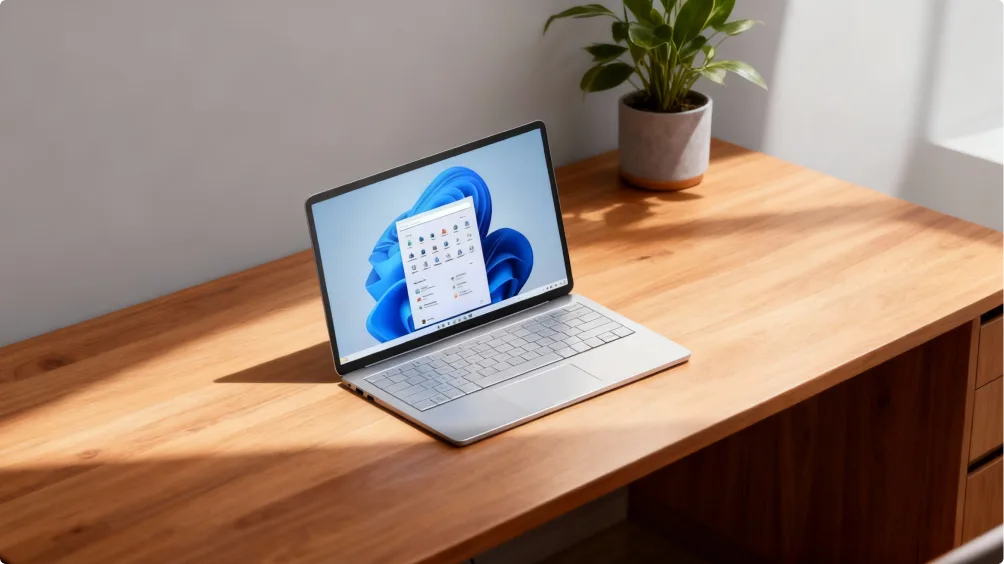
A silver laptop displaying the Windows 11 home screen sits on a wooden desk next to a potted green plant in a sunlit room.

Buy Windows 11 – The next-generation operating system

Windows 11 is the latest step forward in the world of operating systems. It’s designed to boost speed, security, and productivity. Upgrading from Windows 10 to Windows 11 is seamless. And if you’re buying a new device, there’s no reason to wait – Windows 11 is the best choice.

At Keyfy, we offer genuine Windows 11 licenses with instant delivery, great prices, and dedicated customer support. You can choose between Windows 11 Pro, Home, Enterprise, Education, or Pro for Workstation – depending on what you need.
Microsoft Windows 11 Home vs. Windows 11 Pro: Which edition should you choose?

When you buy a Windows 11 license, it’s important to choose the edition that best fits your needs. Windows 11 Home is designed for everyday users, students, and personal use, while Windows 11 Pro offers advanced security and business features for professionals and companies.

Compare the key differences below to decide which Windows 11 license is right for you.

Feature Windows 11 Home Windows 11 Pro
Best suited for Home users, students Professionals, businesses
Security features Windows Defender, standard security features BitLocker encryption, Windows Information Protection (WIP)
Remote Desktop access No Yes
Virtualization (Hyper-V) No Yes
Snap Layouts & multitasking Yes Yes
Microsoft Teams integration Yes Yes
Cost Lower price Higher price, but more business tools
Need a more detailed comparison? Visit our Windows 11 blog section for a full guide to choosing the right Windows 11 license.
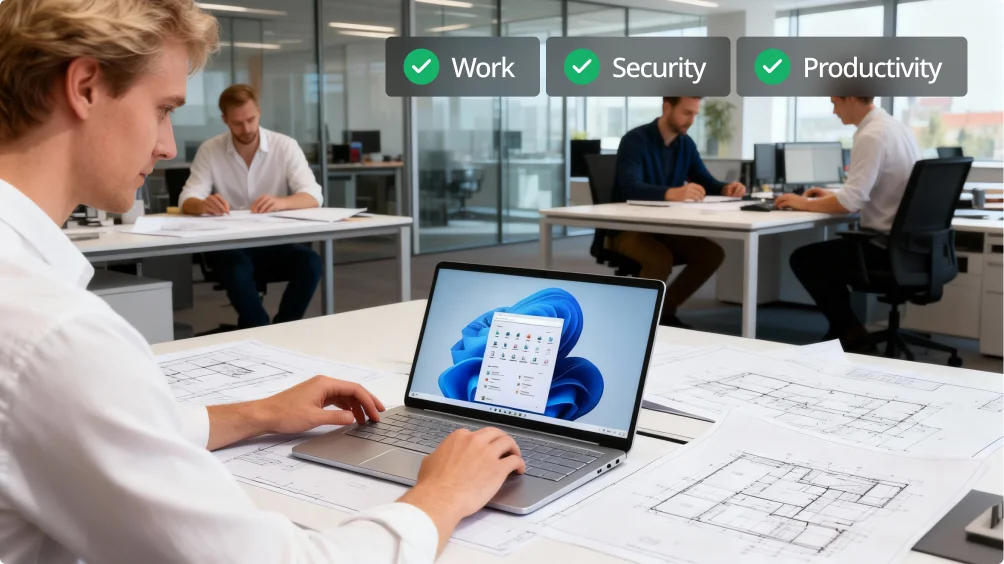
A man works on a laptop displaying Windows 11 at a desk covered with architectural drawings, while two colleagues work in the background. Three icons read “Work,” “Security,” and “Productivity” above them.

Why Windows 11 is the ultimate upgrade for work, security, and productivity

Windows 11 isn’t just a new version – it’s a completely new take on how an operating system should work. Whether you’re a professional, student, or business user, Windows 11 delivers a faster, smarter, and more secure experience. Why is buying Windows 11 one of the best decisions you can make? Here are five compelling reasons you shouldn’t ignore.

1. A more intuitive and modern interface

A focused, distraction-free design is one of the hallmarks of Windows 11. Where does it start?

  • The Start menu is now centered on the screen.
  • Windows feature soft, rounded corners for a modern look.
  • Working across apps is seamless thanks to Snap Layouts and Virtual Desktops, which let you organize multiple applications effortlessly for a clean and efficient experience.
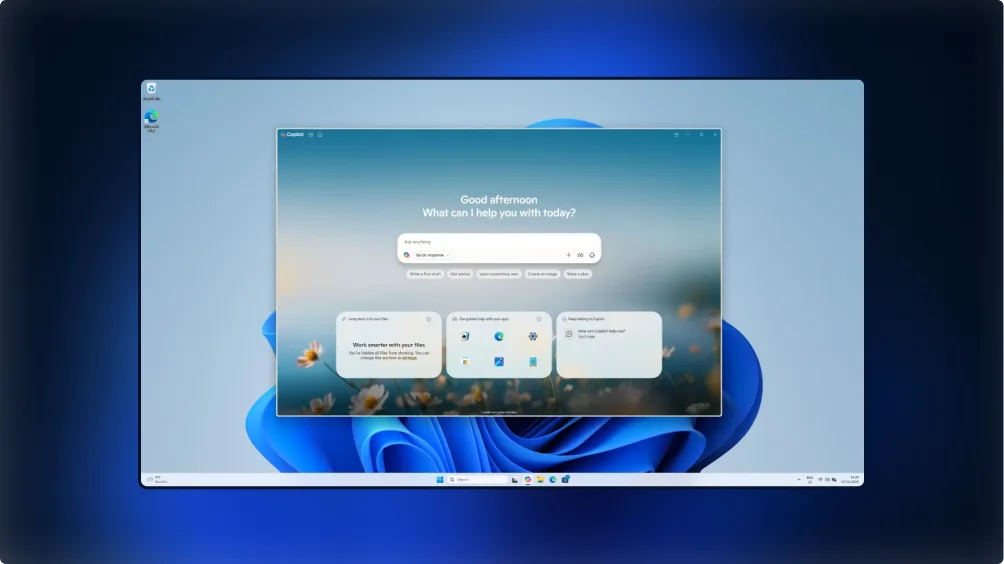
A computer screen displays Windows 11 with an open Copilot AI assistant window in the center, showing a greeting, a search bar, and several option cards, all set against a blue abstract wallpaper background.
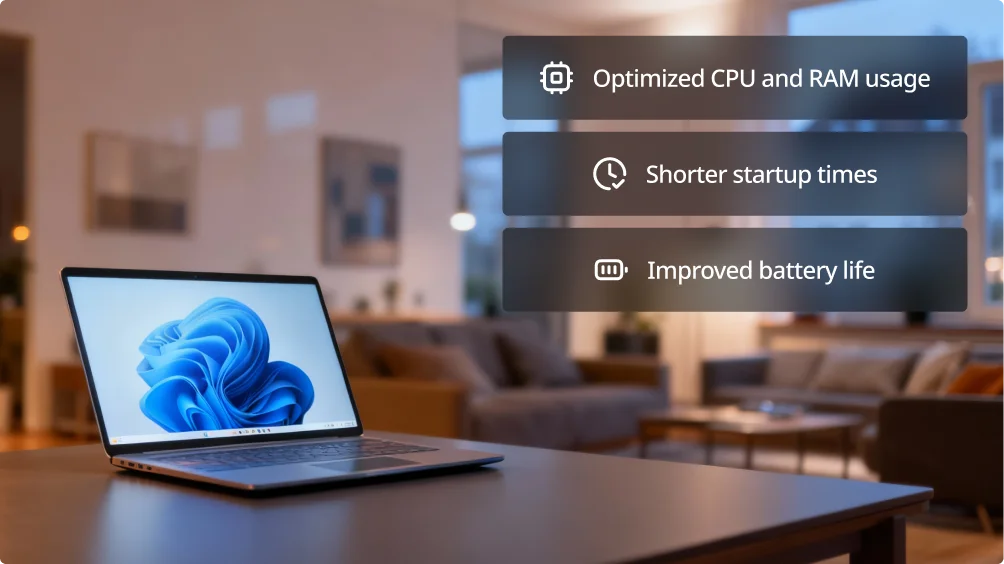
A laptop with a Windows 11 screen sits on a table in a cozy living room. On the right, text highlights features: optimized CPU and RAM usage, shorter startup times, and improved battery life.

2. Faster and smoother performance

An upgrade should first and foremost deliver better performance – and that’s exactly what Windows 11 is designed to do:

  • Optimized use of CPU and RAM so your system runs more efficiently.
  • Shorter startup times, so you spend less time waiting for your PC to boot.
  • Improved battery life for laptops thanks to intelligent power management.

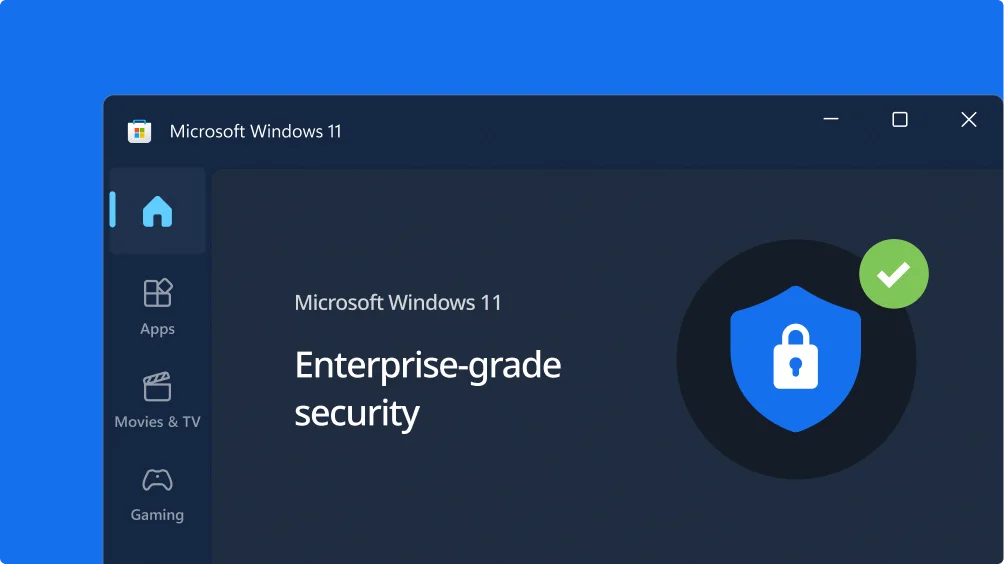
3. Enterprise-grade security for complete protection

With built-in protection that helps shield your data from cyber threats, Windows 11 takes security to a new level.

  • Encryption and malware protection are significantly enhanced through TPM 2.0 and Secure Boot.
  • BitLocker encryption (available in Windows 11 Pro) helps keep your sensitive files secure at all times.
  • With Windows Hello, you can sign in using facial recognition or a fingerprint scan – no password required.
A screenshot of Microsoft Windows 11 interface highlighting Enterprise-grade security with a shield and padlock icon and a green check mark on a dark background. The sidebar shows icons for Home, Apps, Movies & TV, and Gaming.
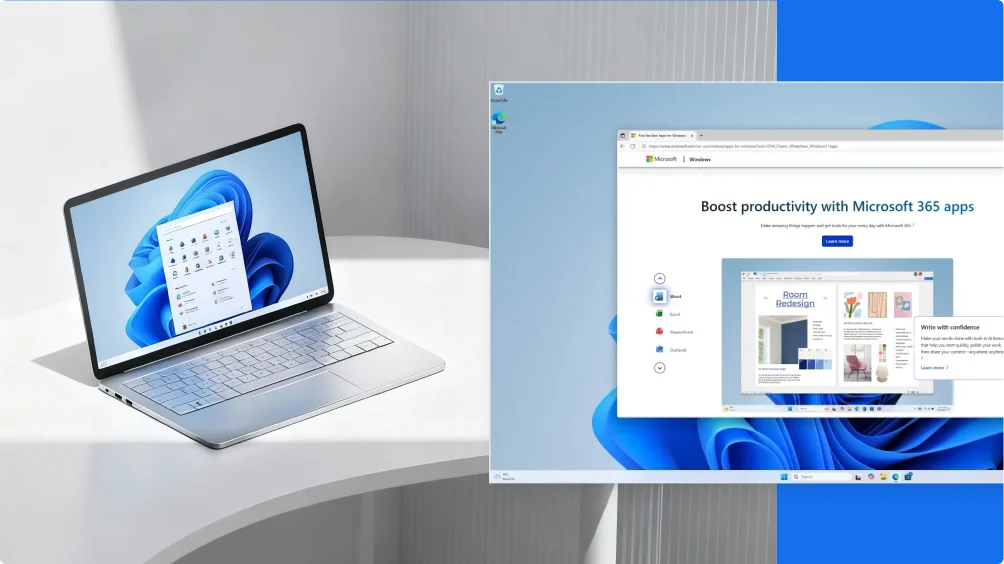
A silver laptop displaying the Windows 11 start menu sits on a white curved table; next to it is a digital screenshot showing a Microsoft 365 productivity webpage on the Windows 11 desktop.

4. Effortless collaboration with Microsoft tools

Virtual meetings, chats, and calls with Microsoft Teams are easier than ever on Windows 11. Accessing your files from anywhere is simple, with OneDrive automatically syncing your cloud-based data with your PC.

5. Built for the future of work and innovation

The modern world of work demands flexibility and adaptability – and that’s exactly what makes Windows 11 an ideal platform for professionals.

  • Productivity features powered by artificial intelligence help you work more smoothly.
  • Improved compatibility with remote access technologies and hybrid work environments.
  • Optimized for use across multiple device types, delivering a seamless experience from desktop to laptop and tablet.
  • Whether you’re upgrading from Windows 10 to Windows 11 or choosing a new operating system, buying a genuine Windows 11 license gives you a much more productive working environment.
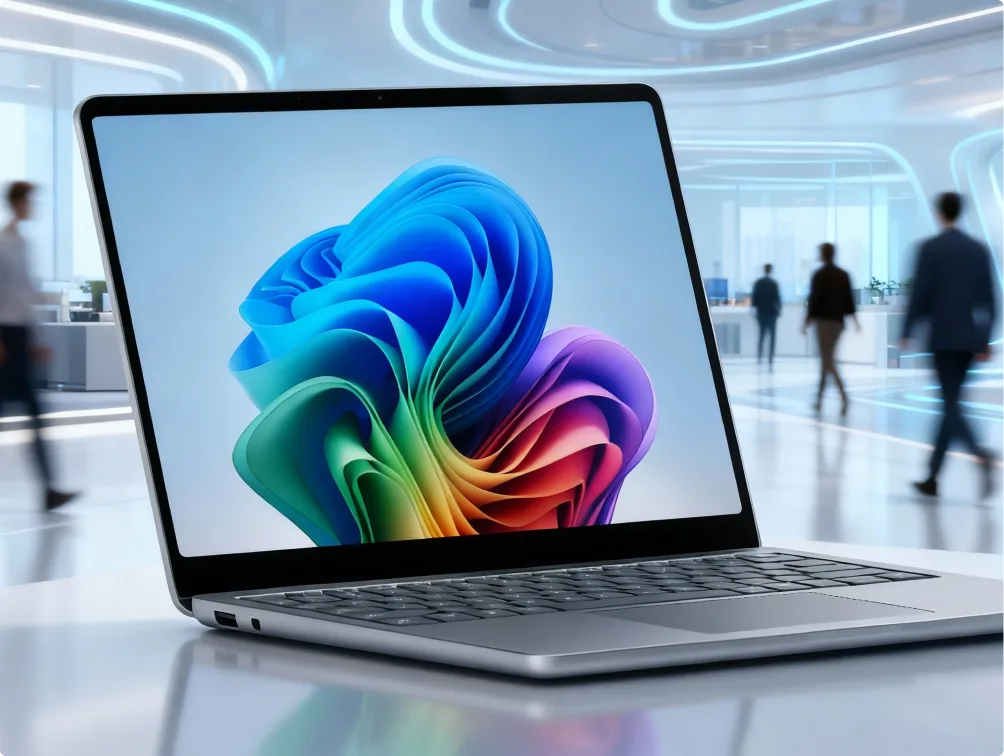
A sleek laptop displaying a colorful abstract wallpaper is open on a desk in a modern, futuristic office with people walking in the blurred background.
The image shows the word keyfy in bold black letters next to an abstract logo of two overlapping, tilted squares, one outlined and one solid, on a light background.

Windows 11 editions compared: Which one is right for you?

Windows 11 is available in several editions tailored to different types of users. Explore your options and buy Windows 11 at a great price based on your specific needs.

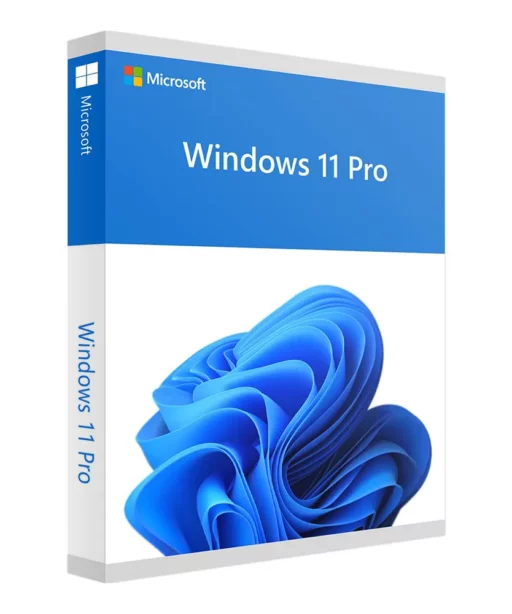
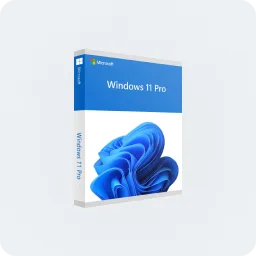
A retail box for Microsoft Windows 11 Pro, featuring a blue abstract design on the front and the Windows 11 Pro logo at the top, displayed against a light gray background.

Designed for professionals and businesses that need advanced security and management tools.

  • BitLocker encryption and enhanced remote-work features.
  • Remote Desktop access for both business and personal use.

Ideal for: Entrepreneurs, remote workers, and companies.

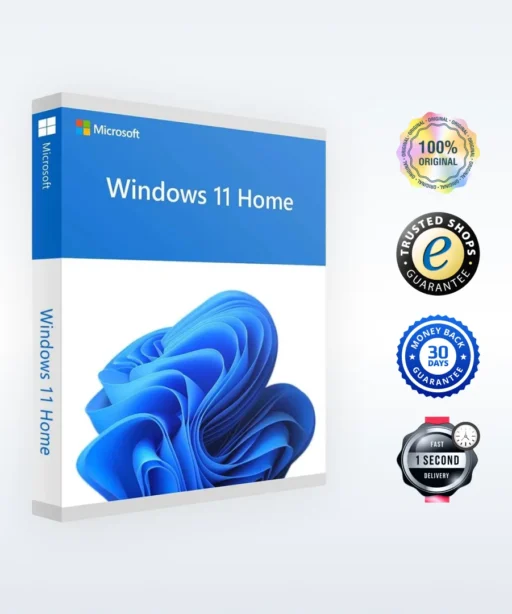
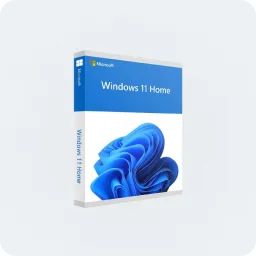
A retail box of Microsoft Windows 11 Home is shown. The box features the Windows 11 logo, a blue abstract design, and the product name on a white and blue background.

The ideal choice for everyday users.

  • Intuitive interface with Snap Layouts and Virtual Desktops.
  • Seamless integration with Microsoft Teams and OneDrive.

Ideal for: Home users, students, and everyday tasks.

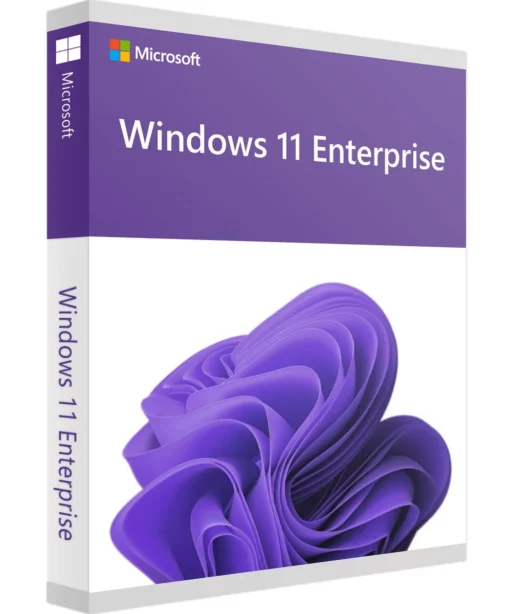
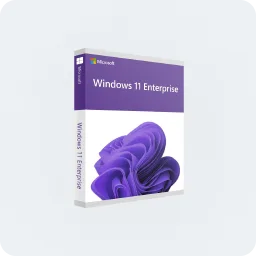
A retail box of Microsoft Windows 11 Enterprise, featuring a purple-themed design with the Windows 11 logo and text on the front.

An enterprise-ready edition with advanced privacy and IT management features.

  • AppLocker and Group Policy for centralized IT management.
  • Secure remote access with Windows Information Protection.

Ideal for: Large companies and organizations.

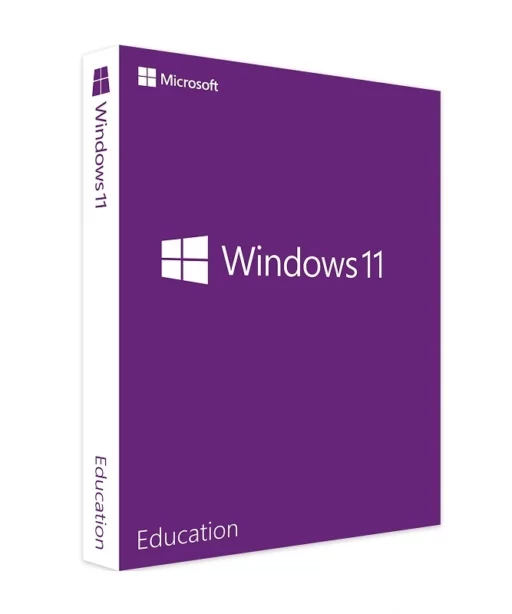
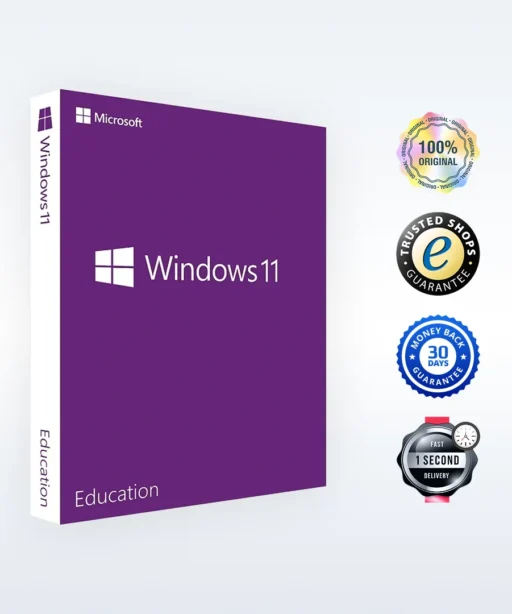
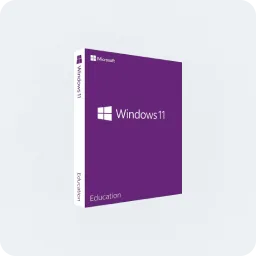
A purple retail box for Windows 11 Education edition by Microsoft, featuring the Windows logo and branding on the front and spine, set against a light gray background.

Optimized for learning environments.

  • Built-in security features to help protect student and teacher data.
  • Cloud-based collaboration tools for more effective learning.

Ideal for: Schools, universities, and educators.

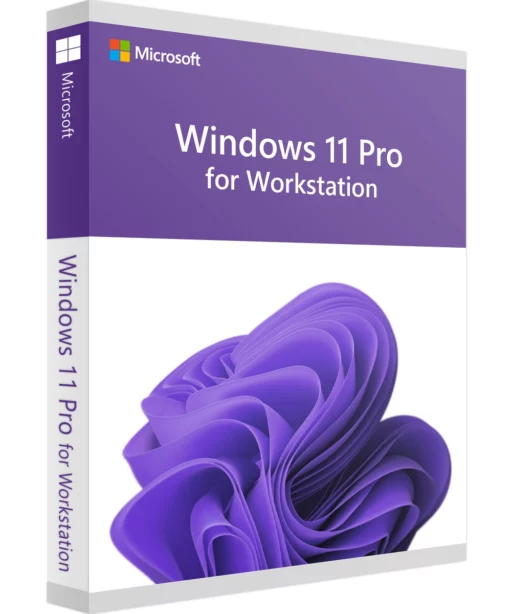
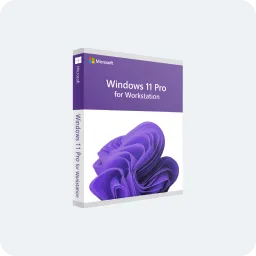
Box for Microsoft Windows 11 Pro for Workstations, featuring a purple design with the Windows 11 logo and branding on the front.

Built for heavy workloads and high-performance machines.

  • Support for server-grade hardware and multi-core processors.
  • ReFS (Resilient File System) for advanced data storage.

Ideal for: Engineers, developers, and users with demanding performance needs.

Not sure which edition is right for you? Visit our Windows 11 blog section for detailed guides.

Windows 11 system requirements

Before you buy a genuine Microsoft Windows 11 license, make sure your PC meets the system requirements.

  • Processor: 1 GHz or faster, with at least 2 cores (64-bit processor).
  • RAM: At least 4 GB (8 GB or more recommended for optimal performance).
  • Storage: At least 64 GB of free storage space.
  • Graphics card: DirectX 12 compatible graphics card.
  • TPM 2.0: Required for enhanced security and encryption.
A laptop with a Windows 11 wallpaper is open on a table in a modern, brightly lit living room with large windows, plants, and contemporary furniture in the background.

FAQ

  • 100% genuine Windows 11 licenses – sourced directly from trusted Microsoft partners for guaranteed legal activation.
  • Buy Windows 11 at a great price – competitive pricing on all editions so you can upgrade cost-effectively.
  • Instant digital delivery – your Windows 11 license key is sent immediately via email, including activation instructions.
  • Reliable customer service – our team is available Monday to Sunday, 8:00 AM – 8:00 PM, to help with installation, activation, and troubleshooting.
  • TrustedShops buyer protection – every purchase is covered by a €20,000 Trusted Shops guarantee for a safe, worry-free transaction.

Windows 11 is only available as a 64-bit operating system, which means it supports modern applications and improved performance. Older 32-bit software may require compatibility mode. Choose 64-bit Windows 11 to avoid limitations.

  • Install Windows 11 on your device.
  • Enter the Windows 11 license key you received by email.
  • Follow our activation guide to complete setup quickly.
You can buy Windows 11 directly from Keyfy at a great price. No resellers, no middlemen – just legal Windows 11 licenses at the best possible rate. That’s why our keys are not only 100% legitimate, but also among the most affordable options. Explore our Windows 11 editions.
Yes, as long as your device meets the Windows 11 system requirements. Check our Windows 11 upgrade guide for more details.
  • Credit/debit cards (Visa, Mastercard)
  • PayPal
  • Google Pay & Apple Pay
  • Klarna (buy now, pay later)
  • Bank transfer