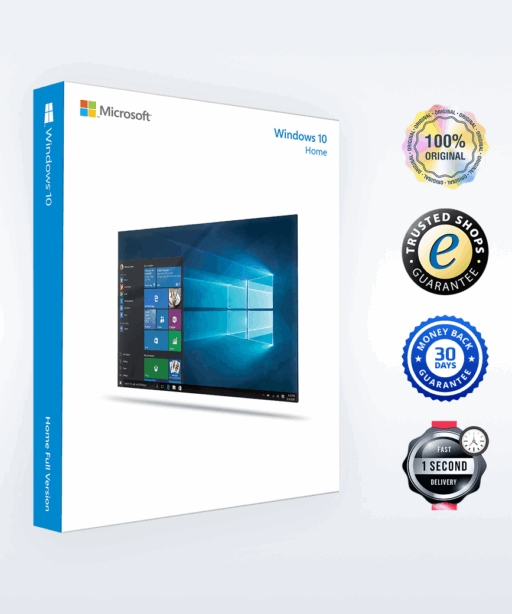


Product Badge

Windows 11 Home

Delivery in 1 Sec.
Quick E-Mail Delivery

(153 Reviews)

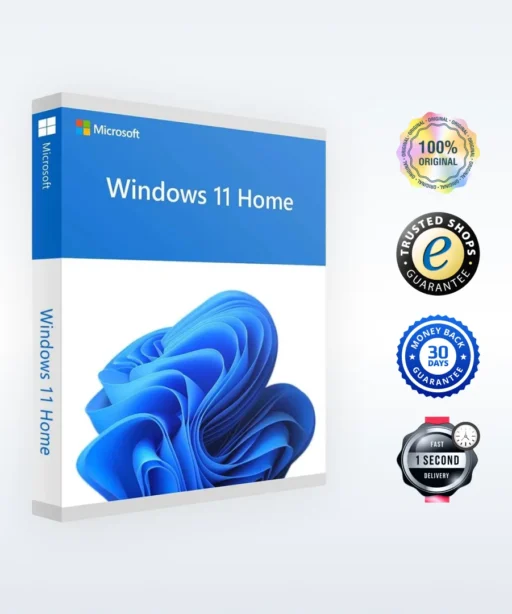
With the Windows 11 Home license, you can activate Windows 11 Home on your PC. Buy now and we will send your Windows 11 Home key to you immediately by email. This is a one-time license, and the activation key is valid for installation on one PC only.

Authentic Licenses
Invoice
Money Back Guarantee
Customer Support 24/7

Do you need
Windows 11 Professional? Go to Pro-Version >

Multi-discount:
4x or more — $16.91

$19.89
$115.00
(VAT included)
You Save:
$95.11
Discount:
83%

Payment & Security
paypal icon apple pay icon google pay icon klarna icon sepa icon ideal icon sofort icon visa icon mastercard icon maestro icon deutsche bank icon Volksbank icon CBK icon Sparkasse icon Postbank icon giropay icon

Your payment is processed exclusively via encrypted SSL connections. Keyfy does not store or see any credit or bank details.

Secure Payment Methods
Brand 1 Brand 2 Brand 3 Brand 4 Brand 5 Brand 6
Four people in business attire gather around a laptop in a modern office, collaborating and smiling as they discuss work. Large windows and bright natural light fill the space.

Customer Reviews

Learn firsthand how our customers benefit from our products.

Windows 11 Home – The Modern Operating System for Everyday Use

Upgrade to Windows 11 Home – Microsoft’s latest operating system, designed for speed, security, and a seamless user experience. Whether you’re a student, professional, or everyday user, Windows 11 Home offers an intuitive interface, advanced multitasking tools, and built-in security features to boost your productivity. With lifetime validity, this is the first and last Windows 11 Home license key you’ll ever need.

With a Windows 11 Home license, you can activate Windows 11 Home on your PC instantly. Buy now and either redeem your license directly on the website or receive your Windows 11 Home key immediately by email. This one-time license is valid for installation on one PC and can be activated worldwide – a versatile and cost-effective solution for both home and office use.

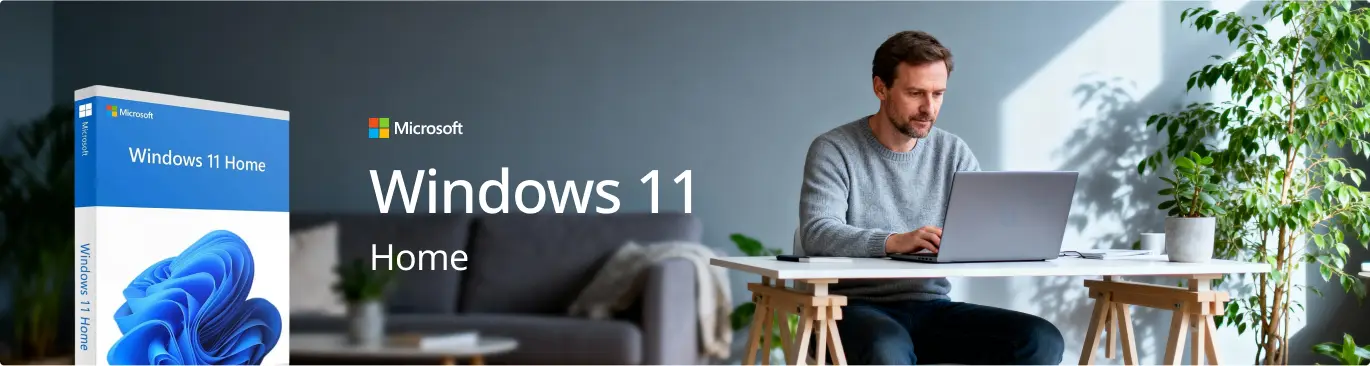
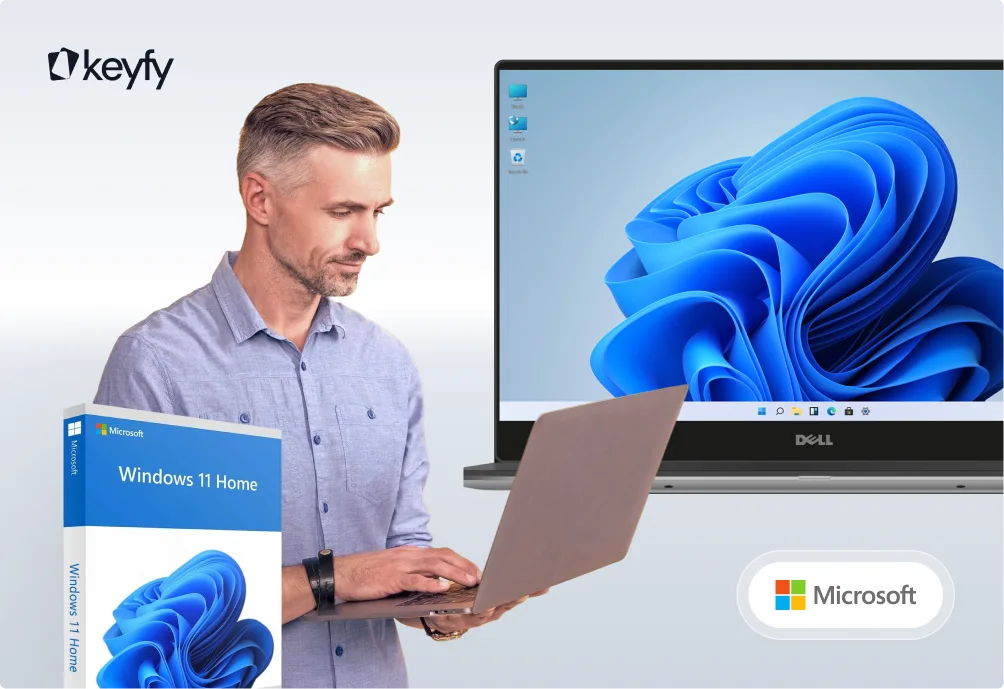
A man sits at a table using a laptop in a bright, modern room with plants. To the left, a Windows 11 Home software box and the text Microsoft Windows 11 Home are displayed.
The image shows the word keyfy in bold black letters next to an abstract logo of two overlapping, tilted squares, one outlined and one solid, on a light background.

Windows 11 Home vs. Windows 11 Pro – What Are the Differences?

Trying to decide between Windows 11 Home and Windows 11 Pro? Here’s a detailed feature comparison to help you make the right choice:

Category Windows 11 Home Windows 11 Pro
Best suited for Private users, students, casual workers Business customers, IT professionals, advanced security requirements
User interface Simplified, modern interface with a centered Start menu Same as in the Home version
Windows Defender Security ✅ Yes ✅ Yes
OneDrive Cloud Syncing ✅ Yes ✅ Yes
Microsoft Teams Integration ✅ Yes ✅ Yes
AutoHDR & DirectStorage (Gaming Features) ✅ Yes ✅ Yes
Maximum RAM Support 128GB 2TB
Windows Update for Business ❌ No ✅ Yes

For everyday use, gaming, and personal needs, you should purchase a Windows 11 Home license. However, if you require business-level security, Remote Desktop functionality, and advanced tools, Windows 11 Pro is the better choice.

If you’d like a detailed breakdown of the differences, check out our comparison article Windows 11 Pro vs. Home for a complete side-by-side overview.

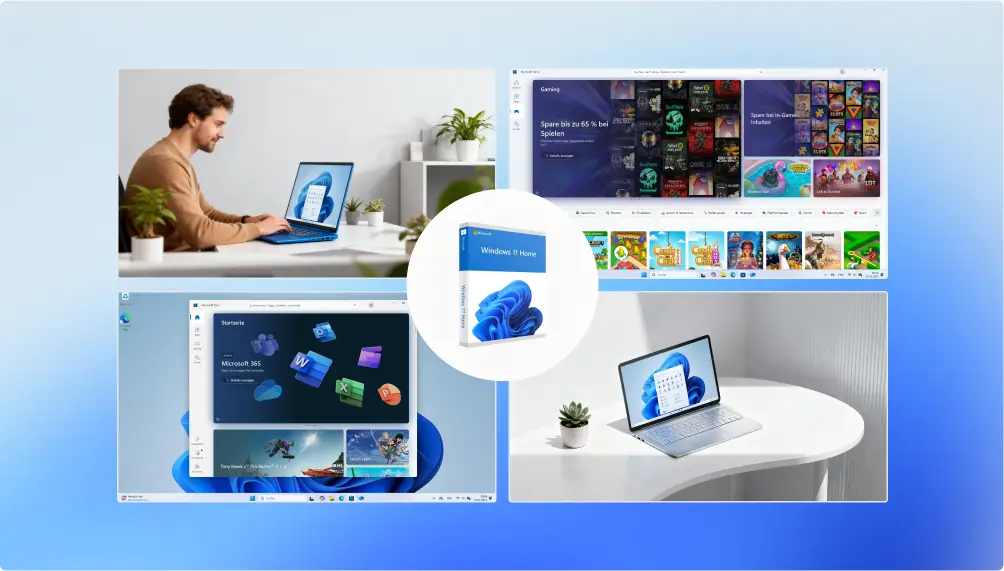
A collage showing people using Windows laptops, with screenshots of the Windows 11 interface, gaming apps, and productivity tools on different screens, all against a blue gradient background.

What Is Windows 11 Home?

The Windows 11 Home license gives you access to the consumer version of Microsoft’s Windows 11 operating system, designed specifically for personal use. It features a modern, visually appealing interface along with tools such as the centered Start menu, Snap Layouts, and improved multitasking capabilities. When you buy Windows 11 Home, you benefit from an operating system optimized for everyday tasks, entertainment, and casual gaming – a user-friendly and powerful solution for individual users.

The image shows the word keyfy in bold black letters next to an abstract logo of two overlapping, tilted squares, one outlined and one solid, on a light background.

How to Receive Your License Key

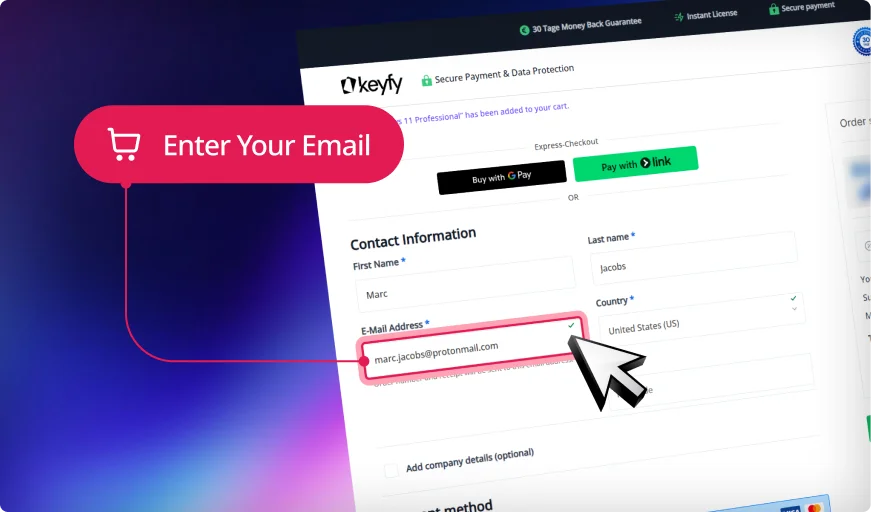
A website checkout form asks for customer information. A pink pop-up with a shopping cart icon points to the email address field, highlighting it with the text Enter Your Email. The background features a purple gradient.

Step 1: Enter Correct Email

We will securely send your product key, download link, and activation instructions. An invoice for your purchase will also be included.

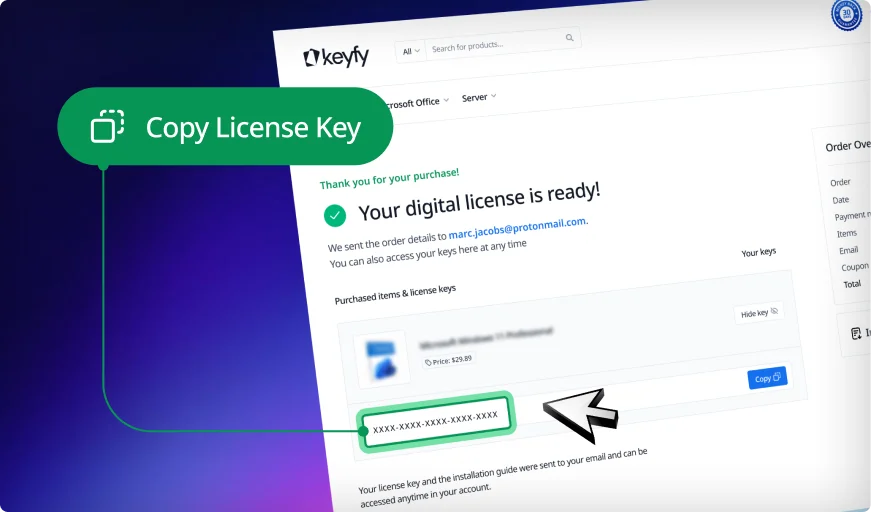
A computer screen displays an email from Keyfy with the subject Your digital license is ready. A green popup with an arrow points to a license key and says, Copy License Key.

Step 2: Instantly Access Your Key

Your license key appears instantly on the thank you page and in your account. You can download and install the software right away.

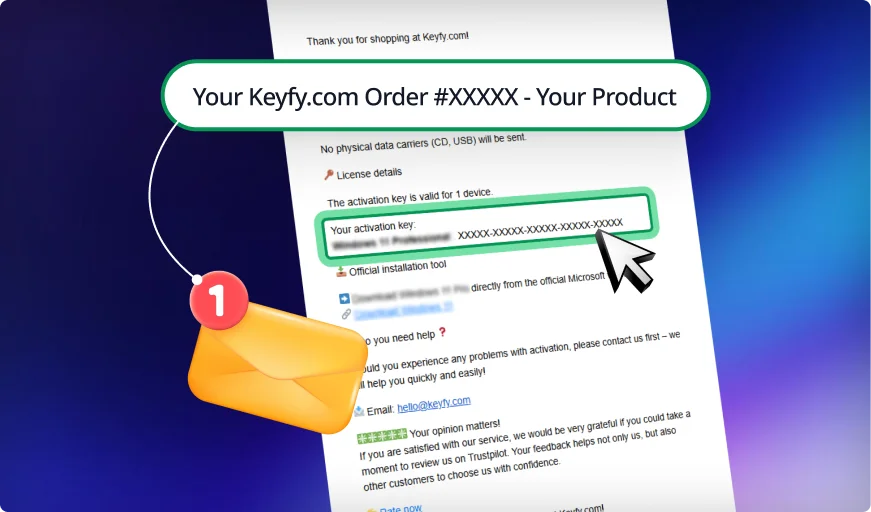
A confirmation email from Keyfy.com displays an order summary with an activation key, a yellow envelope icon, and a notification badge on a blue and purple gradient background.

Step 3: Check Your Inbox

We also email the key and instructions for safekeeping. This ensures you always have a secure backup copy in your inbox.

The image shows the word keyfy in bold black letters next to an abstract logo of two overlapping, tilted squares, one outlined and one solid, on a light background.

Benefits of Microsoft Windows 11 Home

What does Windows 11 Home include?

A blue icon with a user profile symbol, three dots in a vertical line, a rectangle, and a magnifying glass, suggesting user search or profile management on a white background.

Modern user interface

With the Windows 11 Home license, you get an operating system featuring a modern and visually appealing interface, a centered Start menu, and new design elements that make the user experience more intuitive.

Two blue horizontal rectangles, each with a white checkmark icon and a white horizontal line next to it, symbolizing checklists or completed tasks, on a white background.

Improved multitasking

Features like Snap Layouts and Snap Groups make it easy to organize open apps and windows, helping you work more efficiently.

Blue video game controller icon with a wavy cord on a white background.

Better gaming experience

Windows 11 Home supports DirectX 12 Ultimate and offers improved gaming performance – a major advantage for gamers.

A blue Windows logo with four panes, centered on a white background with rounded corners.

Microsoft 365 integration

Windows 11 Home is seamlessly integrated with Microsoft 365, providing access to essential productivity apps like Word and Excel. Alternatively, you can add Microsoft Office 2021 Pro Plus to unlock all the important tools for study and work.

A blue gear icon with a white circle and blue check mark in the center, displayed on a white background.

Easy to set up and use

Setting up Windows 11 Home is simple, and most basic tasks can be performed without any advanced technical knowledge.

A blue shield icon with a white padlock in the center, symbolizing security or protection, on a white background.

Enhanced security features

Windows 11 Home includes security improvements such as Windows Defender Antivirus and SmartScreen to protect users from malware and phishing attacks.

A blue icon of a web browser window with two circular arrows forming a loop, representing the refresh or reload function.

Continuous updates

Microsoft regularly provides updates for Windows 11 Home to improve performance, patch security vulnerabilities, and introduce new features.

A blue cloud icon with two circular arrows in the center, representing cloud syncing or data synchronization, on a white background.

Microsoft software download & cloud syncing

Integrated OneDrive support allows easy access to your files from anywhere.

The image shows the word keyfy in bold black letters next to an abstract logo of two overlapping, tilted squares, one outlined and one solid, on a light background.

Windows 11 Home License Key – Best Price & Instant Activation

At Keyfy, we offer genuine Microsoft Windows 11 Home licenses sourced directly from official Microsoft partners. No third-party sellers, no middlemen – just authentic licenses at the best price.

A man using a laptop stands next to a large screen displaying the Windows 11 desktop. A Windows 11 Home software box and Microsoft logo are also visible, with the Keyfy logo in the top left corner.
  • 100% genuine Windows 11 licenses, sourced directly from trusted Microsoft partners, with guaranteed legal activation.
  • Buy Windows 11 at a great price thanks to competitive pricing across all editions, making your upgrade cost-effective.
  • Instant digital delivery — you can redeem your Windows 11 license key directly on the website or receive it immediately by email, including activation instructions.
  • Reliable customer support, available Monday to Sunday from 8:00 to 20:00, to help with installation, activation, and troubleshooting.
  • TrustedShops buyer protection — every purchase is covered by a €20,000 TrustedShops guarantee, ensuring a safe and worry-free transaction.

Buy Windows 11 Home now and enjoy a modern, smooth, and seamless computing experience.

The image shows the word keyfy in bold, modern black font, next to an abstract, overlapping geometric logo with gradient colors transitioning from blue to green.

Your Trusted Partner for Official Software Licenses

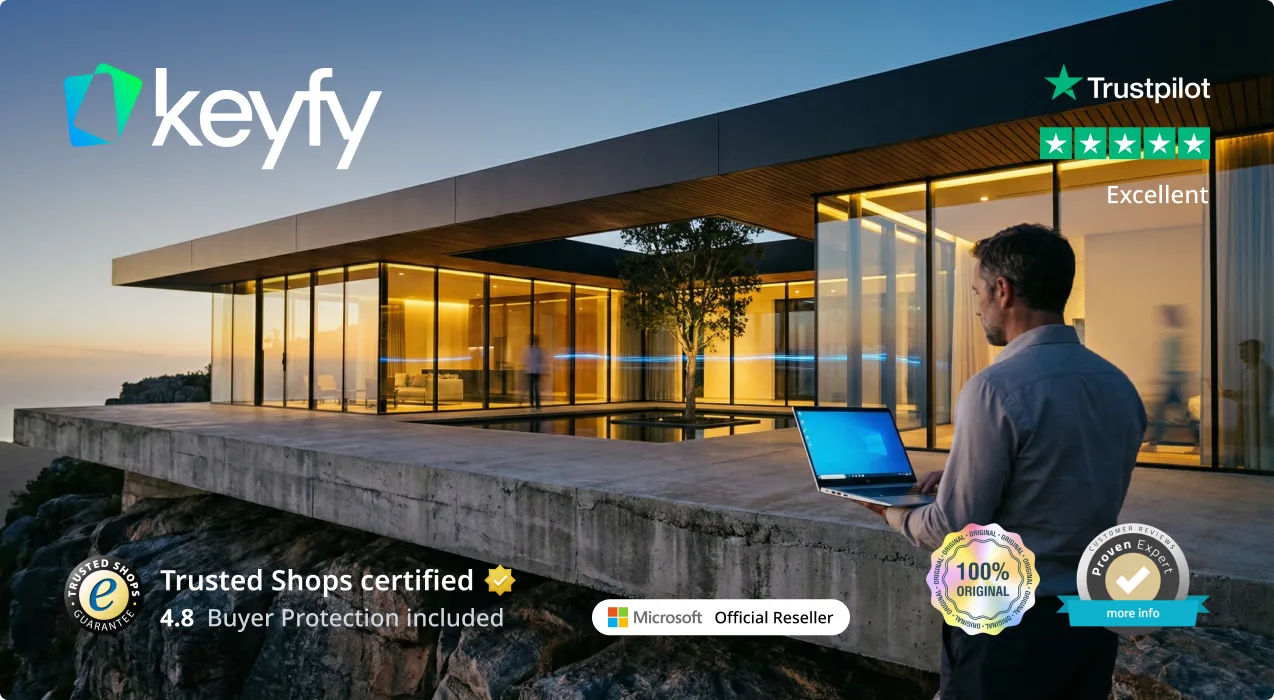
A person holding a laptop stands outside a modern glass building at sunset. Various trust badges, including Trustpilot, Trusted Shops, Microsoft Reseller, and seals of authenticity, are overlaid with the Keyfy logo.

Secure and Verified: Software
Licenses with Top Ratings

Trusted by 300,000+ Customers. With a 4.8/5 star rating and thousands of verified reviews on Trustpilot, ProvenExpert, and Trusted Shops, your security is our priority. As an official reseller, we provide exclusively 100% audit-compliant and verified original licenses.

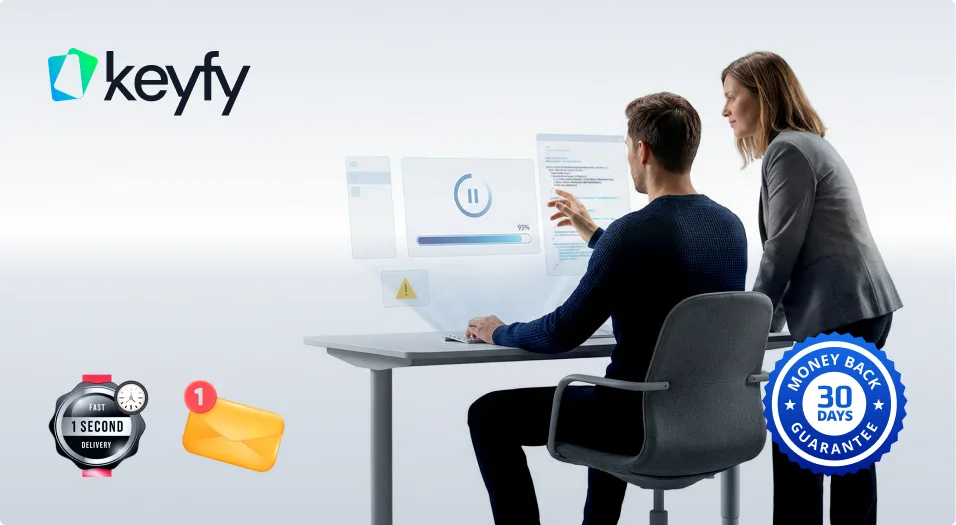
1-Second Lightning Delivery
& 30-Day Guarantee

Why wait? Get your digital license immediately on your screen after purchase and via email in exactly 1 second. No wait times, no delays. We stand by our service with a 30-day money-back guarantee, ensuring a 100% risk-free purchase for every single customer.

Two people interact with futuristic digital screens at a desk. The Keyfy logo is on the top left, while icons for fast delivery, an email notification, and a 30-day money-back guarantee badge appear on the right.
A man with curly hair and glasses works on a laptop in a modern office. He wears an Okefy hoodie. Icons highlight top-rated service, fast expert help, and over 300,000 customers. Other people work in the background.

Lifetime License Validity
& 24/7 Expert Support

Your license is yours forever—no hidden fees, no recurring subscriptions, and no expiration. If you ever need help with installation or activation, our English-speaking technical support team is available 24/7 to ensure your software is running perfectly.

Pay Your Way &
Get a Full VAT Invoice

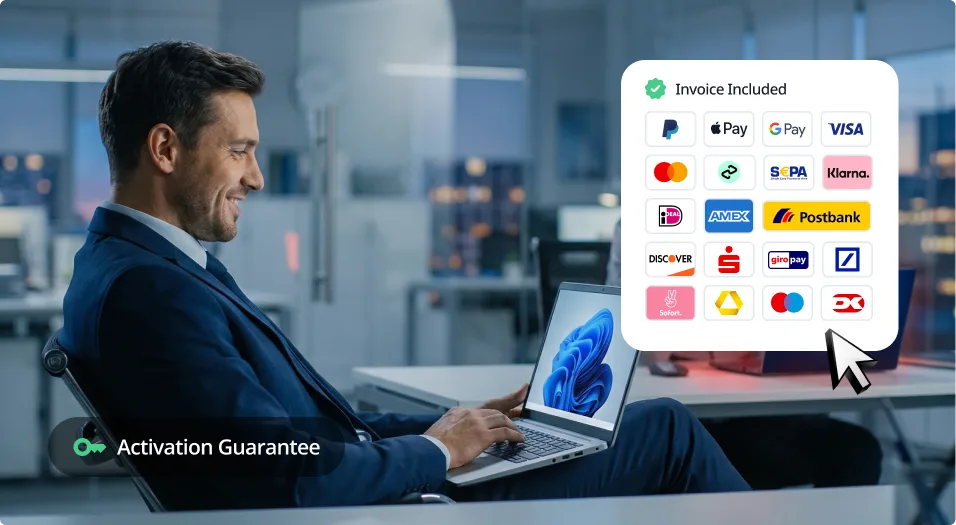
We support all major payment methods, including Klarna, PayPal, and German bank transfers. Every order automatically generates a professional VAT invoice for your company's accounting. Seamless, secure, and ready for your business needs.

A smiling man in a suit uses a laptop displaying Windows 11. Nearby, icons for various payment methods and banks appear on screen, with a cursor pointing to them. Text reads “Activation Guarantee.”.

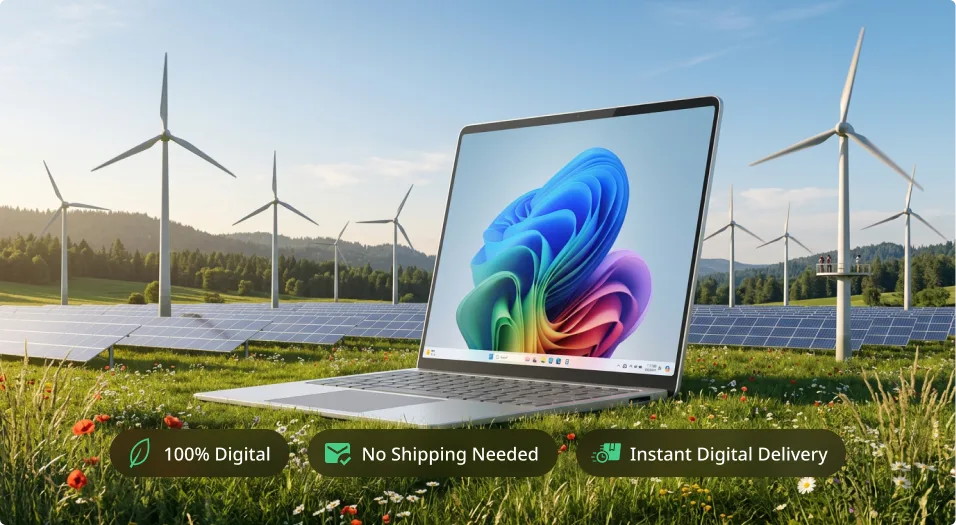
A laptop displaying a colorful screen sits on grass in front of wind turbines and solar panels. Three icons below read: 100% Digital, No Shipping Needed, and Instant Digital Delivery.

Eco-Friendly Choice

We are committed to a greener future. By choosing digital delivery, you help us stay CO₂ neutral and save the planet—learn more on our sustainability page.

State-of-the-Art Security & Data Encryption

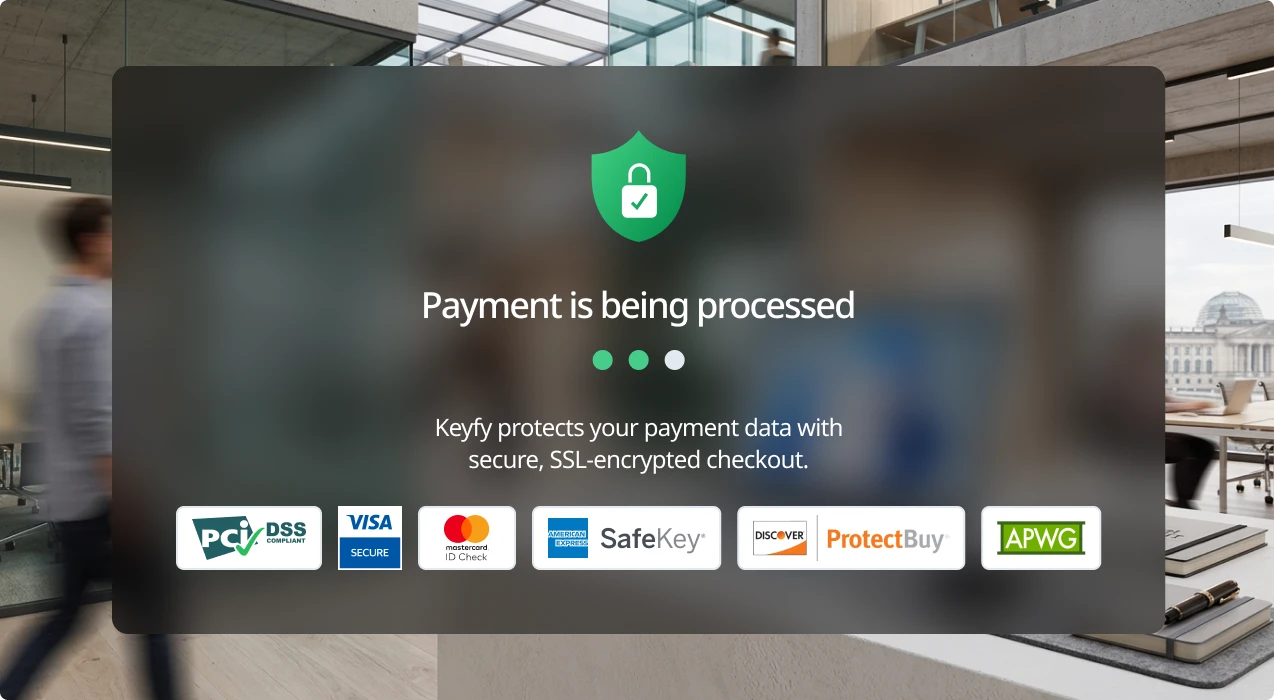
Your privacy is our highest priority. We utilize advanced SSL-encryption and the latest security layer technologies to protect your personal data and licenses from end to end. As a PCI DSS compliant provider, we guarantee that every transaction meets the highest international security standards, ensuring your information stays 100% private and secure.

A payment processing screen shows a green shield icon with a lock and the message Payment is being processed. Logos for security and payment providers appear below, with a blurred office background behind the message box.

30-Day Money-Back Guarantee

Try Keyfy software for 30 days. If it doesn't meet your expectations, you'll receive a full refund—no questions asked.

A woman sits at a desk working on a computer, with a small plant beside her monitor. A blue “30 days money back guarantee” badge is displayed in the lower right corner of the image.

Delivery

A website checkout form asks for customer information. A pink pop-up with a shopping cart icon points to the email address field, highlighting it with the text Enter Your Email. The background features a purple gradient.

Step 1: Enter Correct Email

We will securely send your product key, download link, and activation instructions. An invoice for your purchase will also be included.

A computer screen displays an email from Keyfy with the subject Your digital license is ready. A green popup with an arrow points to a license key and says, Copy License Key.

Step 2: Instantly Access Your Key

Your license key appears instantly on the thank you page and in your account. You can download and install the software right away.

A confirmation email from Keyfy.com displays an order summary with an activation key, a yellow envelope icon, and a notification badge on a blue and purple gradient background.

Step 3: Check Your Inbox

We also email the key and instructions for safekeeping. This ensures you always have a secure backup copy in your inbox.

Installation

How to install Microsoft Windows 11 Home

  1. Download Windows 11 Home using the official Microsoft software download link provided in your email.
  2. Create a bootable USB drive or mount the ISO file to start the installation.
  3. Follow the on-screen instructions and select Windows 11 Home during setup.
  4. Enter the Windows 11 Home license key when prompted.
  5. Complete the installation and activate your system using the key provided.

Need assistance purchasing Microsoft Windows 11 Home or guidance on downloading other products such as Microsoft Office?
Our support team is available Monday to Sunday, 8:00 to 20:00, to help with activation.
For more information about Windows operating systems, visit our blog section.

System Requirements

The following minimum system requirements apply to Windows 11:

  • Processor: A compatible 64-bit processor with a clock speed of at least 1 GHz and 2 or more cores.
  • Certain newer processor models are required.
  • RAM: 4 GB when using the 64-bit version.
  • Storage: 64 GB or more.
  • System firmware: UEFI with Secure Boot capability.
  • Graphics card: Must be compatible with DirectX 12 or higher and include a WDDM 2.0 driver.
  • Display: A high-resolution (720p) display with a diagonal size of 9″ or larger, and at least an 8-bit color channel.
  • Internet connection: An internet connection is required to complete the initial setup of Windows 11 Home.

FAQ

What is Windows 11 Home and who is it for?

Windows 11 Home is the standard edition of Microsoft’s latest operating system, designed for home users, students, and occasional professional users. It offers a modern interface, improved multitasking, built-in security features, and seamless integration with Microsoft apps.

Can I upgrade from Windows 10 to Windows 11?

Yes! If your PC meets the system requirements, you can purchase a Windows 11 Home license and easily upgrade from Windows 10 to Windows 11. Simply download Windows 11, enter your activation key, and follow the installation steps.

How is Windows 11 Home different from Windows 11 Pro?

Windows 11 Home is ideal for personal use, while Windows 11 Pro is designed for businesses and includes additional security and remote-access features. If you don’t need BitLocker encryption, Remote Desktop, or Group Policy management, Windows 11 Home is the best choice for you.

Is it safe to buy Windows 11 Home online?

Yes! Buy Windows 11 Home at a great price from Keyfy, where we offer 100% genuine Windows 11 Home licenses sourced directly from Microsoft partners – with no third-party sellers or hidden fees. Your purchase includes instant delivery, a secure activation key, and official Microsoft updates. And thanks to the elimination of middlemen, the price is lower, too.

Which payment methods are accepted?

We offer several secure payment options, including:

✔ Credit/debit cards (Visa, Mastercard)
✔ PayPal
✔ Google Pay & Apple Pay
✔ Klarna (Buy now, pay later)
✔ Bank transfer

Can I reinstall Windows 11 Home if I change my PC?

Yes! As long as your Windows 11 Home license key is valid and not tied to a pre-installed OEM version, you can reactivate it on a new device by repeating the same installation steps.

Join a Community Built on
Trust and Quality

We don’t compromise when it comes to customer service. At Keyfy, we work exclusively with official providers to guarantee the highest quality for every customer. And it seems our customers agree — with over 5000+ 5-star reviews. Discover why so many choose Keyfy as their #1 source for genuine software licenses.

  • Excellent
    2000+ reviews on
  • |
  • Excellent
    5000+ reviews on
  • |
  • Excellent
    50+ reviews on
  • |
  • Excellent
    2000+ reviews on
  • PreisPreis
  • PreisAuthenticity
  • DeliveryDelivery
  • Customer supportCustomer support
  • GuaranteeGuarantee
  • Security Security
  • User-friendlinessUser-friendliness
  • PreisReputation
  • InvoiceInvoice
  • Affordable and transparent – ​​no hidden fees
  • 100% original licenses, guaranteed
  • Instant digital delivery directly after purchase
  • We are addicted to 5-star reviews.
  • Full 30-day money-back guarantee
  • Platform for secure, encrypted payments
  • Simple and straightforward license activation process
  • We are addicted to 5-star reviews.
  • Invoice with VAT? Guaranteed with us!
5 Sterne Trustpilot-Bewertung4.90
Shop now
  • Brands on Ebay
  • Cheap, but you'll have to buy it again next month.
  • Uncertain – Many questionable products
  • It can take hours or days to obtain the license.
  • No consistent support – it depends on the seller.
  • A refund is practically impossible.
  • High risk from unverified sellers
  • Often unclear instructions
  • Usually sellers without a reputation
  • Good luck with that!
  • Other Websites
  • It should work.
  • Unclear authenticity, no guarantees
  • Delivery times vary, often unreliable.
  • Does not speak English and has long waiting times.
  • Refunds or guarantees are rare.
  • Unclear payment methods

  • They will probably succeed
  • It varies, some are okay.
  • Invoices are usually not available.

Related Products

-73% OFF
(93 Reviews)
Original price was: $150.00.Current price is: $39.99. VAT included
-81% OFF
(165 Reviews)
Original price was: $105.00.Current price is: $19.99. VAT included
-80% OFF
(84 Reviews)
Original price was: $149.90.Current price is: $29.89. VAT included
-72% OFF
(131 Reviews)
Original price was: $70.00.Current price is: $19.89. VAT included
-83% OFF
(153 Reviews)
Original price was: $115.00.Current price is: $19.89. VAT included
-75% OFF
(85 Reviews)
Original price was: $59.99.Current price is: $14.89. VAT included
A retail box for Windows 11 Home, featuring a blue abstract design and the Windows 11 logo on the front. The packaging displays Microsoft’s logo and Windows 11 Home branding in blue and white colors.
Windows 11 Home
$115.00 $19.89