


Alle 4 Ergebnisse anzeigen

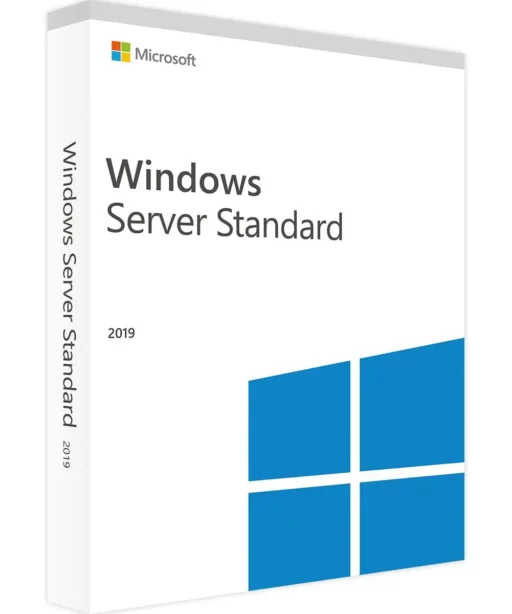
Windows Server 2019

FiltersX

Filter by
Category
Price
-60% OFF
(45 Reviews)
Original price was: €150.00.Current price is: €59.99.
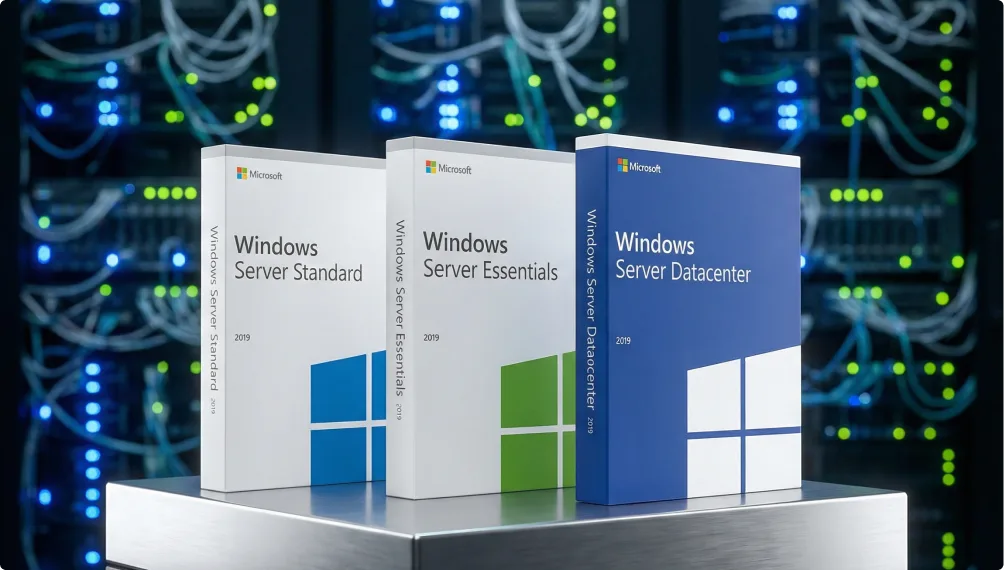
Three Microsoft Windows Server 2019 software boxes—Standard, Essentials, and Datacenter—are displayed on a metallic table, with blurred server racks and cables in the background.

Windows Server 2019 – A reliable solution for existing systems

Windows Server 2019 is still widely used because many organizations rely on software and databases built years ago—and they need a server OS that supports those systems without breaking anything. With dependable support and strong compatibility, many teams choose 2019 as a trusted, stable version.

Why many organizations buy
Windows Server 2019

The real value of Windows Server 2019 shows up in day-to-day business use:

  • Excellent compatibility with older business apps, databases, and AD domain levels
  • Familiar admin experience for IT teams—no re-training required
  • Strong performance on physical servers and in virtual environments (Hyper-V, VMware)
  • Lower risk of disruptions when your existing systems are already stable
  • Predictable, stable operations for long-term use
  • Fewer surprises in environments running custom or legacy software
  • Ongoing Microsoft support helps keep security covered
Blurry people walk through a modern office with glass walls and orange seating. The keyfy logo, featuring a blue-green geometric icon and white text, is centered in the foreground.
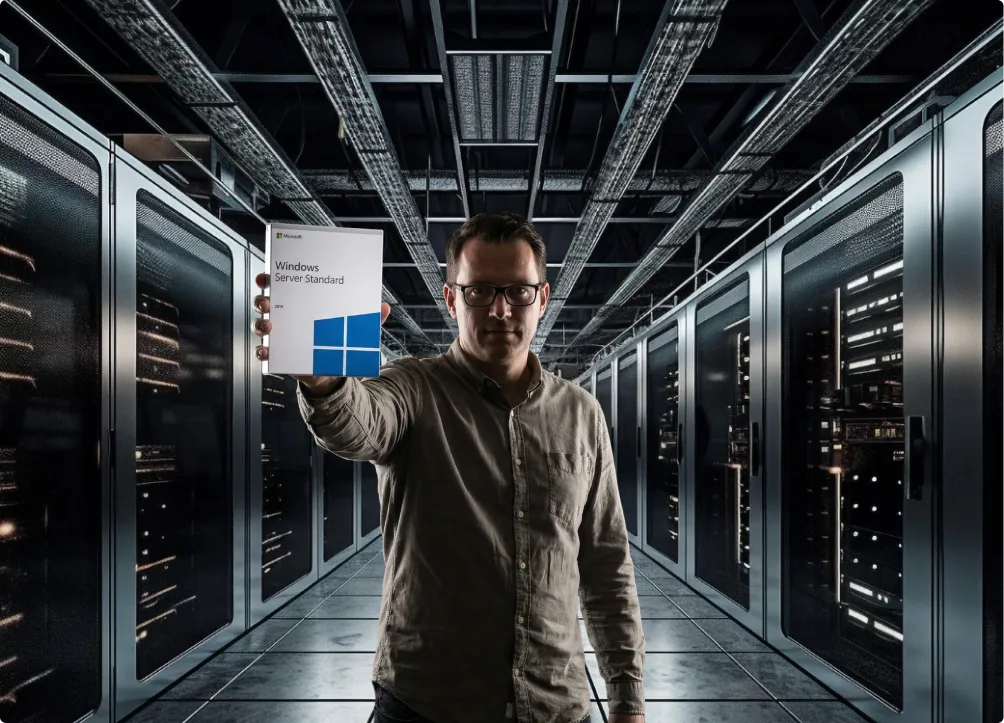
A man wearing glasses stands in a dark server room, holding a Windows Server Standard software box in front of him. Rows of server racks with glowing lights line both sides of the corridor.

Who Windows Server 2019 is best for

This edition is the right choice if your organization depends on systems that need to keep running exactly as they do today.

  • Organizations with legacy or custom-built internal systems that aren’t designed for newer Server versions
  • Teams that can’t quickly change their domain levels or Active Directory structure
  • Environments relying on CRM, accounting software, or internal tools that are sensitive to OS changes
  • Organizations that want to avoid a major IT transition that could disrupt daily work
  • Setups that need a stable file or print server and simple internal services without added complexity

If your infrastructure is built on earlier Windows Server versions, 2019 is usually the option that fits in smoothly—without introducing new issues.

Essentials, Standard, Datacenter – a clear and simple choice

Each Windows Server 2019 edition is designed for a different organization size:

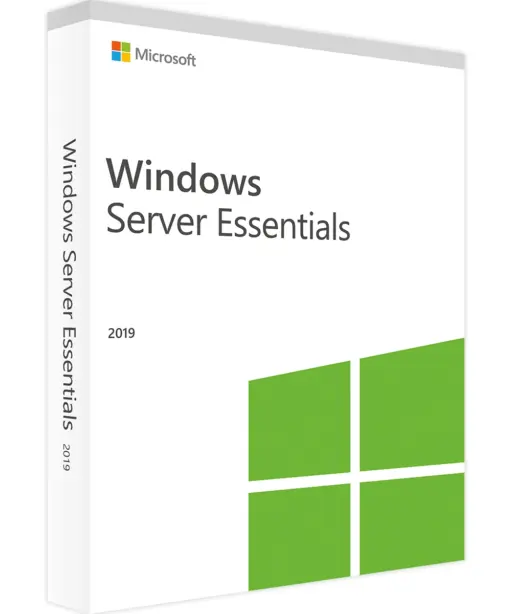
Essentials
For small businesses with one server and up to 25 users. Easy setup, no CALs required.

Standard
For organizations that need a reliable physical server and moderate virtualization (up to 2 VMs). CALs required.

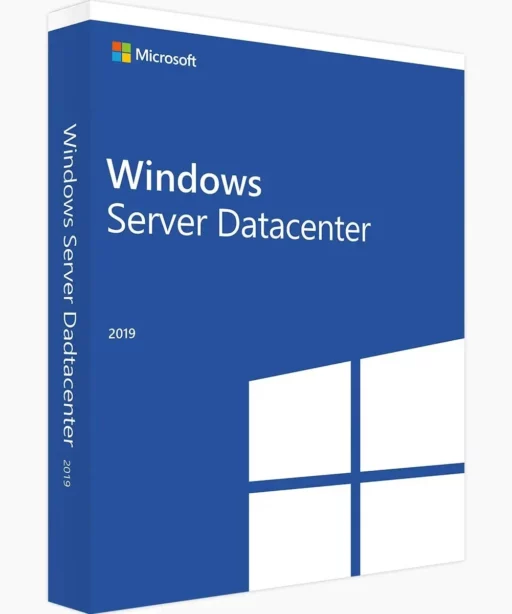
Datacenter
For heavy virtualization or larger environments. Unlimited VMs and full access to advanced features.

If you want a deeper comparison, check our latest blog post where we break down Windows Server Standard vs Datacenter in a practical, easy-to-follow way.

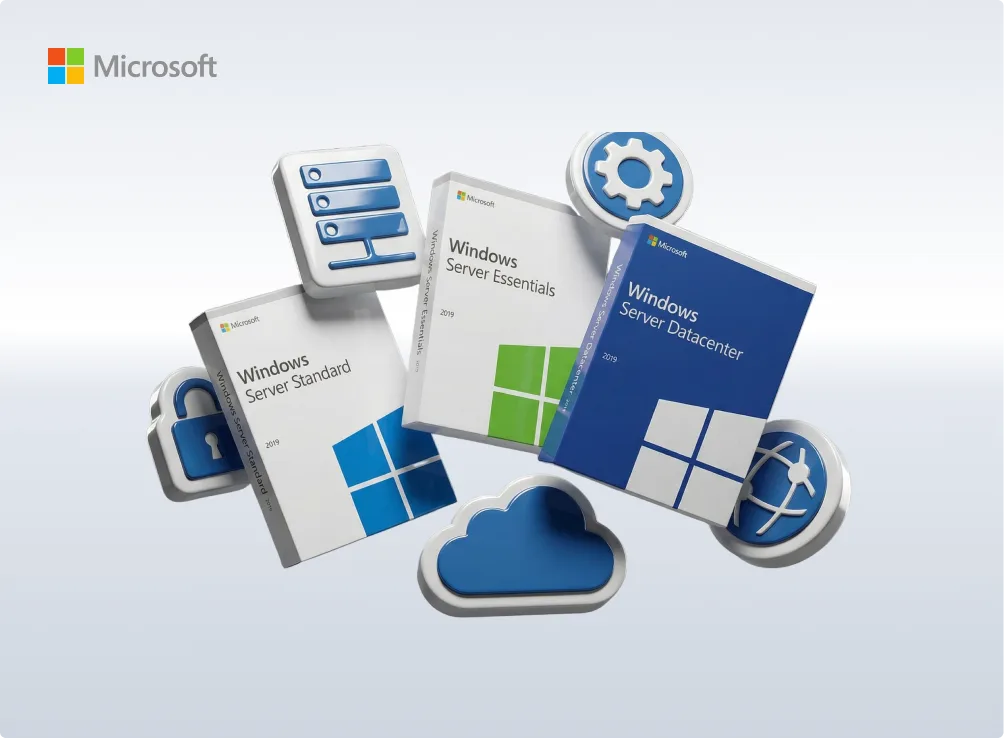
Three Microsoft product boxes—Windows Server Standard, Essentials, and Datacenter—are surrounded by cloud and server-themed icons, with the Microsoft logo in the top left corner on a light background.
Three Microsoft Windows Server software boxes (Standard, Essentials, Datacenter) are displayed on a pedestal, with glowing server racks and the keyfy logo in the background.

Why buy Windows Server 2019 at Keyfy

Buying server software online can feel risky. We keep it clear and secure:

  • Verified, original licenses – activation guaranteed
  • Instant digital delivery by email and on the thank-you page
  • Step-by-step installation guides
  • Official VAT invoice for business use
  • Real support in English and German
  • 30-day money-back guarantee
  • 70%+ returning customers
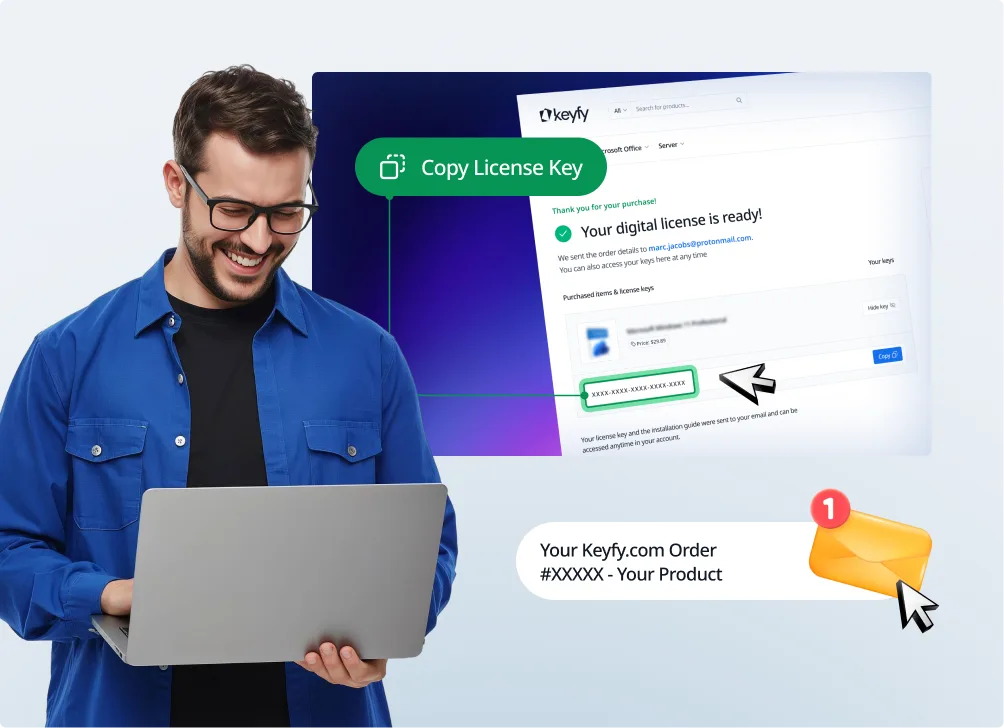
A smiling man in glasses holds a laptop. Behind him, a screen shows a digital license key being copied on a website. An email notification for an order confirmation appears in the bottom right corner.

Delivery

You’ll receive everything digitally. Your license key appears instantly on the thank-you page and is sent by email within seconds. Installation instructions and an official VAT invoice are included.

Installation

  • Download the official ISO using our link
  • Install via USB drive or virtual machine
  • Enter your license key
  • Set up your admin account and network settings

System requirements

  • CPU: 1.4 GHz 64-bit
  • RAM: at least 2 GB (8 GB recommended)
  • Storage: 32 GB or more
  • Network: Gigabit recommended
  • Firmware: UEFI with Secure Boot (recommended)

Compatible with both newer and older hardware.

FAQ

Many organizations run legacy or custom-built applications based on earlier Windows Server generations. 2019 offers high compatibility without forcing major infrastructure changes. If your current environment is stable, 2019 often creates the least disruption.

Yes. That’s one of its biggest strengths. 2019 typically works very well with older SQL databases, legacy ERP systems, accounting software, and custom in-house applications.

Most environments can upgrade without major issues. Many organizations intentionally use 2019 now and plan the switch only when their applications or AD structures are ready. 2019 buys you time without locking you in.

That depends on the edition:

  • Essentials – no CALs required
  • Standard – CALs required per user or device
  • Datacenter – CALs required
  • User CAL – one person, multiple devices
  • Device CAL – multiple people share one device

The right choice usually depends on how your team works.

Yes. Standard includes rights for up to two virtual machines. Datacenter supports unlimited VMs and is designed for heavily virtualized environments.

Yes. Microsoft still provides security updates and fixes. 2019 is not obsolete or unsafe.

Yes—Essentials supports up to 25 users and 50 devices and is intended for single-server environments.

Yes. Windows Server 2019 works in environments with newer domain controllers or mixed AD versions.

No—after activation, the license is valid permanently. No subscriptions or yearly renewals.

In most cases, yes. Retail and Volume keys can usually be activated again. OEM keys are hardware-tied, but we provide clear guidance either way. If you need help, check the activation guide in your welcome email or contact our support team.

Yes—Windows Server 2019 integrates smoothly with Windows 10 and Windows 11 environments.