


Alle 3 Ergebnisse anzeigen

Windows Server 2022

FiltersX

Filter by
Category
Price
-50% OFF
(50 Reviews)
Original price was: $199.99.Current price is: $99.99.
-67% OFF
(59 Reviews)
Original Price is: $159.99Current Price is: $79.99.
This product has multiple variants. The options may be chosen on the product page
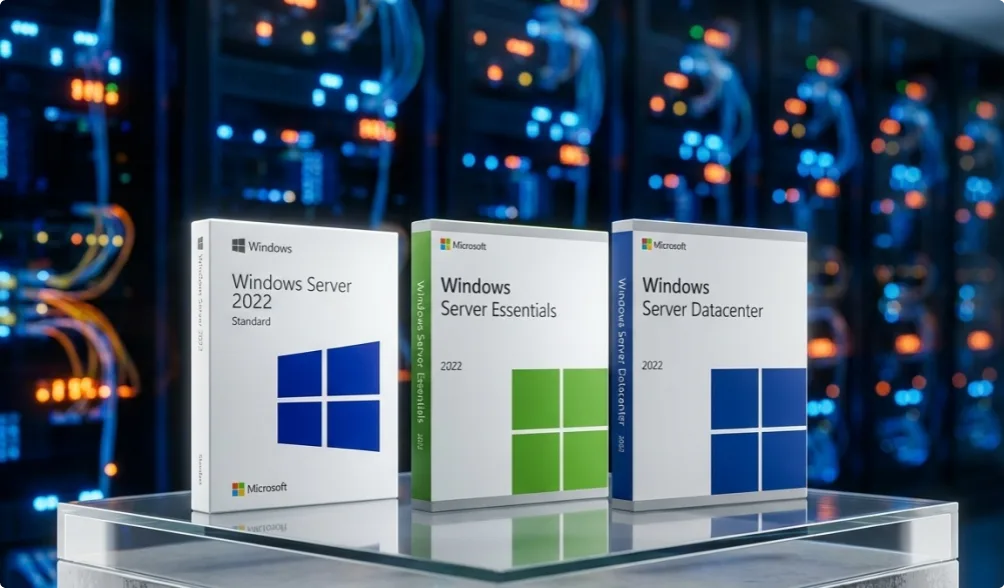
Three retail boxes of Microsoft Windows Server 2022 (Standard, Essentials, and Datacenter editions) are displayed on a glass surface, with blurred server racks and cables in the background.

Windows Server 2022 – Stable, proven, and built for day-to-day operations

Windows Server 2022 is designed for organizations that rely on their servers every day and can’t afford uncertainty. It’s a version that feels familiar, behaves predictably, and supports the systems businesses already depend on—from internal apps and user management to virtualization. Proven, secure, and widely used in real-world environments where stability matters.
Why Windows Server 2022
is still one of the best choices today

Windows Server 2022 still makes sense for many organizations because it delivers what most teams need: a well-balanced platform. It’s stable, thoroughly tested, and integrates into existing systems without forcing major changes. Here’s why it remains relevant:

  • Proven stability – one of the most widely deployed and trusted Server versions.
  • Secure, predictable environment – ideal for organizations that value reliability over experimentation.
  • High compatibility – works smoothly with older business apps, domain levels, and AD structures.
  • Built for modern workloads – handles virtualization, storage, and daily operations without unnecessary complexity.
  • Hybrid-ready – fits seamlessly into setups combining on-prem servers with Microsoft 365, Azure, or other cloud services.
  • Long-term support – backed by years of security updates and ongoing Microsoft support.
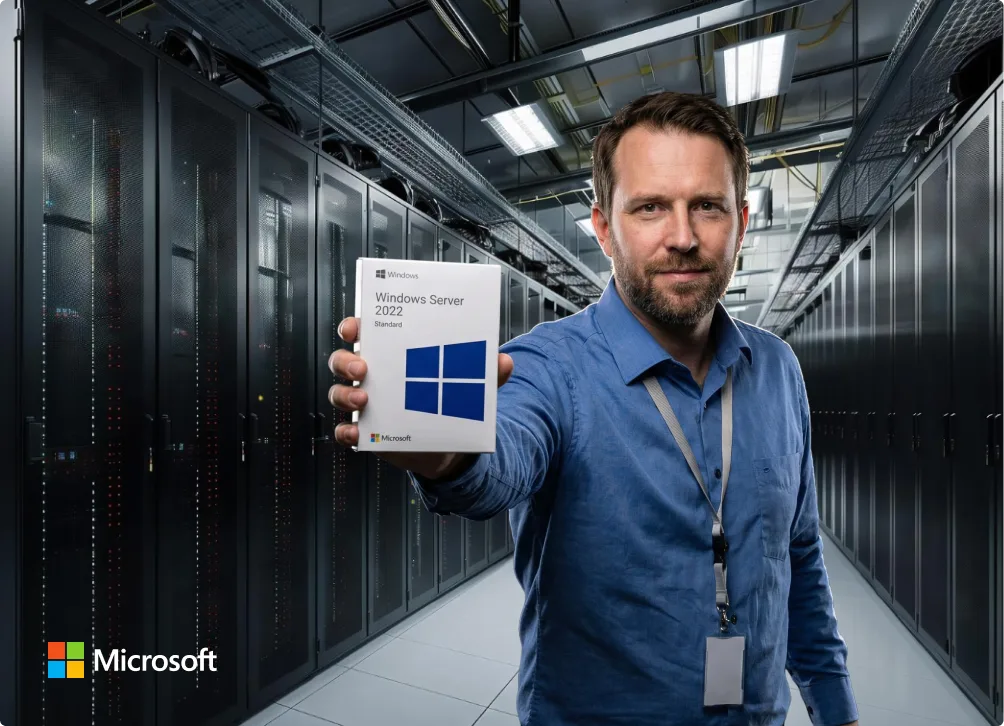
A man in a blue shirt stands in a server room, holding up a Windows Server 2022 Standard software box. Rows of server racks are visible behind him. The Microsoft logo is in the bottom left corner.
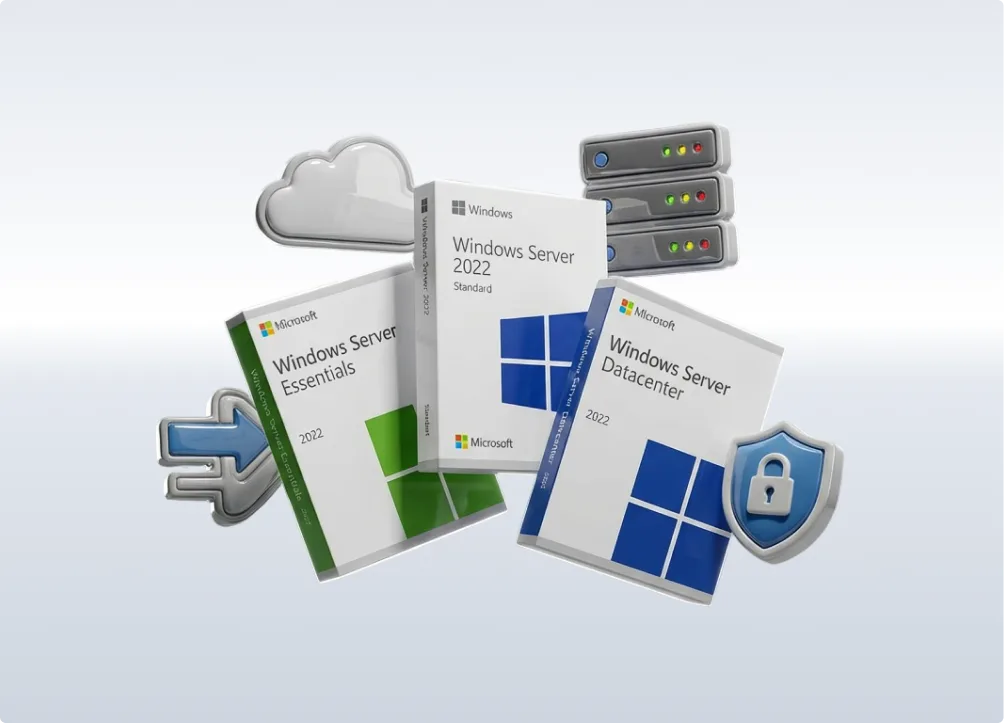
Three Windows Server software boxes (Essentials, Standard 2022, Datacenter) are displayed with icons of a cloud, servers, an arrow, and a shield with a lock, representing technology and security.

Essentials, Standard, Datacenter – choosing made simple

Each edition of Windows Server 2022 is designed for a different type of need. Once you understand what each one is built for, the decision becomes straightforward.

Essentials
The Windows Server Essentials edition is aimed at small businesses running a single server. Easy setup, no CALs required. Great for basic file sharing and simple directory services.

Standard
The all-purpose option most businesses choose is Standard. One physical server + up to 2 virtual machines. CALs required. Ideal for typical office environments, internal systems, and moderate virtualization.

Datacenter
Datacenter is built for heavily virtualized environments. Unlimited VMs, advanced features, and maximum flexibility. Best for larger infrastructures where most workloads run virtually.

Real benefits for business users

Windows Server 2022 proves its value in everyday use—not in technical buzzwords. These are the benefits teams actually rely on:

  • A reliable platform for file storage, internal apps, and business systems.
  • Central management of users, devices, and access rights with Active Directory.
  • Clear, predictable administration without unnecessary complexity.
  • Long support lifecycle—important for long-term IT planning and stability.
  • Works reliably in mixed environments with Microsoft 365, Azure, or SQL Server.
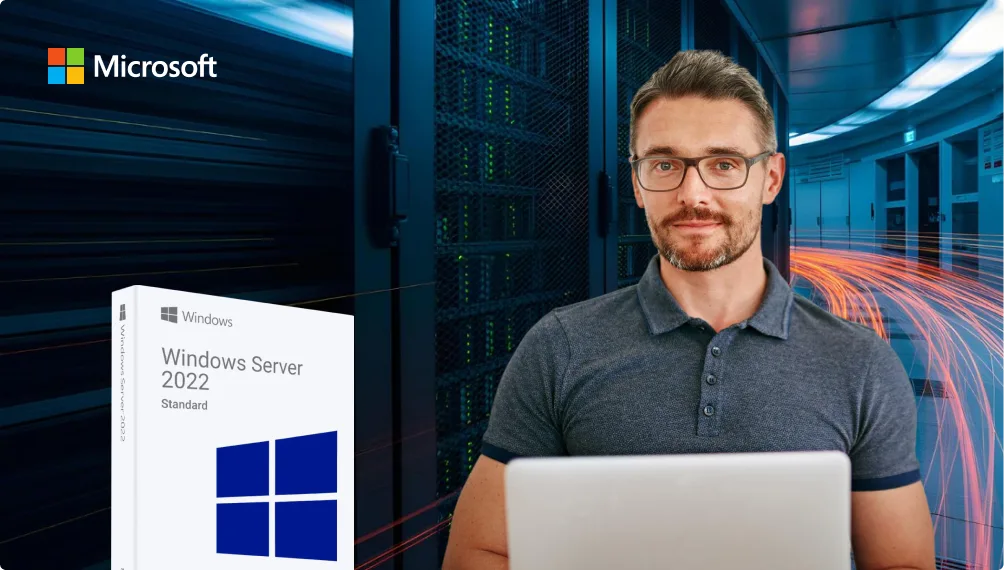
A man with glasses sits in front of a laptop, with a Windows Server 2022 Standard software box beside him. The Microsoft logo is in the top left, and the background shows a server room with light trails.
The image shows the word keyfy in bold, modern black font, next to an abstract, overlapping geometric logo with gradient colors transitioning from blue to green.

How Windows Server 2022 compares

Here’s a quick look at how Windows Server 2022 stacks up against the versions most organizations compare it to:

Version Best for Key reason
2019 Legacy systems, compatibility Very stable for older environments
2022 Most organizations Modern, proven, long support window
2025 New deployments Highest security + longest support
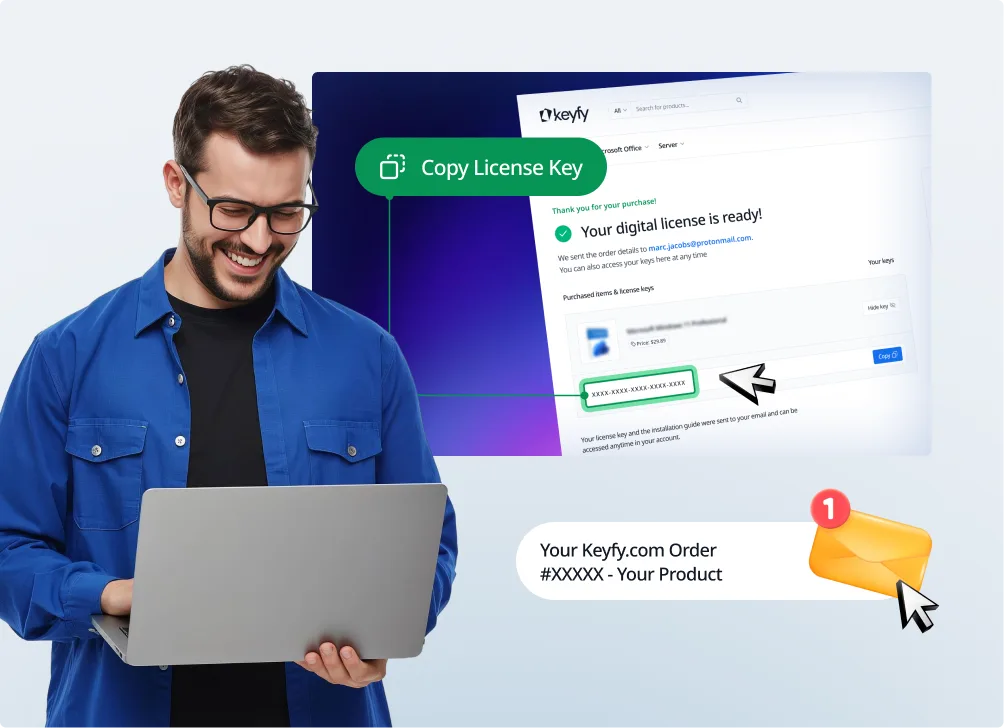
A smiling man in glasses uses a laptop. Next to him, a digital screen shows a Copy License Key prompt for a product purchase, and a notification highlights a Keyify.com order confirmation.

Delivery

Instant digital delivery by email and on the thank-you page. Clear activation instructions are included.

Installation

  1. Download the official Windows Server ISO using our link.
  2. Install via USB drive or a virtual machine.
  3. Enter your license key.
  4. Create your admin account and network settings—done.

Need help? Contact our support team and get fast, knowledgeable assistance.

System requirements

  • CPU: 1.4 GHz 64-bit
  • RAM: at least 2 GB (8 GB recommended)
  • Storage: 32 GB or more
  • Network: Gigabit recommended
  • UEFI with Secure Boot (recommended)

FAQ

2022 includes stronger built-in security, better performance, improved virtualization, and cleaner cloud integration. 2019 is still stable, but older and less future-ready.

Yes—if you want the most widely tested option. 2025 is newer, but for many organizations, 2022 is still considered the more “proven” production release.

Essentials – very small businesses (one server).
Standard – most organizations; one server + up to two VMs.
Datacenter – heavy virtualization or large infrastructures.

Essentials – no CALs required. Standard & Datacenter – yes, you need CALs per user or device.

User CAL – ideal when people use multiple devices.
Device CAL – ideal when multiple people share one device.

Yes. Standard supports 2 VMs; Datacenter supports unlimited VMs.

Yes, it works reliably with older domain levels and many existing business applications.

Yes. After activation, the license is valid permanently—no subscription required.

Yes, most keys can be activated again. Limitations depend on the license type (Retail, OEM, or Volume), and instructions are included.

Yes. Many small businesses use Essentials or Standard without needing deep IT expertise.

Yes, an edition upgrade is possible if your needs grow.