




 Nederlands
 Italiano
 Português
 Română
 Español
 Ελληνικά
 Polski
 Türkçe




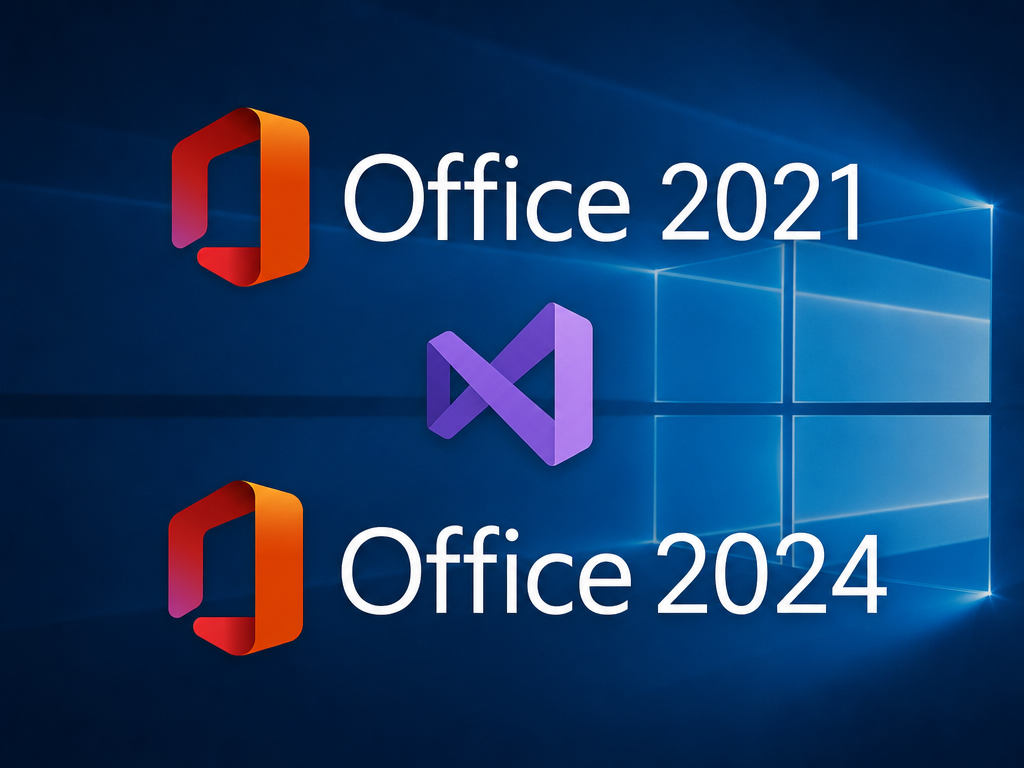
If you’re still running Office 2021 and wondering whether Office 2024 is worth the switch, the honest answer is it depends on what you actually use Office for. This isn’t a subscription upsell where the differences are invented to justify a renewal. Both are one-time purchases you own outright, no monthly fee attached either way. So the real question is whether the 2024 version adds enough to matter for your workflow, or whether you’re fine sticking with what you’ve got.
Here’s what’s actually different, not the marketing version of it.
The interface got a real refresh
Office 2021 still carries the design language from a few years back: sharp corners, the older colour scheme, icons that haven’t moved much since launch. Office 2024 shifts to Microsoft’s Fluent Design style, the same visual approach used across Windows 11. Rounded corners throughout, a brighter and more contrasted colour palette, simplified toolbar icons, and a dark mode that’s actually consistent across every app instead of looking slightly off in one or two of them.
None of this changes how the apps function, but if you spend most of your day in Word or Excel, a cleaner interface is the kind of thing you stop noticing consciously and just feel as less friction.
Genuine new features, not just a coat of paint
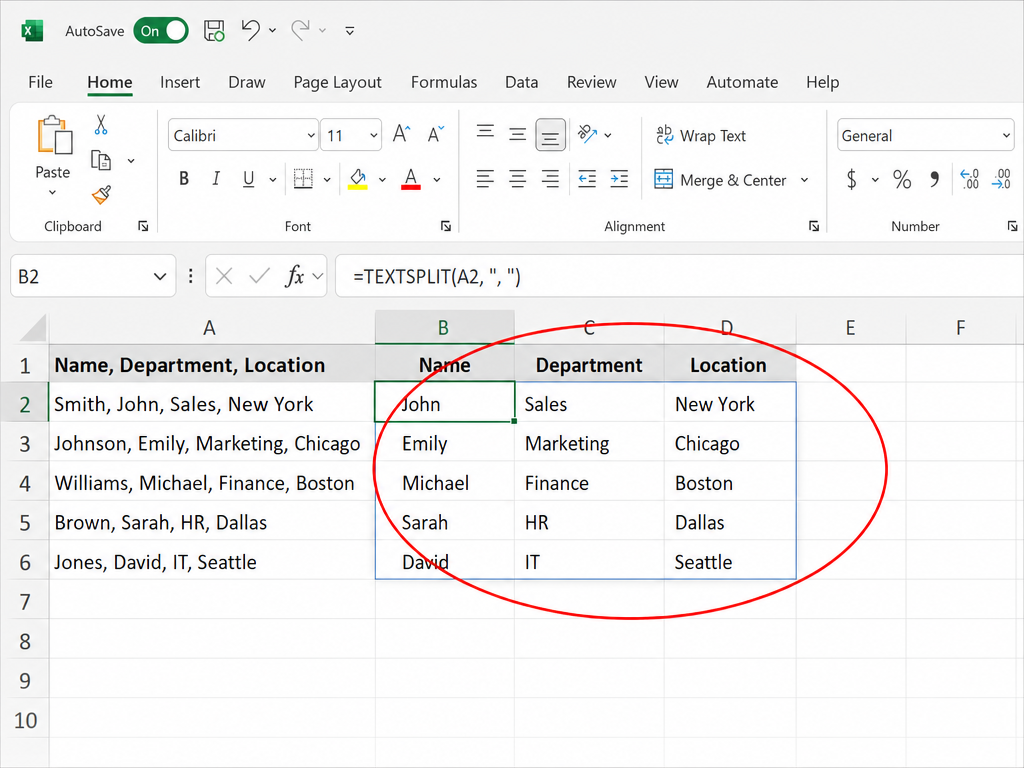
This is where 2024 pulls ahead in ways that actually affect output. Excel picked up new functions like TEXTSPLIT, VSTACK, and HSTACK, which handle text and array manipulation that used to require clunky formula workarounds. If you build spreadsheets with any complexity, these save real time and cut down on the nested formulas people used to string together just to split a column or stack two ranges.
Word and PowerPoint both gained AI-assisted suggestions baked directly into the apps: smarter grammar and phrasing prompts in Word, and automatic slide layout suggestions in PowerPoint that adjust based on what’s already on the page. Outlook’s search got faster too, which matters more than it sounds once your inbox has a few thousand emails in it and you’re trying to find one attachment from eight months ago.
Office 2021 is frozen exactly where it was at release. It still gets security patches, but no new functions, no design updates, nothing added. What you have now is what you’ll have until support ends. For most people that’s not a dealbreaker. For anyone doing heavier spreadsheet or presentation work, it’s the difference between fighting the software and having it actually help.
If Word, Excel, PowerPoint, Outlook, and OneNote cover everything you need, Office 2024 Standard is the edition built around exactly that core set, without paying for tools you’ll never open.
What Office 2021 Professional Plus still does well
It’s worth saying plainly: Office 2021 Professional Plus isn’t a weak product, it’s just an older one. It includes everything Standard does plus Access and Publisher, and it remains fully optimised for both Windows 10 and Windows 11, so switching operating systems doesn’t force an Office upgrade on its own. For businesses already running established workflows in Access databases or Publisher layouts, there’s no functional reason to abandon a setup that still works.
Office 2021 Professional Plus is genuinely the more complete package if Access and Publisher are part of your daily tools, since Office 2024 Standard doesn’t include either.
Pricing and licensing scope
Both versions follow the same licensing model: a single activation key tied to one PC, no recurring fees, no subscription renewal to track. The gap in retail price between the two generations is real at Microsoft’s official pricing, which is exactly why buying through a licensed reseller matters here. Keyfy’s Office 2024 Standard runs up to 80% below Microsoft’s list price, and Office 2024 Professional Plus saves over 65%, so the “newer version costs more” argument mostly evaporates once you’re not paying retail for either one.
Language and platform availability line up closely between the two generations as well. Both come in Windows and Mac editions, so switching hardware platforms doesn’t limit which generation you can buy.
Support timelines matter more than people realise
Office 2021 support ends on October 13, 2026. After that, no more security updates at all, which is a real concern if you’re using it for anything involving sensitive documents or client data. Office 2024 carries a meaningfully longer support runway from Microsoft, so if you’re buying fresh right now rather than deciding whether to upgrade an existing install, that gap alone is worth factoring into the decision.
Pairing your Office licence with the right Windows version
If you’re setting up a new PC or doing a clean install anyway, it’s worth deciding on Windows and Office together instead of buying them separately. Office 2024 is built with Windows 11 in mind, both visually and in terms of performance, so pairing the two makes for the most current setup available.
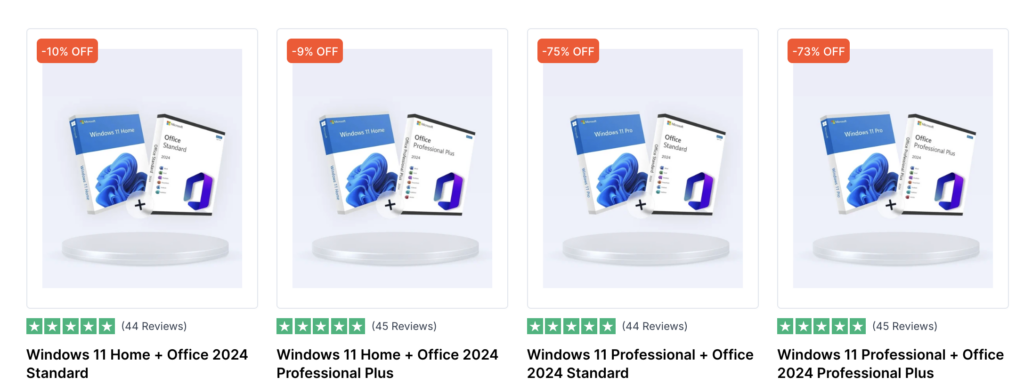
Keyfy bundles Windows 11 Home with Office 2024 Standard for everyday use, and Windows 11 Professional with Office 2024 Standard if you need Pro-level security features like BitLocker alongside the core Office apps. For businesses that need the full suite including Access and Publisher, Windows 11 Home with Office 2024 Professional Plus covers both in one purchase.
If you’re still on Windows 10 and not ready to move to Windows 11 yet, that’s not a wall either. Office 2021 Professional Plus runs cleanly on Windows 10, and Keyfy’s software bundles page lists Windows 10 and Office 2021 pairings for people who want to stay on their current OS a while longer without mismatching software generations.\
The verdict
For light users who open Word occasionally and don’t touch Excel beyond basic tables: stick with Office 2021 until support ends, then reassess. For anyone doing regular spreadsheet work, frequent presentations, or managing a busy Outlook inbox, the new functions and performance improvements in Office 2024 are real enough to justify the upgrade. And if you’re buying fresh, the support timeline makes Office 2024 the obvious choice regardless of workload.