





 Nederlands
 Italiano
 Português
 Română
 Español
 Ελληνικά
 Polski
 Türkçe



Sometimes online activation cannot be performed immediately. This can have many causes. Often it is due to overloaded activation servers, or a used license. We will show you how you can still easily activate Windows within 2 minutes.
You can skip steps 1 – 4 if you have already entered the key during online activation.
Step 1
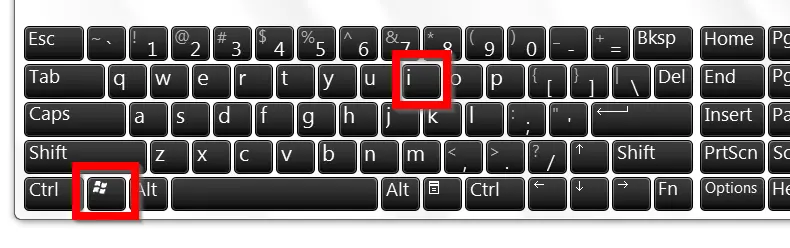
Open Settings using the key combination Windows + i.
Step 2
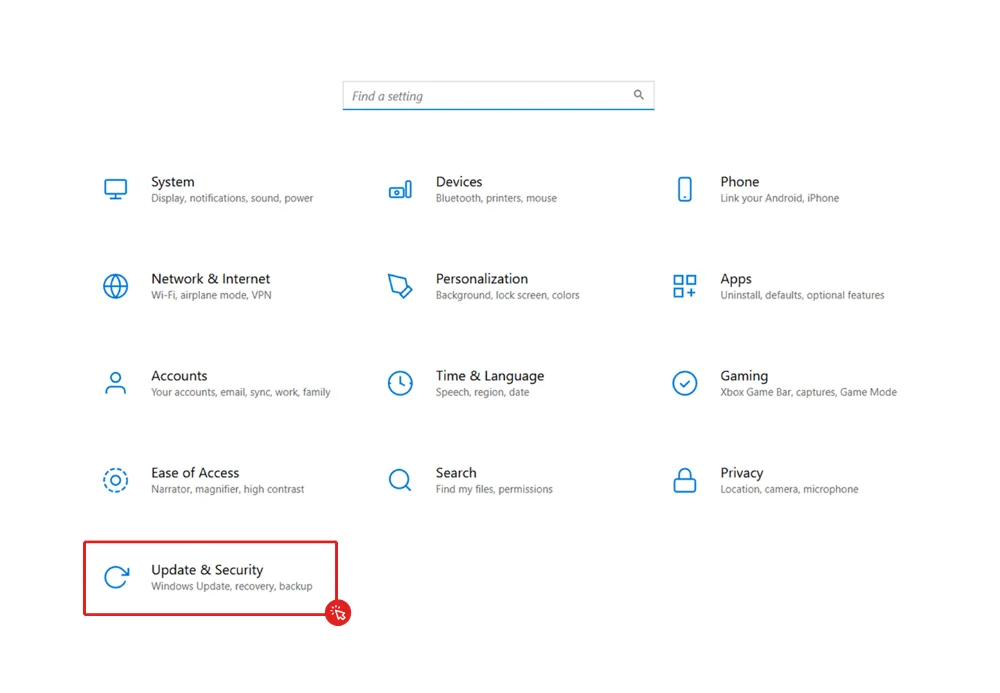
Click on Update & Security.
Step 3
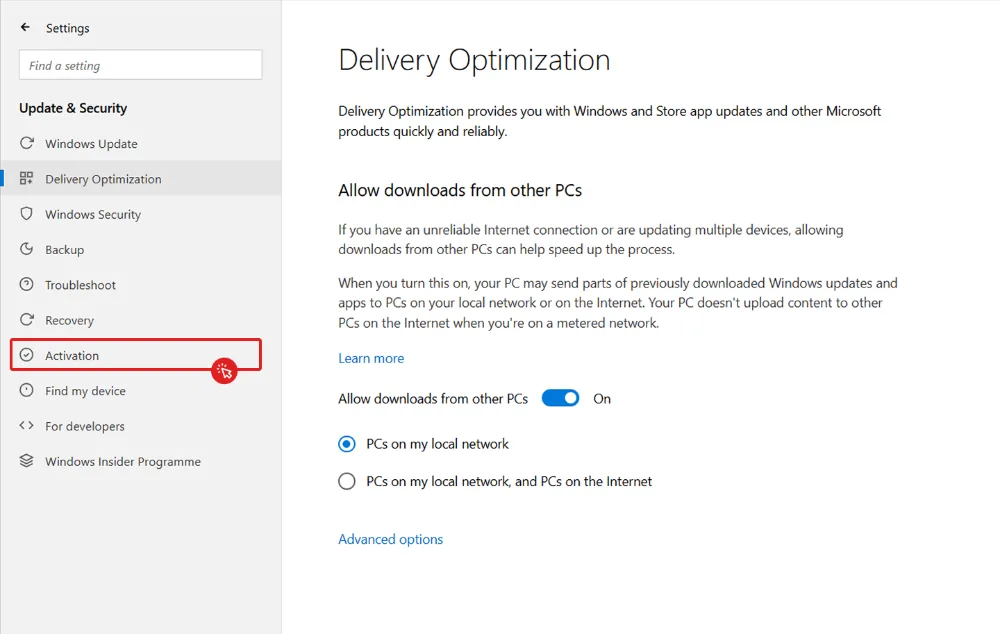
Click on Activation in the vertical menu on the left.
Step 4
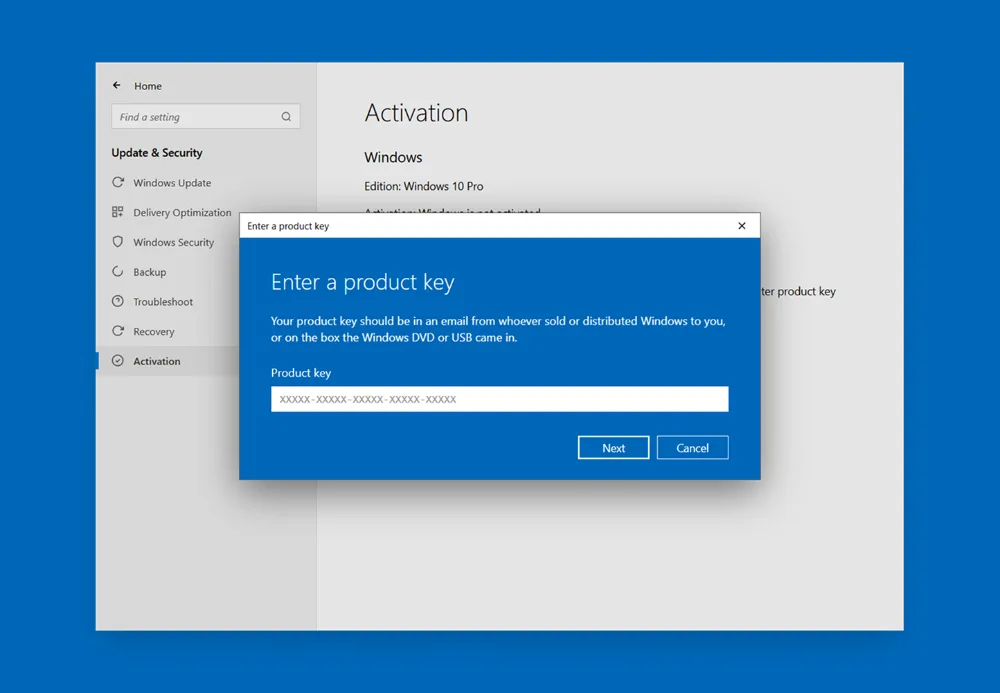
Now enter your license key and then click on Next.
Step 5 (Phone Activation)
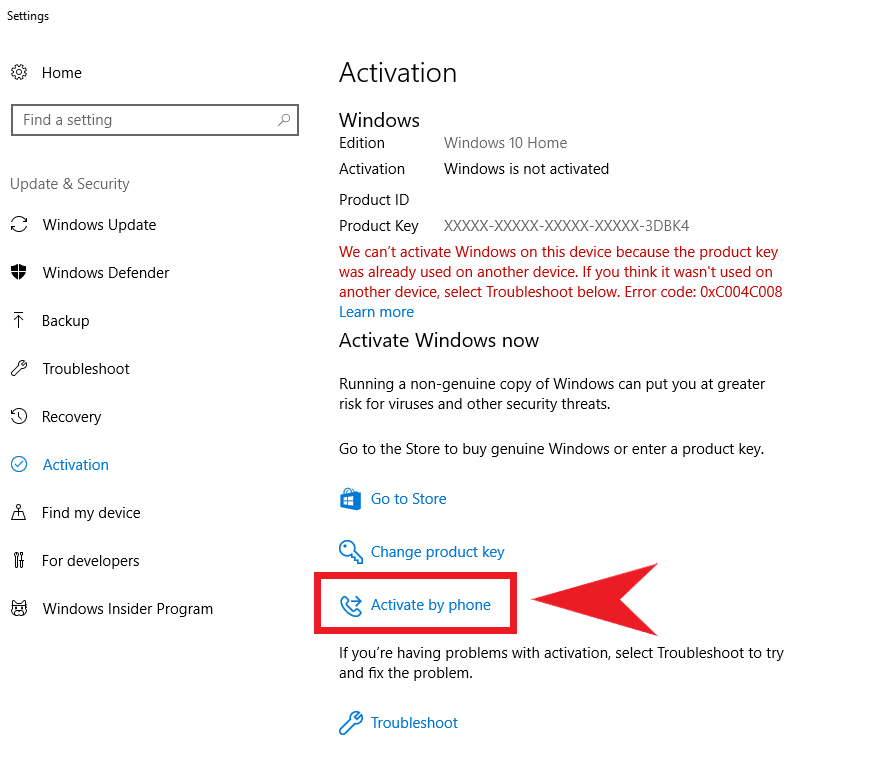
Did you receive error code 0xC004C008, or do you not want to connect your device to the internet? No problem – you can also simply activate your operating system by phone. If you receive a different error code, please contact us at [email protected]. Close the displayed error message and click on Activate by phone on the previous page.
If the option for phone activation is not displayed, enter the command SLUI.EXE 4 into the desktop search bar instead.
Step 6
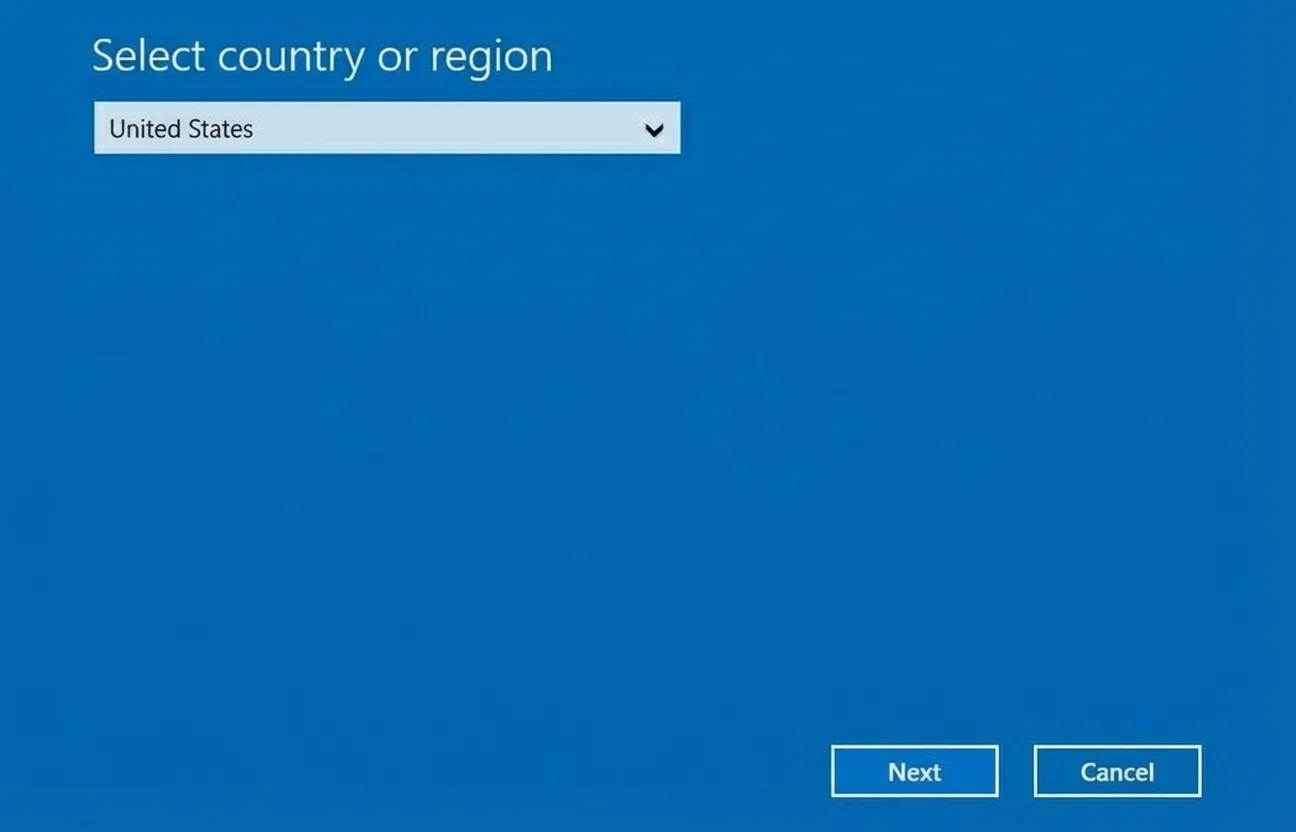
Select your preferred language and region.
Step 7
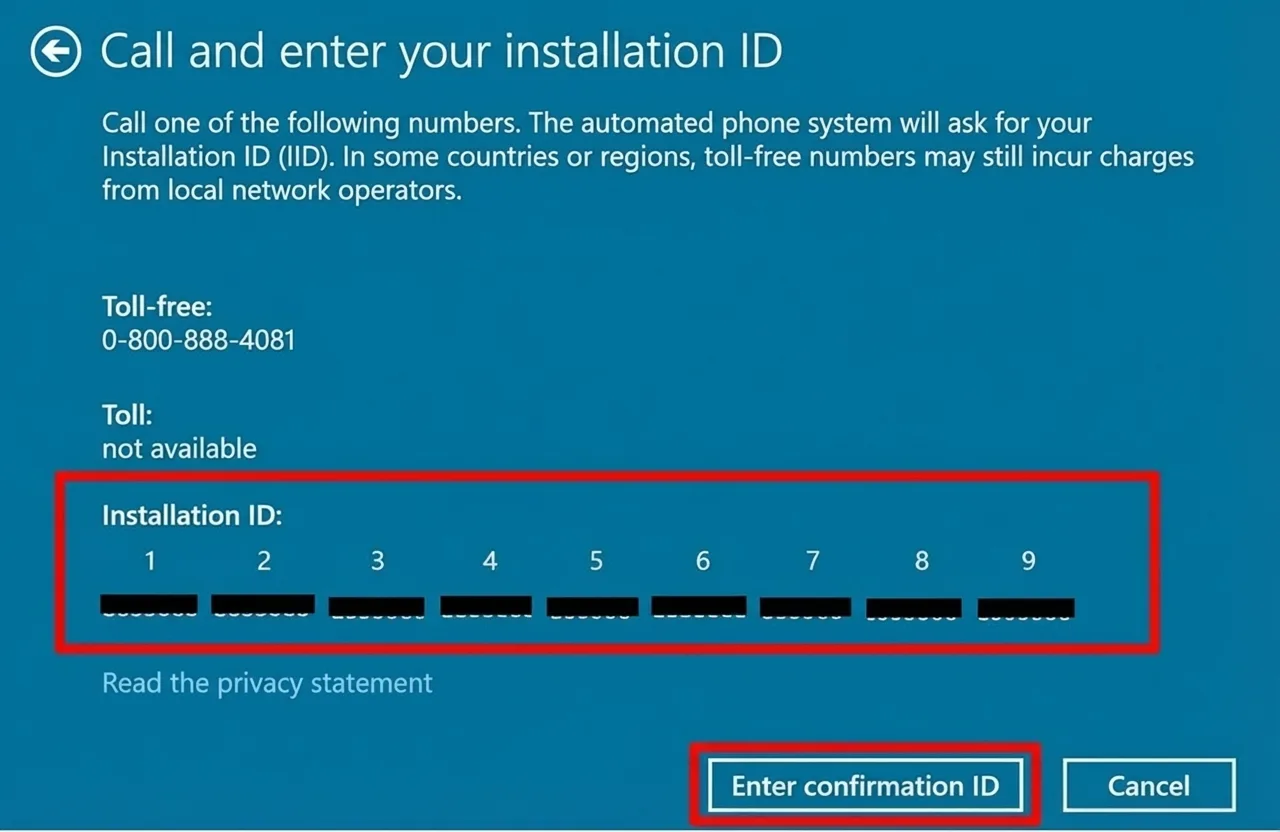
Now the Installation ID and a toll-free number to call will be displayed. You will be connected to a virtual assistant from Microsoft. Below you will find the call process.
Note: Microsoft does not accept calls with a blocked caller ID!
Microsoft Call Process
- May the call be recorded?
Press 1 for Yes, or 2 for No. - You will receive an individual security code. Enter this using your phone’s keypad.
- Press 1 to activate Windows.
- Press 1 to activate Windows 10 or 11.
- Press 1 to confirm the installation has already taken place.
- Press 1 to confirm an error code.
- Press 1 to confirm a reactivation.
- Press 3 to confirm error code 0xC004C008.
- Press 1 to confirm you are at the affected PC.
- Now you will be asked to enter the Installation ID via your phone’s keypad.
- Important: When asked how many times you have already activated the product, press 0 !
- If you have entered the Installation ID correctly, you will receive the Confirmation ID for the final activation in return.
- Note down this Confirmation ID carefully!
- Then click on Enter Confirmation ID in the Windows window.
Step 8
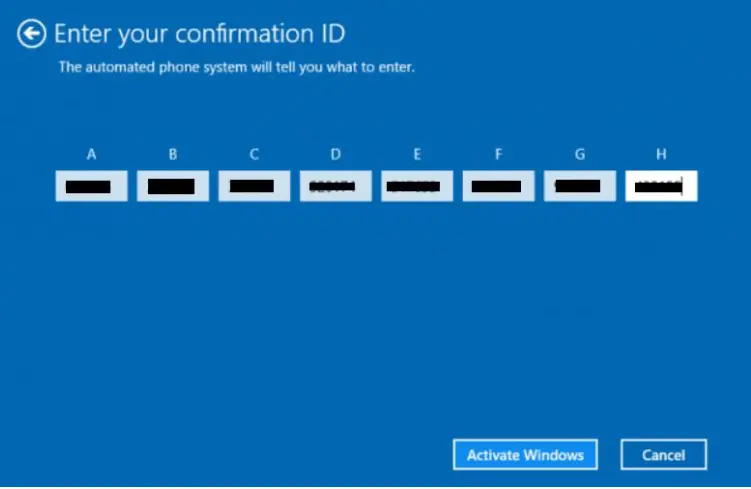
Now enter your Confirmation ID into blocks A-H and confirm your entry by clicking Activate Windows. Done!